

Getting to know the Ledger Nano S Plus hardware wallet, an extremely good value wallet for storing crypto, with a compact form rather like a pocket knife that makes it easy to carry.
For anyone looking for a wallet to store digital money, a digital wallet that protects assets offline — a hardware wallet — counts as indispensable. The device protects assets from being misappropriated by attackers online.
An interesting point in the Ledger Nano S Plus's favour is that beyond storing digital currency, it can also store special tokens such as non-fungible tokens (NFTs).
The Ledger Nano S Plus is a model developed from the Ledger Nano S, released in 2016, which became one of the best-selling hardware wallets there has been, with over 4.5 million units sold. However, with a considerable number of cryptocurrencies unable to be held on it and NFTs becoming overwhelmingly popular, the Ledger Nano S Plus was developed to store NFTs as well as ordinary digital currency.
What comes with the Ledger Nano S Plus
- The Ledger Nano S Plus device, packed in a black box with a silver sleeve, containing:
- The Ledger Nano S Plus hardware itself
- A USB cable for connecting the Ledger to a computer (USB on one end, Type-C on the other)
- A bright orange box and three note cards for writing down the recovery phrase, otherwise called the seed phrase
- A pastel purple box for the user manual
- A keyring strap with the Ledger logo
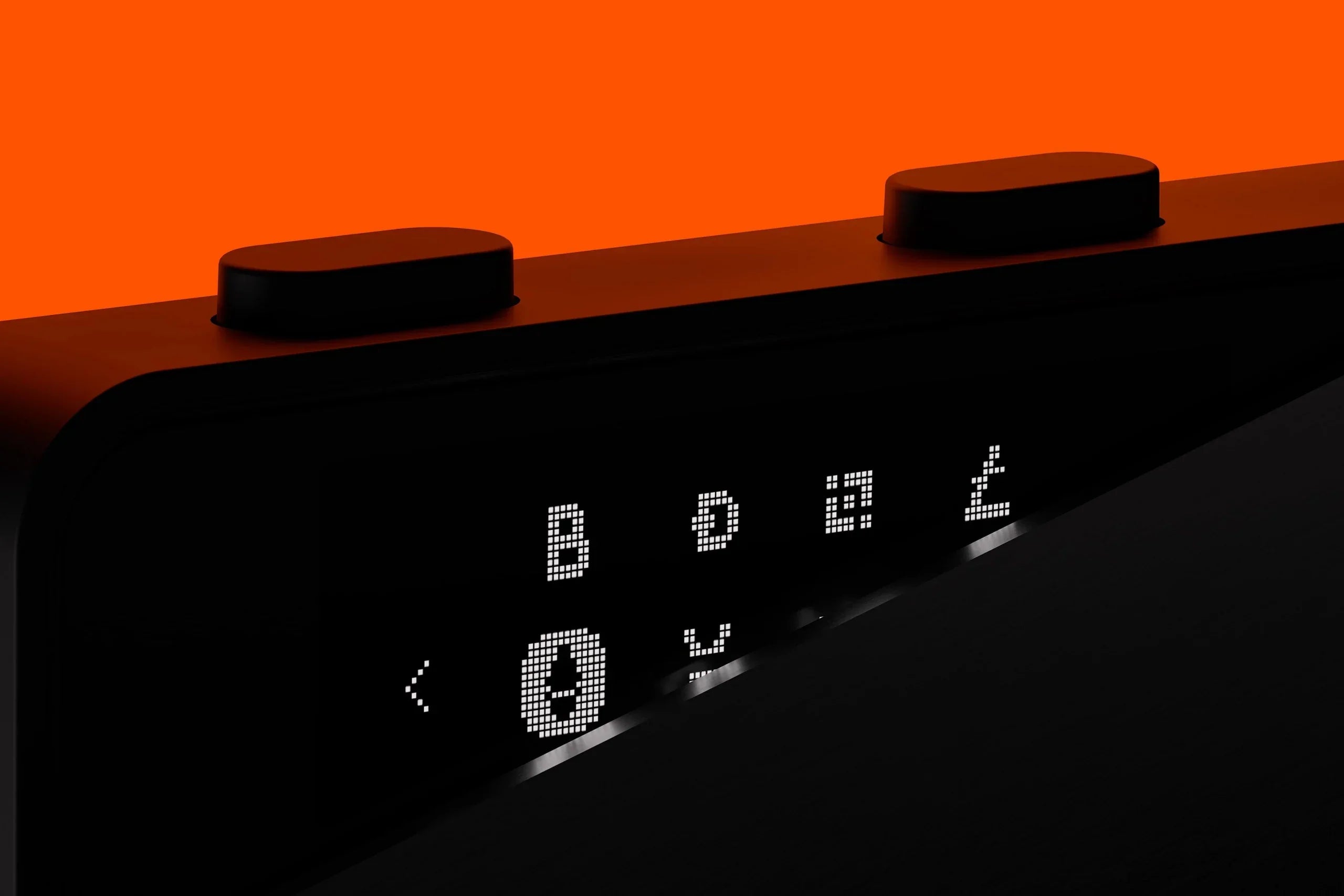
The hardware wallet looks like a thumb drive designed with a certain luxury, covered by a finely made metal shell. The screen is black and white at 128 x 64 pixels, which suits its purpose.
There is a button on each side, and on the top is the Type-C socket for the cable connecting the device to a computer.
How to set up the Ledger Nano S Plus
Setting up the Ledger Nano S Plus takes only about 30 minutes.
First, you need to download and install Ledger's application, Ledger Live, from the company's website or an app store. It can be installed on a computer (Windows, Mac) and on a phone (Android, iOS).
Once the application is installed, connect the thumb drive to the computer using the cable supplied.
Before the next step, have a pen ready to write down the recovery phrase.
Next comes setting the PIN, a number 4 to 8 digits long, which you will have to enter every time you use the device and approve any transaction that takes place.
To record that phrase, write it on paper and keep it offline only, for maximum security. Never photograph it or store it in any application on any online device.
The device then has you record the recovery phrase, which is 24 randomly generated words. To make certain you have written it down correctly, the device has you select the words you just wrote down again, correctly, as confirmation.
The recovery phrase is what recovers the data and assets held on the device if it is lost or damaged. If you cannot confirm the correct recovery phrase, the assets stored can never be recovered.
Who is the Nano S Plus for?
The Nano S Plus is designed for users who already have some familiarity with buying and selling digital currency and who want to hold digital assets for a long time — HODLing, as it is called — in order to speculate, while keeping those assets safely in their own hands.
In summary, beyond storing digital assets securely offline and buying and selling digital assets through Ledger's own application in the same way as the Ledger Nano S, the Ledger Nano S Plus adds the interesting function of storing NFTs — which makes it a genuinely interesting hardware wallet for NFT collectors.

Share:
What is a YubiKey, and how does it protect your online accounts?
What a seed phrase is, and why it matters more than the device