

Compare Hardware Wallets
Each hardware wallet model may look similar, but the details can be quite different — from security chips and screens to connectivity and supported assets. Select 2–3 models below to compare, then turn on "Highlight differences" to see only what sets them apart, making it easier to decide.
Before choosing, the first thing to check is whether the model supports iPhone or Android. Some models support only one operating system, so checking compatibility with the device you use is an important step that shouldn’t be overlooked.
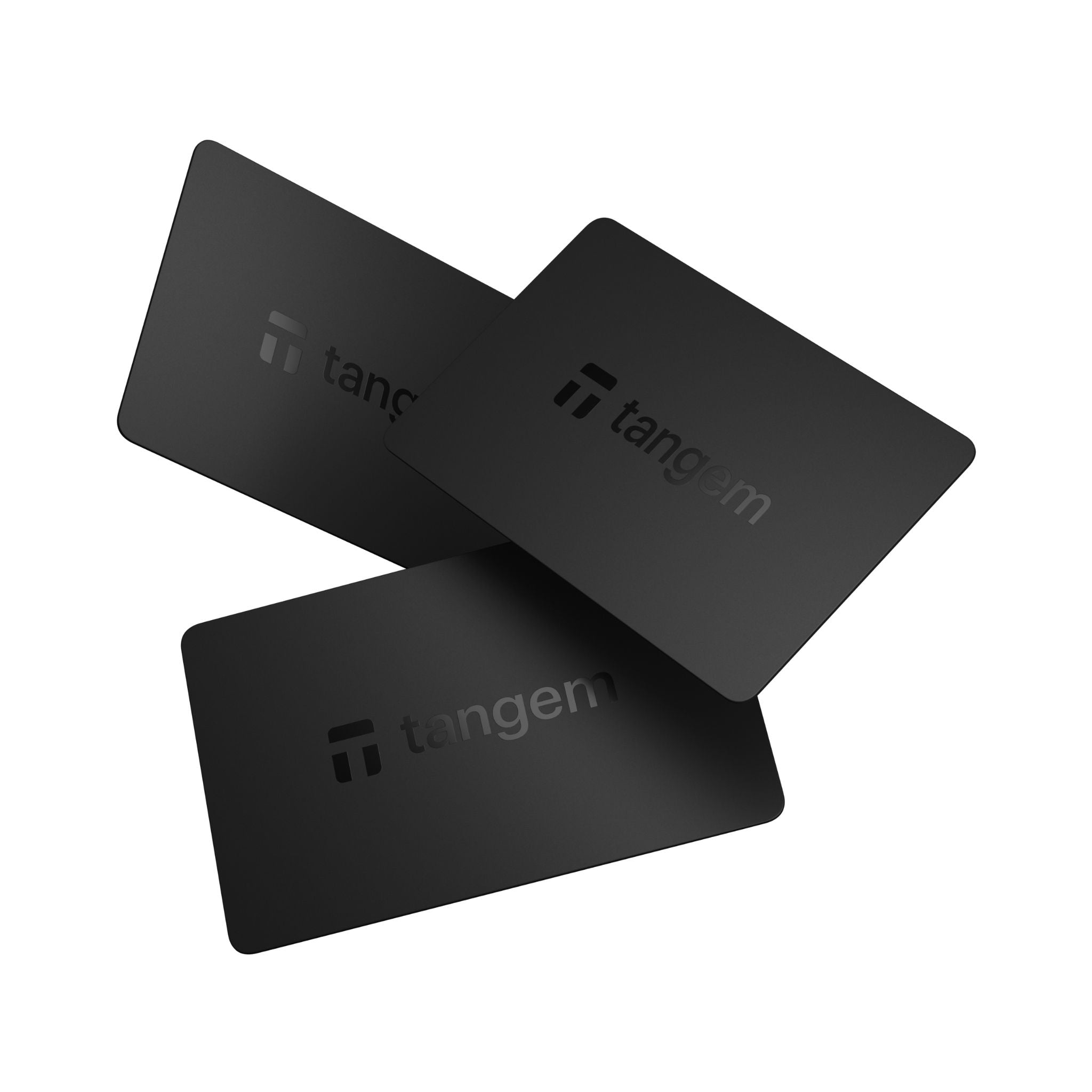
Black
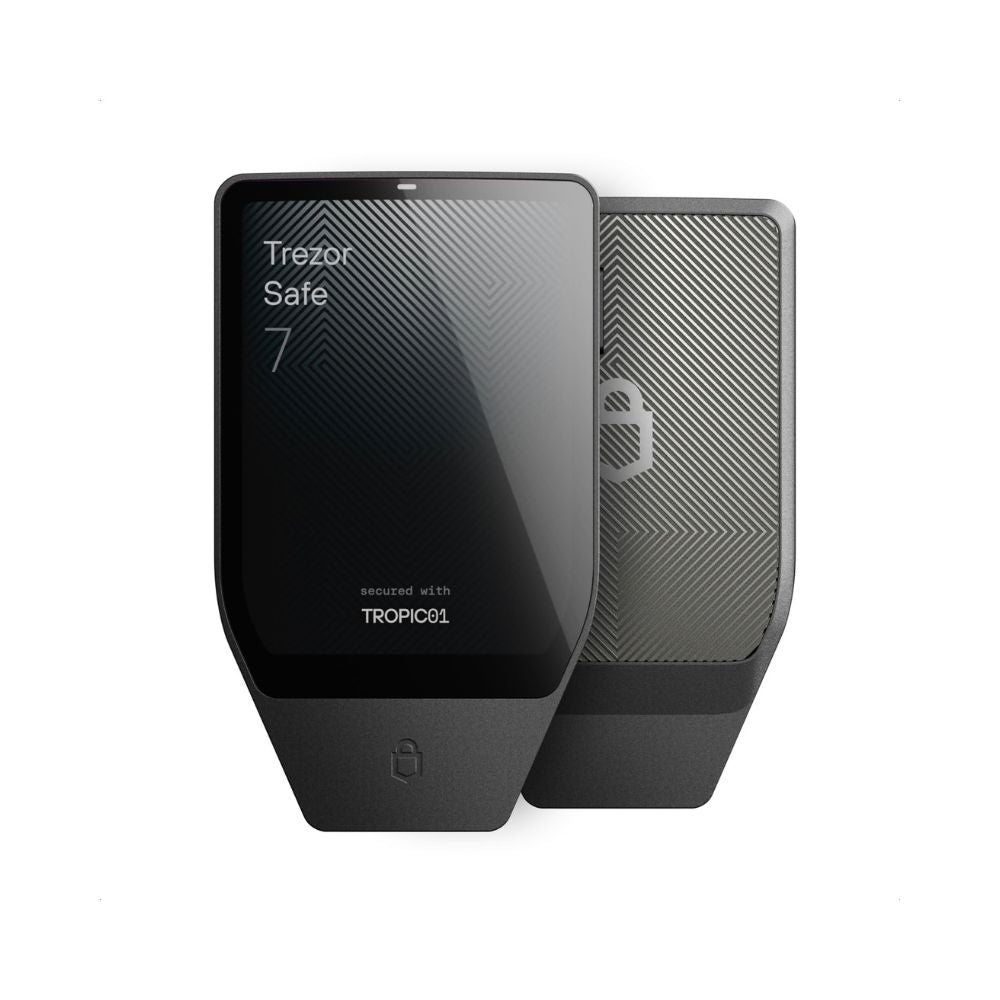
Trezor
Trezor Safe 7Charcoal Black
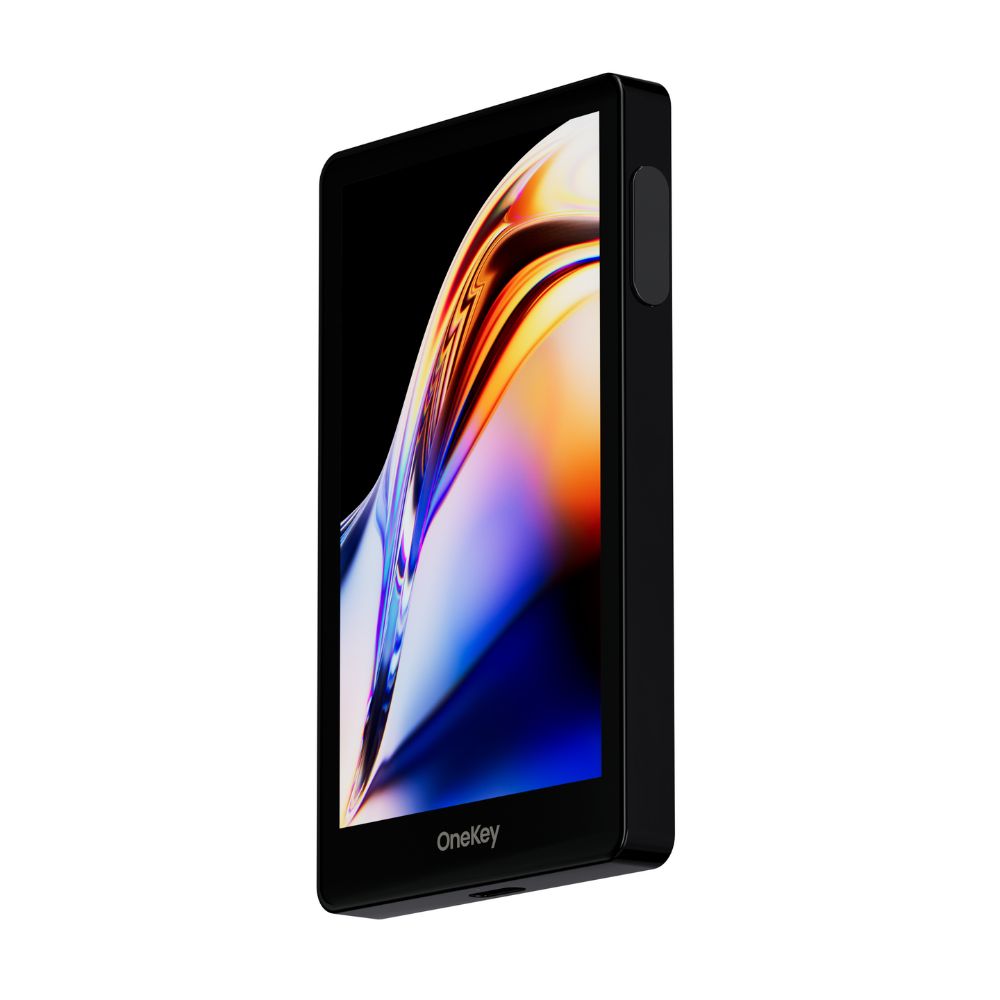
OneKey
OneKey ProBlack
Black
Trezor
Trezor Safe 7Charcoal Black
OneKey
OneKey ProBlack
Security
Security chip
CC EAL6+
Security chip
Dual secure element: TROPIC01 + OPTIGA Trust M (EAL6+)
Security chip
Four secure elements, EAL6+
Authentication
Access code in app
Authentication
PIN + passphrase, on device
Authentication
PIN + fingerprint
Open source
No. The phone app is open source, but the card firmware is immutable and not published
Open source
Yes. Firmware and hardware designs are both published
Open source
Yes. Device firmware is published
Passphrase support
Passphrase support
Passphrase support
Warranty
25 years
1 year
Compatibility
Connects by
NFC
Connects by
USB-C, Bluetooth
Connects by
USB-C, Bluetooth, QR code, NFC
Works with iPhone
Works with iPhone
Works with iPhone
Works with Android
Works with Android
Works with Android
Works with computer
Works with computer
Works with computer
Air-gapped signing
Air-gapped signing
Air-gapped signing
Display
Screen
None
Screen
2.5-inch color touchscreen, 520 x 380
Screen
3.5-inch color touchscreen, 480 x 800
Touchscreen
Touchscreen
Touchscreen
Power
Battery
No. Powered by NFC from your phone, so there is nothing to charge
Battery
Yes. Built-in rechargeable battery
Battery
Yes. Built-in rechargeable battery
Wireless charging
Wireless charging
Wireless charging
Supported assets
Multi-chain
Multi-chain
Multi-chain
Good to know
Three cards, no battery and no cable to charge
Two secure elements; first Trezor usable from a phone
Four secure elements, 3.5-inch touchscreen, fingerprint
Common questions
What is a hardware wallet
A hardware wallet is a device that keeps your private key inside it, rather than on your computer or your phone. Every transfer has to be confirmed by pressing a button on the device, and the key never leaves it.
That is what protects you. Even if your computer has malware on it, nobody can move your coins. Keep them in an app or on an exchange instead and the key sits on something that is connected to the internet all day.
Which hardware wallet is best
There is no best model for everyone, only the one that suits how you will use it. The table above compares all 36.
Three things are worth settling before anything else. Does it work with an iPhone, because many models do not. Does it have a separate security chip, because some have none. And is the source code open for outsiders to check.
If you do not know where to start, answer two questions. Which phone do you use, and how often will you move coins? Those two rule out most of the list on their own.
How Trezor and Ledger differ
The first difference is open source. Trezor publishes its firmware and its hardware design for anyone to inspect. Ledger publishes only its apps and SDK, not the firmware on the device or the secure element.
The second is phones. Ledger has had Bluetooth models for years. On the Trezor side that only arrived with the Safe 7, which is the first Trezor that works with an iPhone. Every other Trezor connects to Android over USB-C perfectly well, but on an iPhone you can check balances and nothing more.
Both brands use certified secure elements, though the certification level differs from model to model. The table above has it model by model.
Which hardware wallets work with iPhone
A model that works with an iPhone has to connect wirelessly, so Bluetooth, NFC or QR code scanning, because iPhone does not allow a USB cable connection to a wallet the way Android does.
The table above shows which ones do. The brand buttons above it narrow the list to one brand at a time.
One thing worth knowing: some models let you open the app and check balances on an iPhone but cannot send. Those are not the same thing.
Where to buy a genuine hardware wallet in Thailand
SIAMBC has been an authorized distributor in Thailand since 2016. Every device is new, factory sealed and bought through official distribution.
This matters more than it sounds. A second-hand device, or one from a middleman you do not know, may already have been set up before it reached you, which means the recovery phrase belongs to the seller and not to you, and they can empty it whenever they choose.
We have a real shop in Bangkok where you can look at a device before deciding, free delivery nationwide, and same-day delivery within Bangkok.