Ledger Atom
Couldn't load pickup availability
Pickup currently unavailable at SIAMBC Bangkok (Mon-Sat 9:00-17:00)
100% genuine stock, direct from the manufacturer
Free express shipping nationwide, delivered in 1-2 days
Arrives faulty, we replace it straight away
Pairs well with
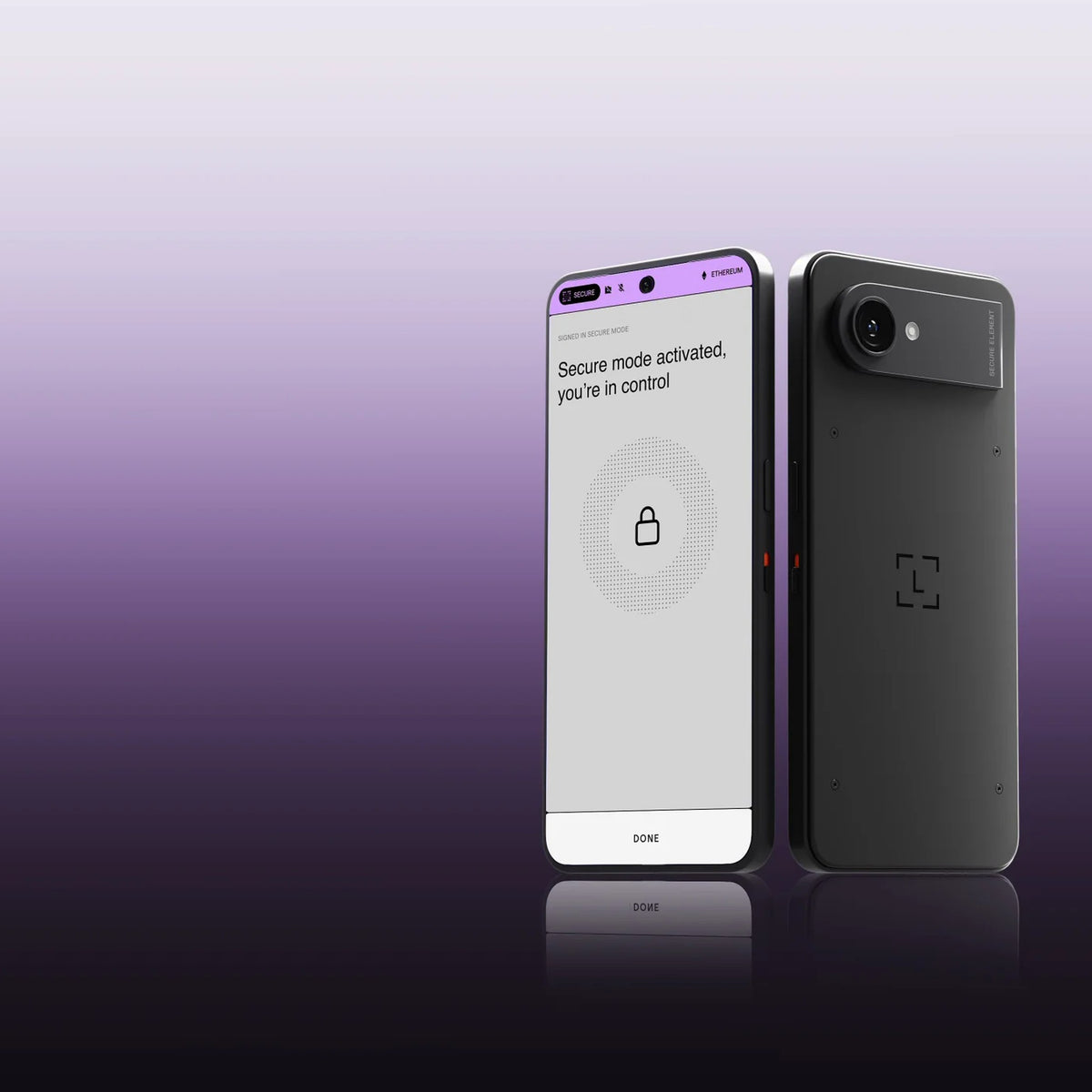
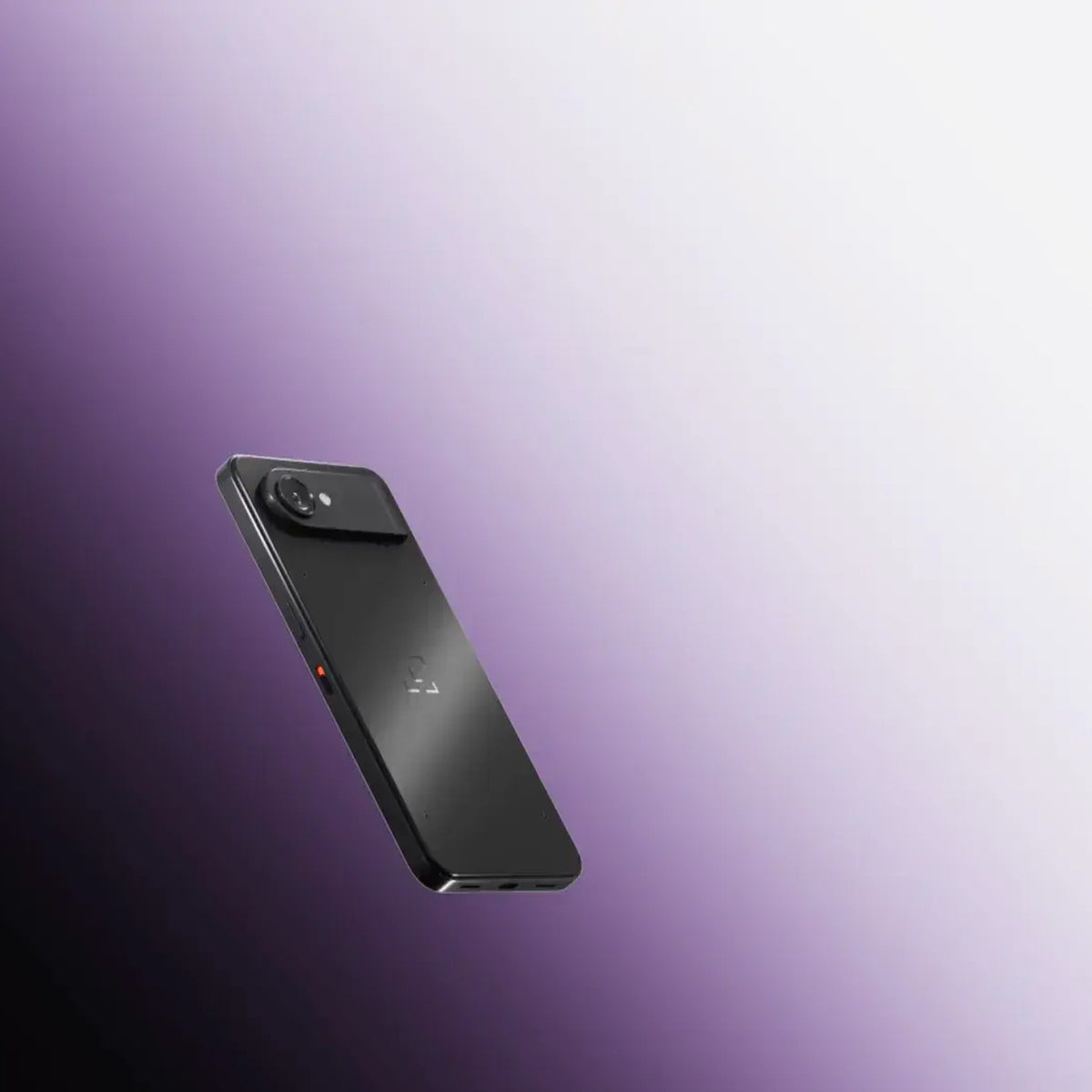
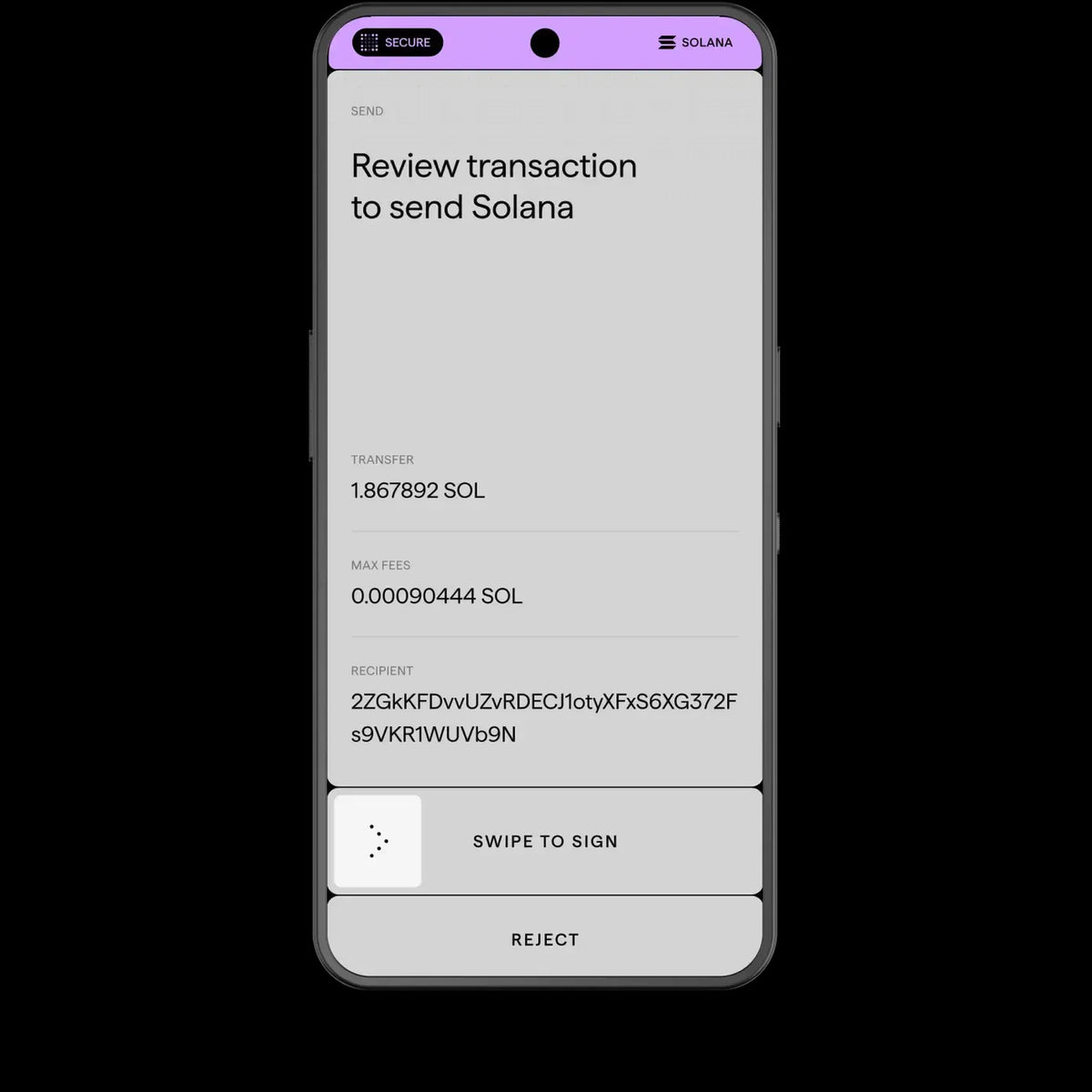
Ledger Atom is a new device from Ledger that brings your digital assets, messages and AI assistants together in one place. It looks and works much like a phone, but inside is the same kind of security chip Ledger uses in its hardware wallets. Whenever something important needs approval, the device hands the screen over to that chip. No money moves unless you approve it yourself.
Ledger Atom highlights
- 6.77-inch Secure Screen The Secure Element chip controls the display directly, so what you see when you approve is exactly what you are signing.
- CC EAL6+ security chip The same class of chip used in biometric passports and credit cards, ready for post-quantum cryptography.
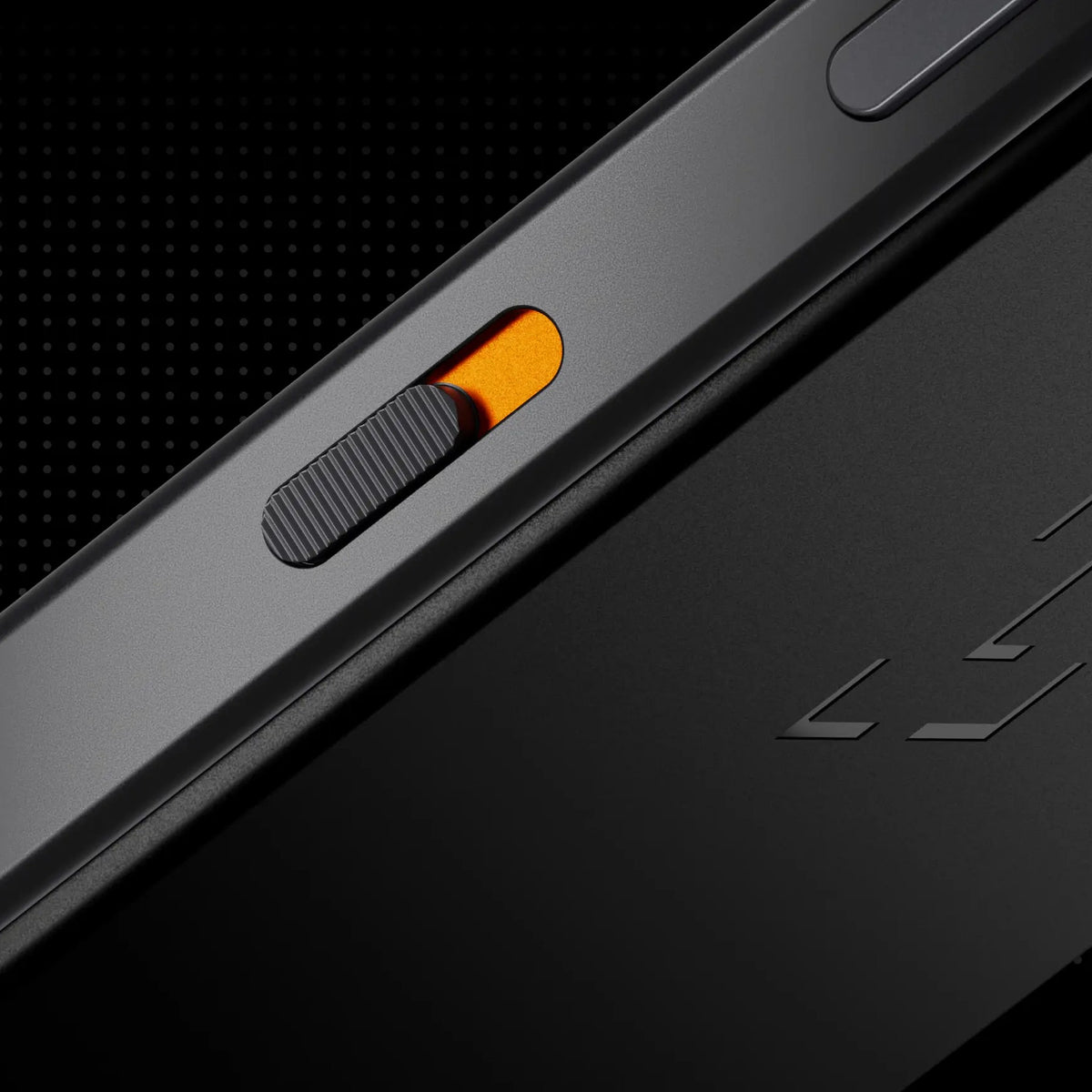
- Privacy Switch A physical switch on the device that cuts the camera and microphone at the circuit level, not just in software.
- AI proposes, you approve With Ledger Agent Intent, an AI assistant can watch the market, suggest portfolio changes or prepare payments, but every item waits for your approval on the Secure Screen.
- Use the apps you know The everyday side runs a hardened Android (AOSP), so you can download your usual apps as normal.
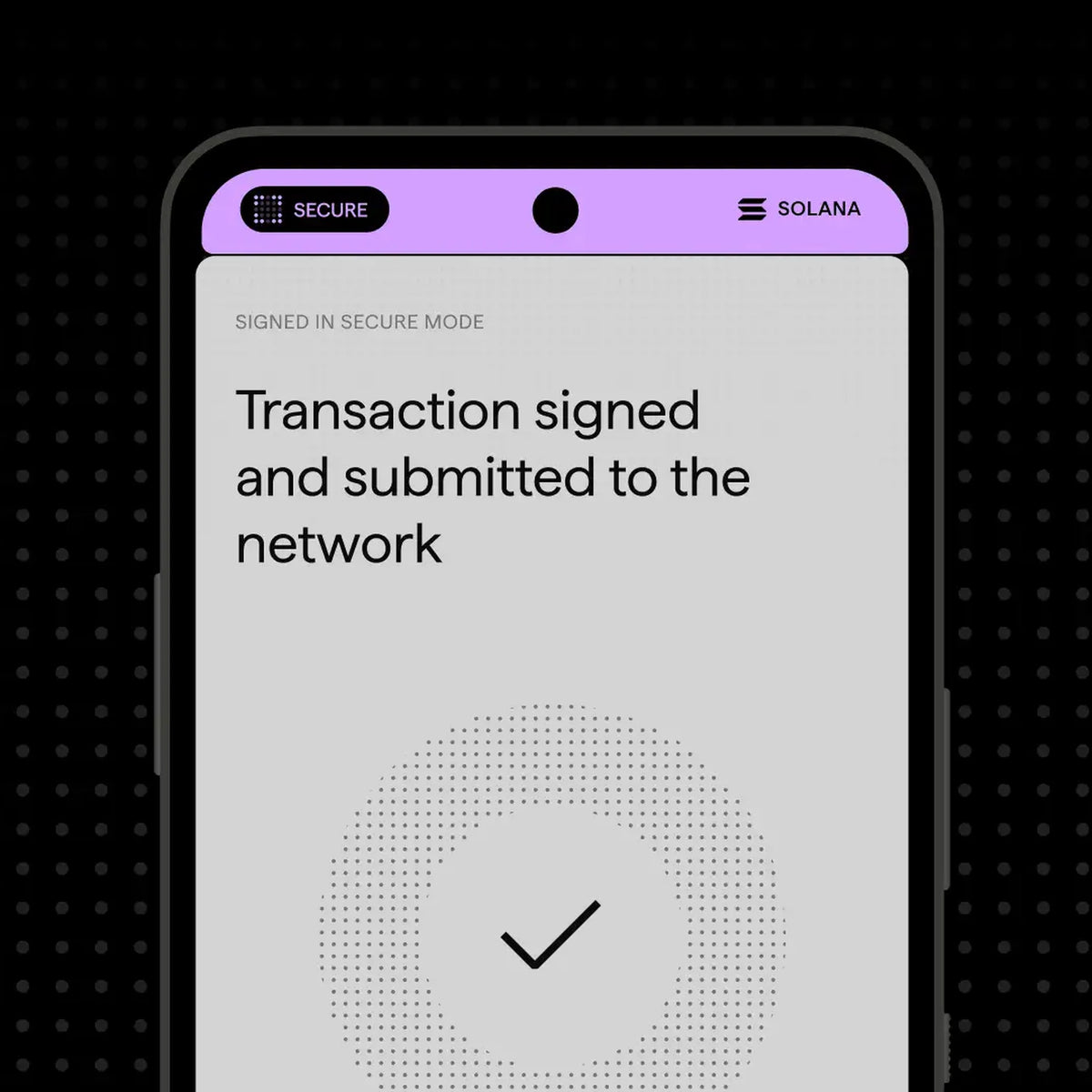
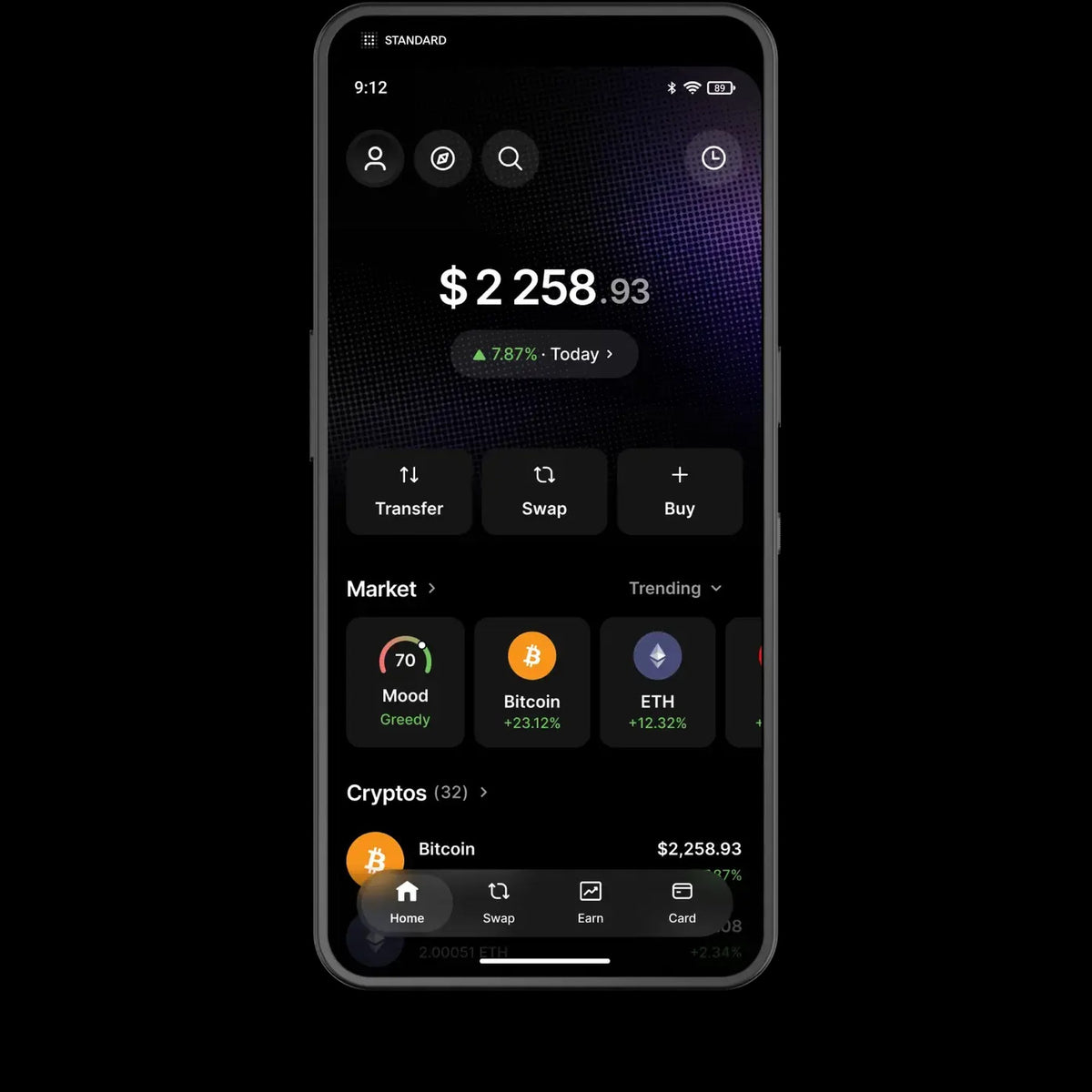
- Ledger Wallet built in View your portfolio, send and receive assets and connect to dApps, with every transaction confirmed on the Secure Screen.
- Fingerprint unlock The sensor is built into the power button.
How Secure Mode works
When you are about to do something sensitive, such as approving a transaction or paying in a supported app, the device switches into Secure Mode on its own. Ledger OS takes over the whole screen and turns off the camera, microphone and other sensors such as the accelerometers.
A Secure Bar runs across the top of the screen, and only Ledger OS controls it. Only the Secure Element can draw on that bar, so other apps cannot fake it. When you see it, you know you are in Secure Mode.
Every approval needs your Ledger OS PIN, which is separate from the code that unlocks the device. The everyday side unlocks with a pattern or fingerprint, while sensitive approvals use a second PIN.
Ledger Atom specs
| Display | 6.77-inch AMOLED, 60Hz, Gorilla Glass 3 |
|---|---|
| Security chip | CC EAL6+ certified Secure Element running Ledger OS |
| Operating system | Hardened Android Open Source Project (AOSP), isolated from Ledger OS |
| Cameras | 50MP rear with HDR and 4K 60fps video, 32MP front |
| Connectivity | 4G/5G (eSIM only), Wi-Fi 6, Bluetooth, NFC, USB-C |
| Unlock | Fingerprint sensor in the power button |
| Privacy Switch | Cuts the camera and microphone at the circuit level |
| Battery | 4,000 mAh, more than a day of use |
| Dimensions | 78 x 164 x 9 mm |
| Weight | 250 g |
| Spare parts | Available for 7 years after the last unit is sold |
Ledger Atom is not a smartphone
Ledger Atom connects to 4G/5G networks for data only. It cannot make or receive calls over the mobile network, cannot send SMS and cannot call emergency numbers, even with an eSIM installed and within coverage. Voice and video calls work through third-party apps over mobile data or Wi-Fi, so always keep another phone for emergencies.
Some mobile carriers may not offer plans or eSIMs for data-only devices, so check with yours first.
Frequently asked questions
Can Ledger Atom make phone calls?
Not over the mobile network, and it cannot send SMS. Calls work only through internet-based apps.
Can I use my everyday apps?
Yes. You can download the apps you already use. Ledger's hardware protection applies to the built-in apps and to partner apps that integrate with it, and the list of supported apps will be confirmed before devices ship.
Do I need Ledger Atom to use AI assistants with Ledger?
No. Ledger Agent Intent is free and also works with Ledger Nano Gen5, Ledger Flex and Ledger Stax, though Ledger Atom offers the most complete experience.
Can an AI assistant move money on its own?
No. An AI assistant can only prepare and propose transactions. You approve every one yourself on the Secure Screen.
One rule to remember
Anyone who asks for your recovery phrase (Seed Phrase) is a scammer. No exceptions.
Neither SIAMBC nor Ledger will ever ask for it, whatever reason is given: warranty claims, identity verification, system updates or account recovery. Your recovery phrase is the key to your assets. Whoever has it can take them immediately, and they cannot be recovered.
Questions
Contact SIAMBC on LINE @siambc, with support in Thai and English.
Shipping information
Processing:
- Orders are processed and dispatched the same day.
Delivery:
- Free shipping nationwide. Estimated delivery 1-2 business days, faster in Bangkok.
- Same-day delivery in Bangkok by Grab or LINEMAN. Call or message us on LINE to arrange it and pay by bank transfer.
- Or collect from our Bangkok store, Monday to Saturday, 9:00 AM to 5:00 PM.
Tracking:
- Once your order ships you will receive a confirmation email with a tracking number.
Return and Exchange Policy
Faulty on arrival: if a device arrives defective — a broken screen, a connectivity fault — we replace it with a new one straight away. No forms, no waiting on the manufacturer.
Warranty: the warranty period differs by brand and by model, and claims are handled by us rather than an overseas support queue. CryptoSafe steel backup products are sold without warranty, as stated on those product pages.
Non-defective products: for security reasons we cannot accept returns or exchanges on non-defective items. A hardware wallet that has left our hands and come back cannot be resold as sealed. Please check compatibility before ordering — compare every model side by side or ask us first.
How to arrange a replacement
- Message us on LINE at @siambc or email order@siambc.com.
- Include your order number, what is wrong, and a photo or short video.
- We will arrange the replacement.
Refunds: we exchange faulty items rather than refund them.
If you have any questions, you are always welcome to contact us. We'll get back to you as soon as possible, within 24 hours on weekdays.
-
Shipping Information
Free shipping nationwide. Orders normally arrive within 1 to 2 business days, faster if you are in Bangkok.
Need it today? We can send by Grab or LINEMAN for same-day delivery in Bangkok. Call or message us on LINE to arrange it and pay by bank transfer.
You can also collect from our Bangkok store.
-
Customer Support
We answer in Thai and English, usually within a few hours on weekdays.
Bring your device into the shop and we will set it up with you — creating the wallet, writing down the recovery phrase properly, and checking you can send and receive before you leave. There is no charge for this.
Prefer to do it at home? Ask us anything on LINE.
-
Common questions
Which model should I choose? It depends on your phone. The Ledger Nano S Plus does not work with iPhone, and most Trezor models are view-only on iOS. Compare every model side by side.
Are your products genuine? Yes — new, sealed and sourced through official distribution, from a physical shop in Bangkok you can walk into.
Will anyone ask for my recovery phrase? Never. Anyone who does is a scammer.
-
Contact Us
LINE is the fastest way to reach us — and how most of our customers ask questions before buying.
Phone: +66 82 554 6950
Email: order@siambc.com110/2 Thawi Watthana-Kanchanaphisek 3 Rd, Bangkok 10170
Monday to Saturday, 9:00 AM to 5:00 PM
Fast & Free shipping ส่งฟรี ส่งเร็ว
Before you buy
Are your products genuine?
Yes. Every device we sell is new, sealed and sourced through official distribution. SIAMBC has been Thailand's hardware wallet specialist since 2016 and has a physical store in Bangkok you can walk into.
This matters more than it sounds. A hardware wallet bought from an unknown marketplace seller can arrive already set up by someone else, with a recovery phrase they know. It is the one purchase where the seller genuinely matters.
How long does delivery take?
Orders normally arrive within 1 to 2 business days, depending on where you are — faster if you are in Bangkok.
Need it today? We can send it by Grab or LINEMAN for same-day delivery. Call us or message us on LINE to arrange it, pay by bank transfer, and it goes out immediately.
You are also welcome to collect from our Bangkok store.
Can I collect from your store instead?
Yes. We are in Thawi Watthana, Bangkok, open Monday to Saturday, 9:00 AM to 5:00 PM. You are welcome to come in, see the devices in person and ask questions before you buy. We answer in Thai and English. Find us here.
What warranty do I get?
Products are covered by the manufacturer's warranty against manufacturing defects. The warranty period differs by brand and by model — ask us if you need the period for a specific device.
If a device arrives faulty, we replace it with a new one straight away. No forms, no waiting on the manufacturer. For a later claim, contact us with your order number and proof of purchase and we handle it with the manufacturer on your behalf, rather than sending you to an overseas support queue.
CryptoSafe steel backup products are the exception: they are sold without warranty and cannot be returned or exchanged, as stated on those product pages.
How can I pay?
Credit card, bank transfer, or cash on delivery. You can also pay in person at our Bangkok store.
Will you help me set it up?
Yes. Bring your device into the shop and we will set it up with you — creating the wallet, writing down the recovery phrase properly, and checking you can send and receive before you leave.
Setting up a hardware wallet is the step people most often rush, and it is the one that matters most. If you would rather do it at home, ask us anything on LINE.
Which model should I choose?
It depends on the phone you use and what you are protecting. The most common mistake is buying a wallet that does not work with your phone — the Ledger Nano S Plus does not support iPhone at all, and most Trezor models are view-only on iOS.
Compare every model side by side, or ask us. We will tell you honestly which one fits.
What happens if I lose my hardware wallet?
Nothing, as long as you still have your recovery phrase. The device only holds the keys — buy any compatible wallet, enter your phrase, and your crypto is back.
The real risk is losing the phrase itself. That is why we suggest keeping it on steel rather than the paper card in the box. Paper burns, water ruins it, and in Thailand termites eat it.
Will anyone ever ask for my recovery phrase?
No. Anyone who asks for it is a scammer, without exception. Neither SIAMBC nor any manufacturer will ever ask for your recovery phrase — not for a warranty claim, not for identity verification, not for a firmware update. Whoever has those words owns your crypto, and it can never be recovered.
Latest Stories
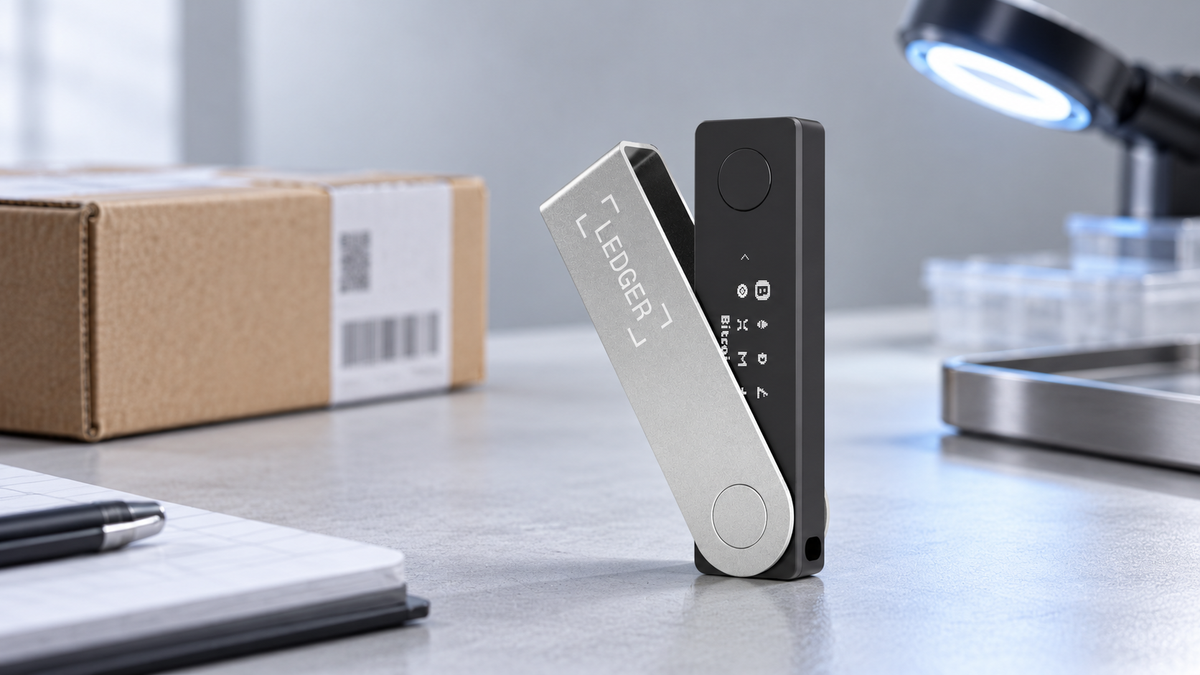
CryptoBilis Update: Ledger Confirms a Localized Distribution Attack
Read moreabout CryptoBilis Update: Ledger Confirms a Localized Distribution Attack
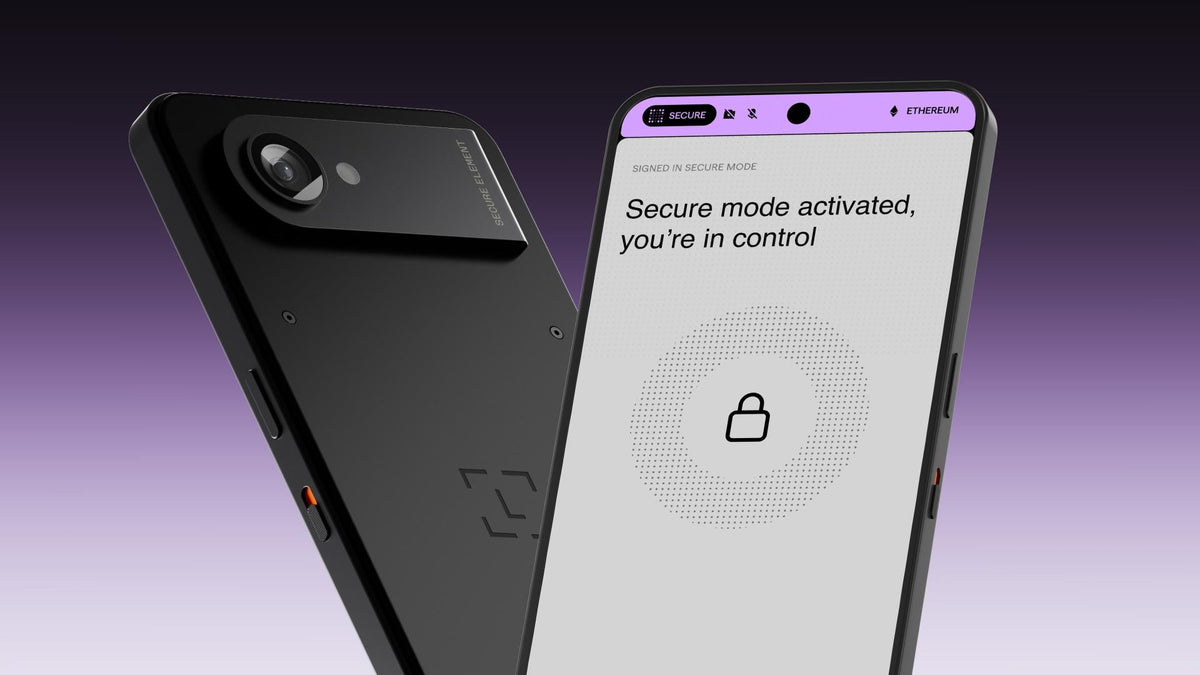
Ledger Atom Explained: An Android Security Device That Is Not a Phone
Read moreabout Ledger Atom Explained: An Android Security Device That Is Not a Phone

Ledger Op3n 2026: Why Secure Hardware Matters After the CryptoBilis Incident
Read moreabout Ledger Op3n 2026: Why Secure Hardware Matters After the CryptoBilis Incident