

Quick answer
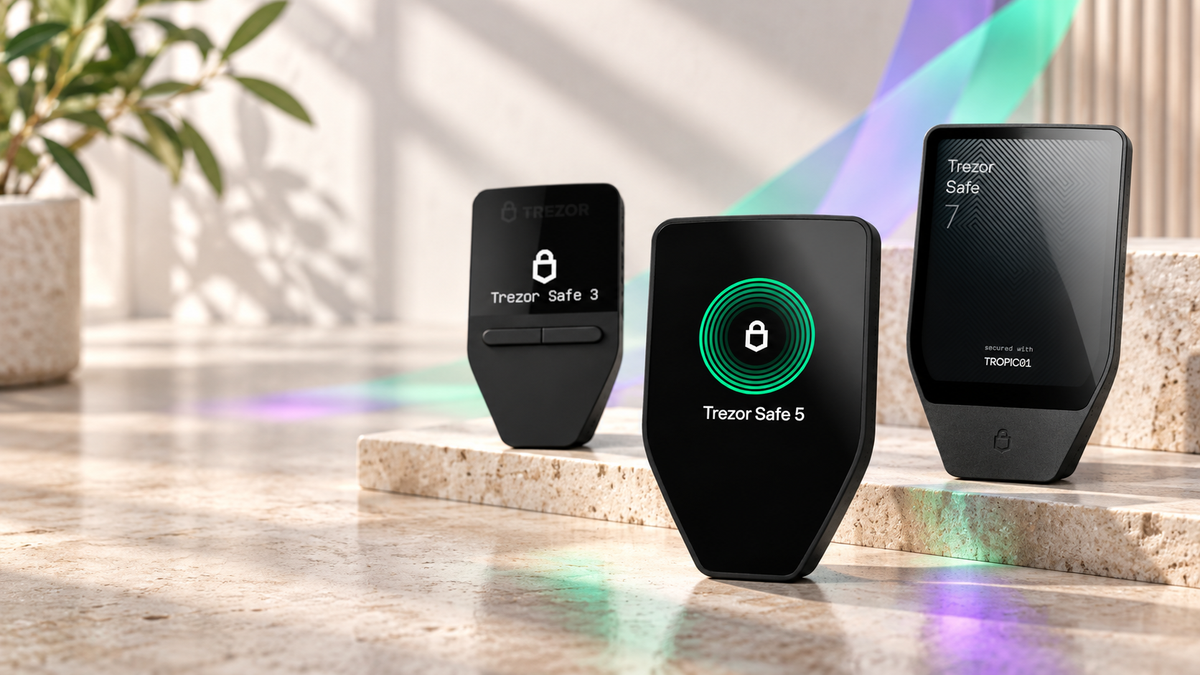
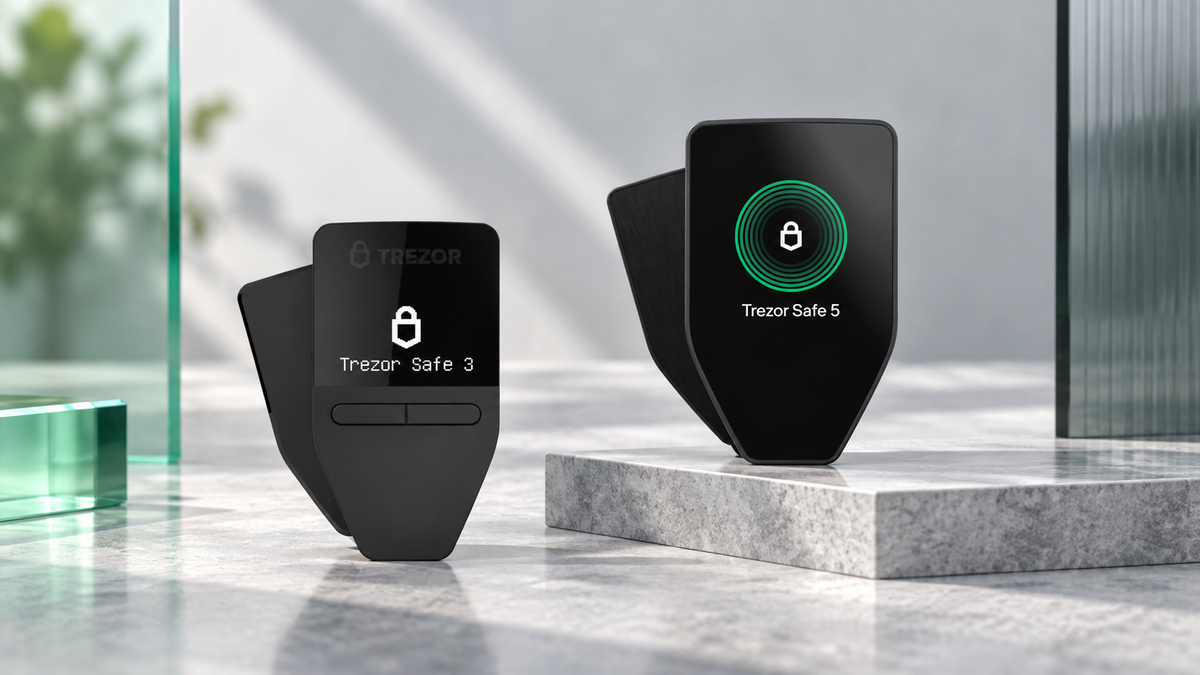
Yes, Trezor supports Solana. SOL and Solana tokens work on Trezor Safe 3, Safe 5, Safe 7 and Model T with Universal firmware. Trezor Model One does not support Solana. Trezor Suite can receive, send and manage SOL while every outgoing transaction is approved on the hardware wallet.
Solana support on Trezor now extends beyond basic storage. A compatible device can create a Solana account, display balances, handle tokens and confirm transactions without exposing the private keys to the connected computer or phone.
Which Trezor models support Solana?
| Model | SOL support | Best fit |
|---|---|---|
| Trezor Safe 3 | Yes | Value-focused long-term storage |
| Trezor Safe 5 | Yes | Frequent use and touchscreen control |
| Trezor Safe 7 | Yes | Premium cross-device use |
| Trezor Model T | Yes | Existing Model T owners |
| Trezor Model One | No | Choose a Safe model for SOL |
Check the firmware type: Bitcoin-only firmware disables every non-Bitcoin network. A supported model needs Universal firmware before it can create a Solana account.
Does Trezor support SPL tokens as well as SOL?
Yes. Compatible models support native SOL, SPL tokens and the newer Token-2022 standard. That includes assets such as USDC or USDT issued on Solana. The network and token mint address still matter: a familiar ticker does not make an Ethereum, Tron and Solana token interchangeable.
The assets remain on the blockchain. Trezor protects the keys that authorize movement, which is why the address, amount and fee shown on the device deserve more trust than the connected screen alone.
Using Solana in Trezor Suite
- Install or update Trezor Suite from the official website.
- Connect and unlock the Trezor.
- Add a Solana account if one is not already visible.
- Choose Receive and display the complete address.
- Match the address in Suite with the address shown on the hardware wallet.
- For outgoing transfers, approve only after checking the destination, amount and fee on the device.
For Solana dApps, compatible interfaces such as NuFi or Backpack can be connected to Trezor. The third-party wallet provides the interface; transaction approval and key protection remain with the hardware device.
How to receive SOL safely
- Open the Solana account in Trezor Suite and select Receive.
- Verify the full receiving address on the Trezor screen.
- Select the Solana network at the exchange or sending wallet.
- Send a small test amount first.
- Confirm arrival before transferring the main balance.
Never choose a network by ticker alone. USDT on Solana is not the same transfer route as USDT on Ethereum or Tron. The sending network must match the receiving account.
Can Trezor stake SOL?
Yes. Current Trezor Suite versions provide SOL staking for Safe 3, Safe 5, Safe 7 and Model T through an integrated staking provider. Review the current return, fees, entry and exit timing in the app because these conditions can change. Keep enough SOL available for network fees and verify every staking action on the device.
Which Trezor is best for Solana?
- Safe 3: the strongest value for storage and occasional transfers.
- Safe 5: a better daily experience for tokens, staking and regular signing.
- Safe 7: the flagship choice for a larger screen and more flexible connectivity.
- Model T: still suitable for owners who already have one.
Trezor devices for Solana

Trezor
- Supports SOL and Solana tokens
- CC EAL6+ Secure Element
- Excellent long-term value
This button selects Cosmic Black. Check the product page for current price and availability.

Trezor
- Colour touchscreen and haptics
- Comfortable Solana transaction review
- Designed for regular use
This button selects Black Graphite. Other colours are listed on the product page.

Trezor
- Large touchscreen
- Dual Secure Elements
- Flexible mobile and desktop use
This button selects Charcoal Black. Check the product page for current availability.
Frequently asked questions
Does Trezor Safe 3 support Solana?
Yes. Safe 3 supports SOL and Solana tokens when it runs Universal firmware and an up-to-date Trezor Suite.
Does Trezor support SPL and Token-2022 assets?
Yes on Safe 3, Safe 5, Safe 7 and Model T. Always verify the network and token mint address before transferring.
Will Solana support come to Model One?
No. Trezor states that Model One will not receive Solana support.
Why is my SOL missing in Trezor Suite?
Check the model, firmware type, Solana account and passphrase wallet. A different passphrase opens a different wallet, even when the device is the same.
Verdict
Trezor provides practical native Solana support on Safe 3, Safe 5, Safe 7 and Model T. Safe 3 is the value pick, Safe 5 improves frequent signing, and Safe 7 offers the most complete experience. Use Universal firmware, verify the network and begin with a test transfer.
Sources
Written by Bank · Updated 28 September 2026
Share:
Bitwise NEAR ETF Moves Closer to Launch After NYSE Arca Approval