

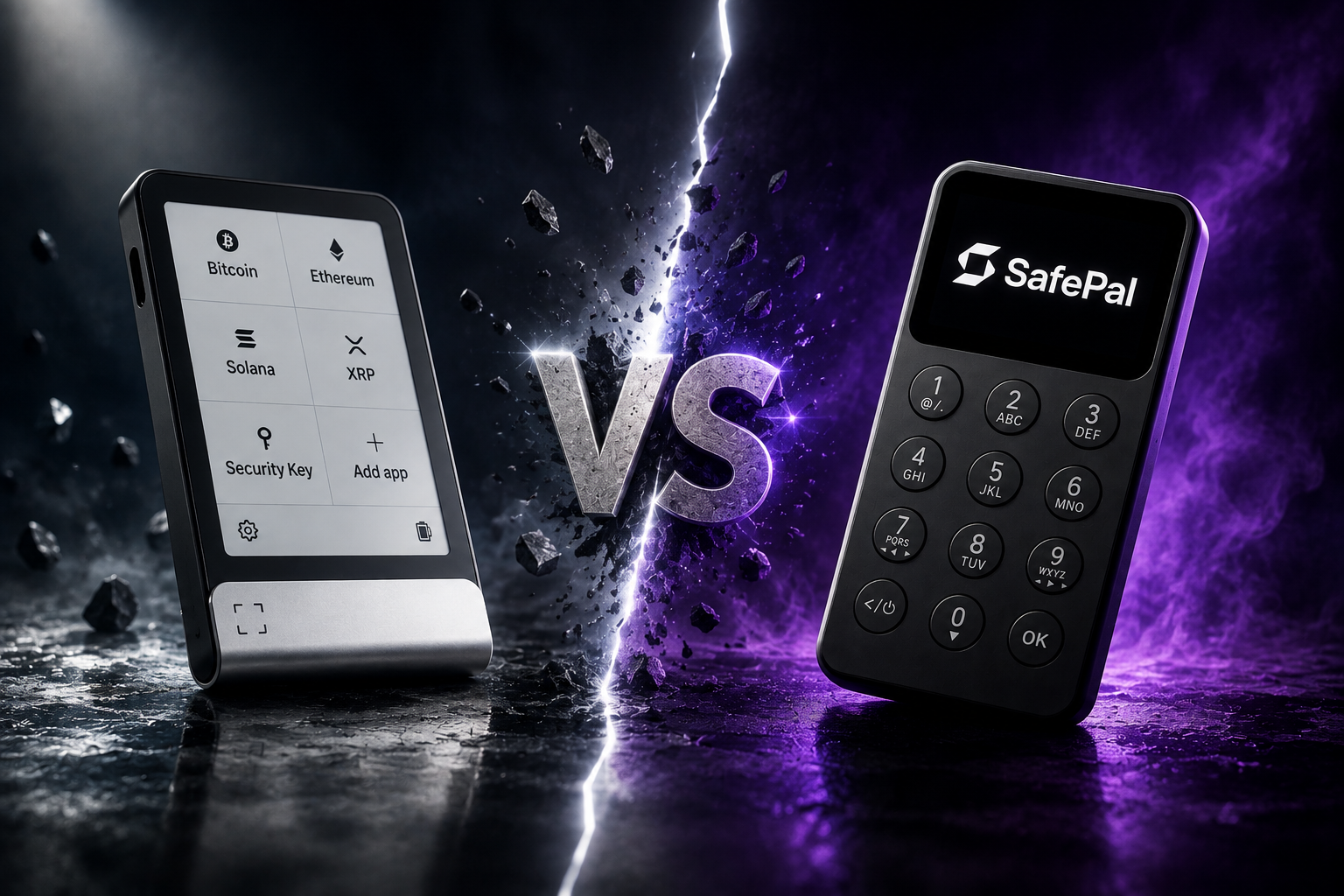
Quick answer
- SafePal suits buyers who want affordable choices and, on S1 models, a QR-based signing workflow.
- Ledger suits buyers who prioritise a polished software ecosystem, broad integration and models with Bluetooth or larger displays.
- The best choice depends on your phone, preferred connection, screen needs and backup habits. Price alone does not determine security.
SafePal and Ledger both offer several hardware wallet models, but they approach usability differently. SafePal S1 and S1 Pro keep signing data moving through visible QR codes, while SafePal X1 uses Bluetooth. Ledger builds around its Secure Element architecture and Ledger Wallet software, with connection and display features varying by model.
SafePal and Ledger at a glance
| Area | SafePal | Ledger |
|---|---|---|
| Typical connection | QR on S1/S1 Pro; Bluetooth on X1 | USB-C, with Bluetooth or NFC on selected models |
| Product range | Value-focused handheld devices | Compact and premium touchscreen models |
| Software | SafePal app and browser extension | Ledger Wallet and supported third-party apps |
| Display approach | Colour QR screens or a monochrome X1 display | Varies from compact screens to larger touch displays |
Security: avoid one-word comparisons
Both brands use Secure Elements in their current product ranges, but security is a system rather than a single certification number. Check how the device creates and stores keys, how it verifies firmware, what appears on the trusted screen, how backups work and whether you can understand the signing flow.
A more expensive device may improve the screen, materials, connectivity or daily convenience. It does not automatically make every user's setup safer.
Connection and phone compatibility
SafePal S1 and S1 Pro exchange unsigned and signed data by scanning QR codes with the mobile app. This gives the user a visible data path and avoids routine USB or Bluetooth data connections. SafePal X1 instead uses Bluetooth for convenience.
Ledger compatibility depends on the model. Some models support Bluetooth for mobile use, while others rely on USB-C. Before buying, check the exact model against the phone or computer you plan to use; do not assume that every device in a brand works the same way with iPhone and Android.
Screen and transaction review
A hardware wallet is most useful when you verify the destination and action on the device itself. SafePal's QR models use a 320 x 320 colour display, while X1 uses a lower-resolution monochrome display. Ledger offers different screen sizes across its range, including larger touch and E Ink options on premium models.
Choose a display you can read comfortably. A feature-rich device offers little benefit if you routinely approve without checking what appears on its screen.
Which brand should you choose?
- Choose SafePal if budget matters, you prefer QR signing, or you want a straightforward mobile-first setup.
- Choose Ledger if you value its software ecosystem, need a particular integration, or want one of its larger-screen models.
- Compare individual models if iPhone support, Bluetooth, NFC or desktop-only use is important.
Browse the SafePal collection, the Ledger collection, or compare models side by side on the comparison page.
Frequently asked questions
Is SafePal air-gapped?
S1 and S1 Pro use QR codes for transaction data. X1 uses Bluetooth, so the answer depends on the model.
Does every Ledger work with iPhone?
No. Mobile compatibility and connection methods vary by model. Check the current product specification before buying.
Which is better for a beginner?
The model whose setup, backup and signing steps you can understand and repeat safely. Connection preference and readable screens usually matter more than a long feature list.
Conclusion
SafePal focuses on value and QR-based options, while Ledger emphasises Secure Element design, broad app support and premium displays. Compare before choosing.
Share:
SafePal Customer Data Breach: What Happened and What Users Should Do
Where to Buy a Hardware Wallet Safely: 7 Checks Before You Order