

Before you buy
- Verify the seller's authorised-reseller status with the brand where possible.
- Confirm that the device is new, its origin is clear and warranty support is defined.
- Treat unusually low prices and pre-written recovery phrases as warning signs.
- No trustworthy seller or support team should ever ask for your recovery phrase, private key or PIN.
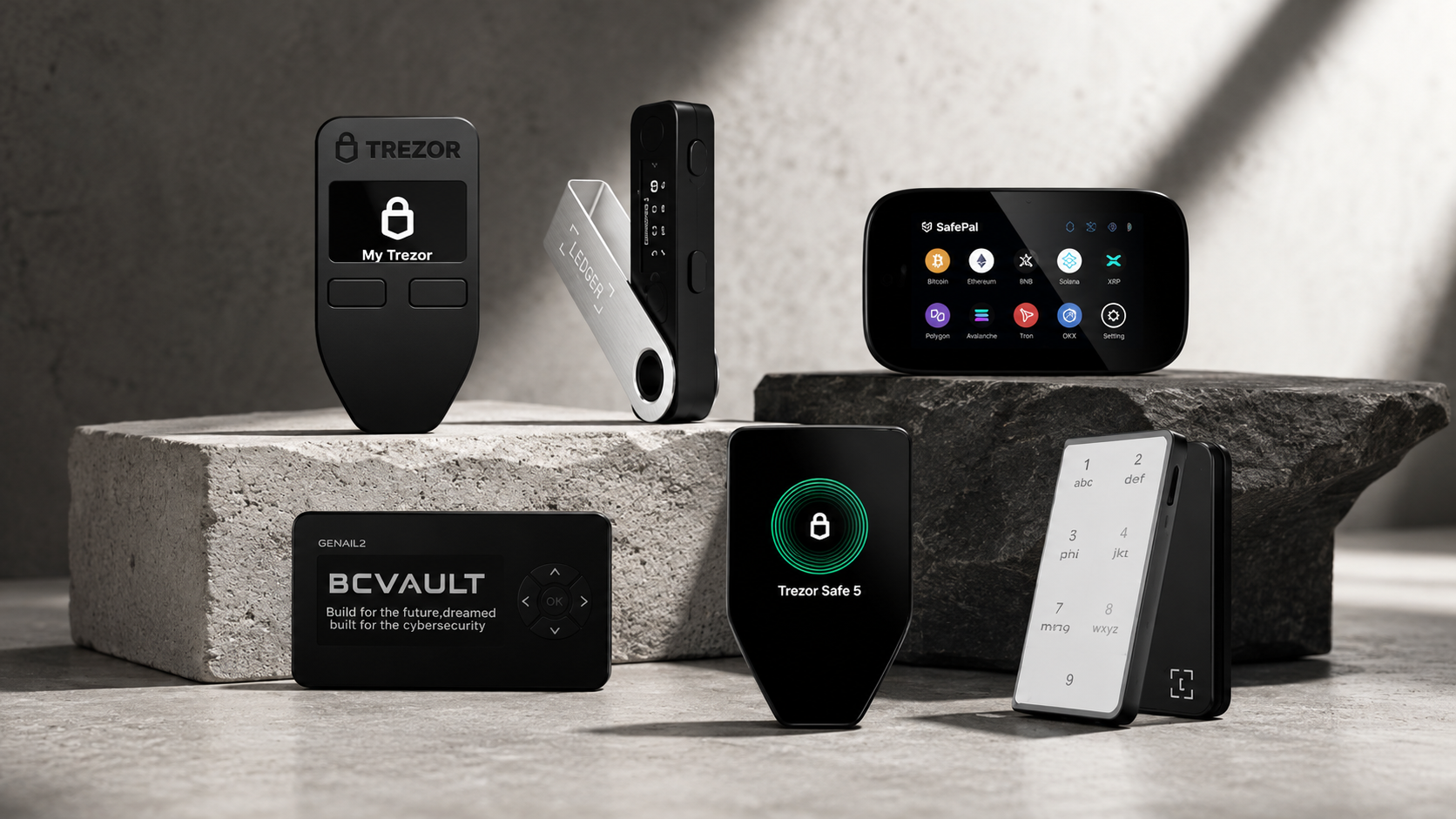
Choosing the right hardware wallet is only half the decision. The seller determines whether you can trace the product's origin, obtain a clear warranty and reach someone after the sale. Use these seven checks before placing an order.
1. Verify authorised-reseller status
Do not rely only on a badge or the words “genuine product” on a marketplace listing. Look for the seller on the manufacturer's reseller page or confirm through another official brand channel. Authorised status makes the supply path and warranty process easier to verify.
2. Ask where the device comes from
A reliable seller should be able to explain whether the device is new, how it entered the distribution channel, who provides the warranty and where a faulty unit must be sent. Packaging should arrive in the expected condition, but packaging alone is not proof of security.
3. Read the warranty terms
Check the warranty period, who handles claims, whether local return shipping is required and what happens if the device fails. “Warranty included” is not useful unless the responsible party and process are clear.
4. Check the seller, not only the product reviews
Look at how long the business has operated, whether it has a verifiable address, published contact details and a record of after-sales support. A physical store is not mandatory, but it provides another way to inspect products and obtain help.
5. Be cautious with unusually low prices
A lower price may be legitimate during a promotion, but a large unexplained difference deserves scrutiny. Check whether the unit is used, imported without local warranty, an older edition or supplied through an unclear channel.
6. Choose support that understands compatibility
Hardware wallets differ in iPhone, Android, desktop, USB, Bluetooth and NFC support. A knowledgeable seller should ask how you intend to use the device and compare actual models rather than recommend the most expensive option.
7. Confirm how to contact the seller after purchase
Make sure there is a working phone number, messaging channel, email address or store location. You should know where to ask about delivery, setup resources and warranty service before paying.
Online or in-store?
Both can be safe. Online ordering is convenient when you use the seller's official site and understand the warranty. Buying in person is useful when you want to compare size, screen and controls or ask questions before choosing.
Three security checks when the package arrives
- The device should be new and should not already be configured.
- Set it up yourself and generate the recovery phrase on the device.
- If a recovery phrase is supplied on paper or by a seller, do not use that setup.
Why buyers consider SIAMBC
SIAMBC sells multiple hardware wallet brands in Thailand and states authorised-reseller status for participating brands. Products are dispatched in Thailand, warranty terms are provided by model, and customers can contact the team or visit the Bangkok store for product guidance. Verify the current status and terms on each product page before ordering.
Browse available hardware wallets or use the model comparison before deciding.
Frequently asked questions
Is marketplace packaging enough to prove a wallet is safe?
No. Check the seller, product origin and setup process. Always initialise the device yourself.
Can a seller help recover my wallet?
A seller can explain public setup steps, but should never ask for or handle your recovery phrase, private key or PIN.
Should I buy the cheapest listing?
Compare the full offer: product condition, authorised status, warranty, delivery and after-sales support. Price should not be the only deciding factor.
Conclusion
The seller matters as much as the model. Check authorised status, product origin, warranty, pricing and support before buying a hardware wallet.

Share:
SafePal vs Ledger: Which Hardware Wallet Is Right for You?
What Is Tangem? Tangem Wallet Guide and Model Comparison