

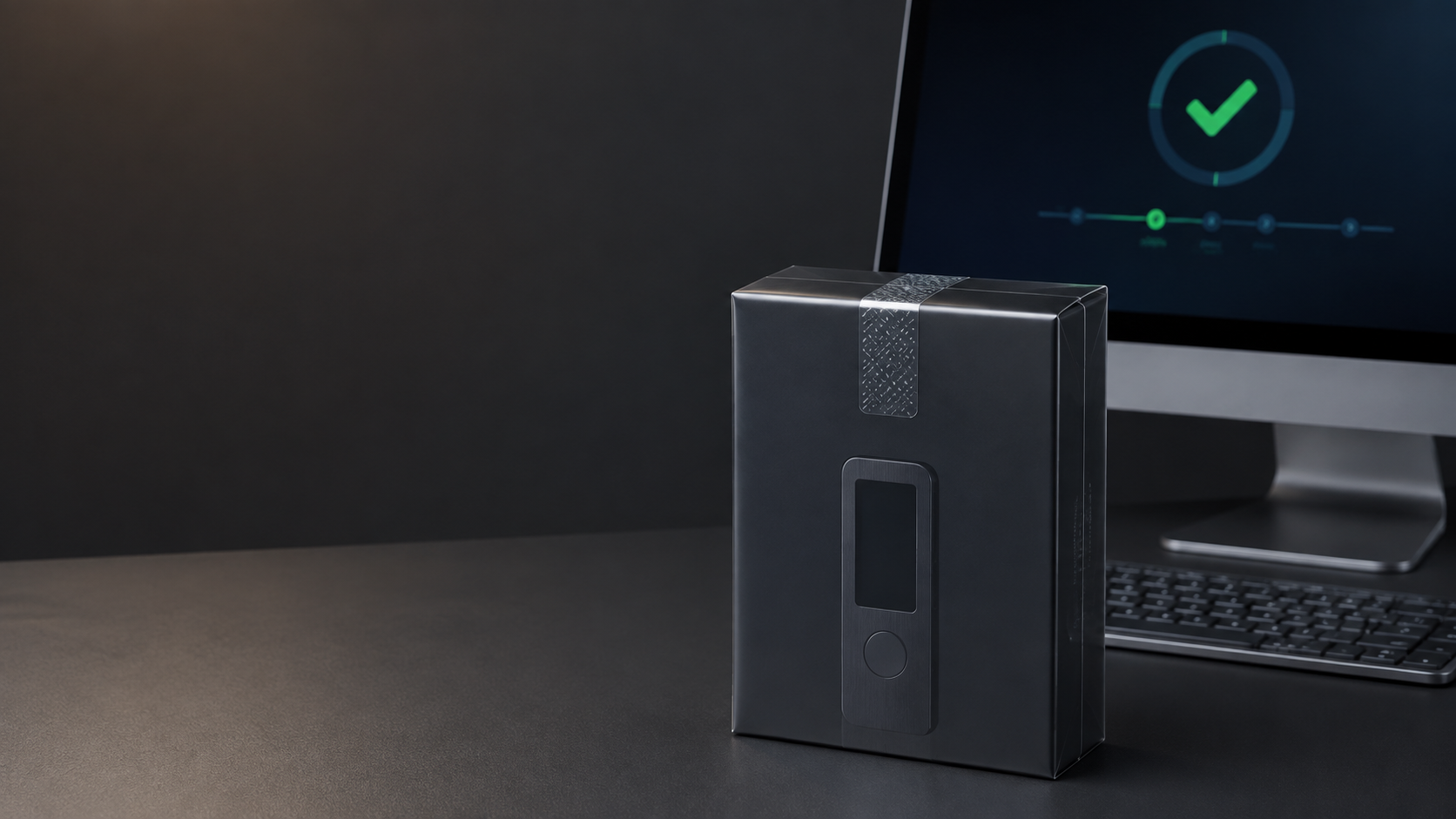
A hardware wallet protects valuable keys, so where it comes from and what happens during the first setup matter. A low price is not worth accepting a preconfigured device, an unknown seller or a recovery seed that somebody else may already know.
Seven checks before setup
- Buy from the manufacturer or an authorized reseller.
- Confirm the seller identity, warranty and support channel.
- Inspect the parcel and product packaging for unexplained damage.
- Check that the device and accessories match the official contents.
- Never use a recovery seed supplied in the box.
- Install only the official app and run authenticity checks.
- Initialize, update and test the wallet yourself before moving funds.
1. Choose the manufacturer or an authorized reseller
An authorized channel gives you a traceable source, a clear warranty and someone accountable if the product arrives with a problem. On a marketplace, verify the actual store name rather than relying on the product title or an “official-looking” image. SIAMBC is an authorized Thai reseller for multiple hardware-wallet brands and provides local after-sales support.
2. Inspect the parcel and product packaging
Shipping damage is not automatically evidence of tampering, and not every brand uses a security seal. Compare the packaging with current official information. Look for a box that has been opened, replaced labels, damaged ports, missing accessories or fingerprints and scratches inconsistent with a new product.
3. The recovery seed must be generated during your setup
A genuine new wallet must never arrive with a completed recovery card or a printed list of words. The recovery seed is created when the owner initializes the device. If words are already provided, stop immediately and contact SIAMBC. Do not transfer any assets and do not test the supplied wallet.
No legitimate support agent needs your recovery seed. SIAMBC and the manufacturer will never ask you to send, photograph or type it into chat, email or a website.
4. Download the official companion app
Use the manufacturer's official website or verified app-store listing. Search ads and copied download pages are common phishing routes. Check the domain carefully and avoid installers sent through direct messages or file-sharing links.
5. Complete firmware and authenticity checks
Follow the official setup flow. Current devices may verify firmware signatures, certificates or device authenticity in different ways. An unexpected warning, preinstalled wallet or request to “restore” words from the seller is a reason to stop. Do not click through a warning simply because the packaging looked normal.
6. Initialize and test the wallet yourself
- Create a new wallet on the device.
- Record the recovery seed offline in the exact order shown.
- Set a PIN or access code.
- Complete the device's backup check.
- Receive a small amount.
- Send a small amount back and confirm the address on-device.
Only after these steps are understood should a meaningful balance be moved.
7. Stop when you see these red flags
- A recovery seed is already written or printed.
- The device opens directly to an existing wallet.
- The seller asks for the seed, PIN or passphrase.
- Setup requires an unfamiliar website or unofficial application.
- Firmware or authenticity checks fail.
- The serial, model, color or box contents do not match the order.
- The price is unusually low and the seller cannot explain warranty coverage.
Keep the product, packaging and order records, then contact SIAMBC. Do not destroy evidence or continue experimenting with a suspicious device.
Frequently asked questions
Is a sealed box always safe?
No. Seals can be copied, and some brands rely on cryptographic checks instead. Packaging is only one part of verification.
Can I buy a used hardware wallet?
It can be wiped and reinitialized, but beginners should avoid the added uncertainty. A new device from an authorized source is easier to verify.
Should I update firmware before use?
Follow the official setup application. Confirm the recovery backup before any later firmware update.
What should I do if the box contains recovery words?
Do not use them. Stop setup and contact SIAMBC immediately.



Share:
Trezor Lost, Damaged or Reset? How to Recover with Your Seed
What Is Address Poisoning? Avoid Copying a Lookalike Crypto Address