

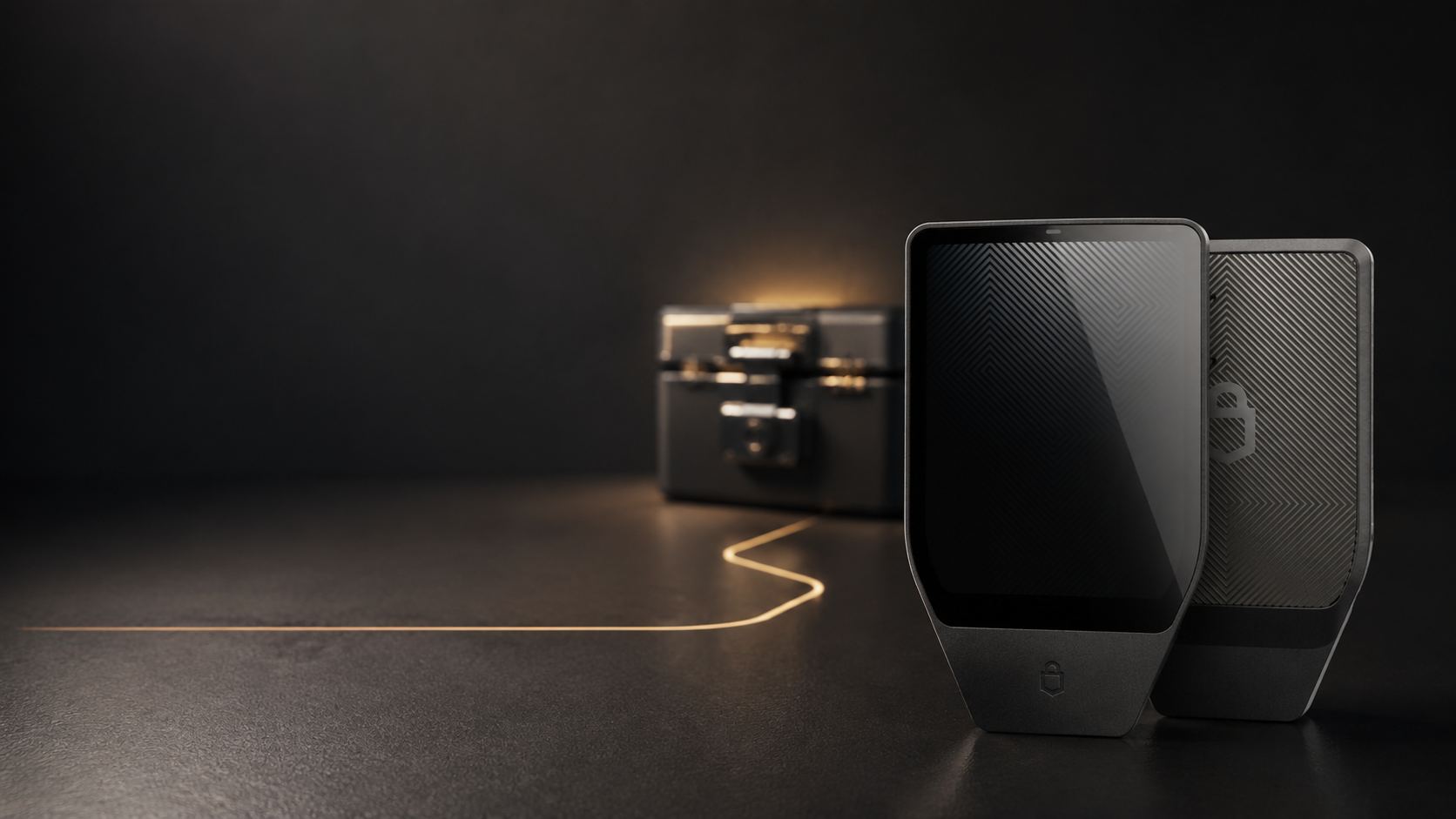
A lost, damaged or reset Trezor does not erase your coins. The assets remain on their blockchains. If the recovery seed is correct—and you still have the exact passphrase when one was used—you can restore access on a compatible device.
Key takeaways
- The Trezor holds keys, not coins.
- The recovery seed rebuilds the wallet.
- A passphrase-protected wallet needs both the seed and exact passphrase.
- Never enter the seed into a website or ordinary computer.
- If the device was stolen, restore and move funds promptly.
Your coins are not stored inside Trezor
Bitcoin and tokens remain recorded on their networks. Trezor protects the private keys used to control them. The recovery seed recreates those keys, which is why a failed device can be replaced while an exposed seed requires a new wallet.
What each situation means
Lost or stolen
A PIN helps prevent immediate access, but theft should be treated seriously. Restore on trusted hardware and transfer assets to a newly created wallet if physical compromise is possible.
Damaged or no longer powers on
Do not repeatedly connect a wet or visibly damaged device. Obtain a compatible replacement and recover from the backup.
Reset after failed PIN attempts or maintenance
A reset removes wallet data from the device, not from the blockchain. Recovery restores the same accounts when the seed and passphrase are identical.
Safe recovery steps
- Use a new or trusted compatible hardware wallet.
- Install the official companion app.
- Select wallet recovery on the device.
- Enter the recovery words only through the method shown by the device.
- Enter the exact passphrase if one was used.
- Verify expected receiving addresses before moving funds.
Never send the seed to SIAMBC, Trezor or anyone claiming to provide support. Legitimate support can explain steps without seeing the words.
Why a missing passphrase shows an empty wallet
Every different passphrase creates a different wallet. A typo, extra space or changed capitalization may open a valid but empty account. There is no reset service. Use the exact original text.
When should assets be moved to a new wallet?
Move funds when the device was stolen, the seed may have been seen, or the old setup can no longer be trusted. Create a fresh wallet with a fresh seed, verify the backup, then transfer a small test amount followed by the remaining balance.
Frequently asked questions
Can I recover on another brand?
Many standards-compatible wallets can restore the same seed, but features such as passphrase paths and SLIP39 backups require careful compatibility checks.
Does changing the PIN change the wallet?
No. The PIN controls access to the device; it does not alter blockchain keys.
What if the seed is incomplete?
Do not use online recovery services. Contact SIAMBC for safe procedural guidance without disclosing any words.



Share:
Thailand's Crypto Travel Rule: What It Means for Wallet Transfers
Where Should You Buy a Hardware Wallet? Seven Checks Before Setup