

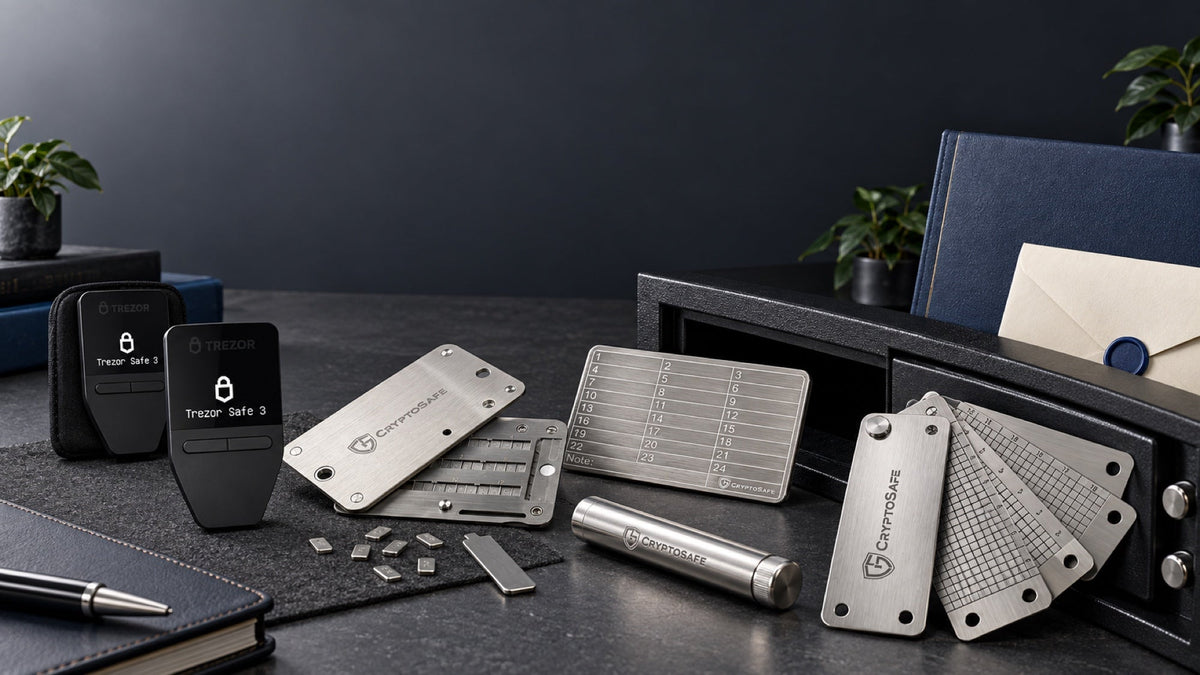
Holding bitcoin for five or ten years is not a matter of putting a hardware wallet in a drawer and forgetting it. The plan must survive a failed device, a damaged backup, a forgotten passphrase and a situation in which someone you trust needs to recover the wallet without you.
Key takeaways
- The hardware wallet is replaceable: the verified recovery seed is what preserves access.
- Paper is easy to use but vulnerable: a metal backup is worth considering for fire, water and long storage periods.
- A passphrase adds separation and complexity: use it only with a tested backup plan.
- A spare device improves availability: it does not replace the recovery seed.
- Inheritance must be designed in advance: instructions should be clear without placing every secret together.
Risks a long-term Bitcoin plan must cover
A useful plan accounts for more than theft. Electronics fail, storage locations become inaccessible, paper fades, family circumstances change and owners forget procedures they have not used for years. The goal is not maximum complexity; it is a system that remains understandable and recoverable after a long period of inactivity.
- Device failure: the wallet must be recoverable on compatible hardware.
- Backup loss: one local accident should not destroy every copy.
- Unauthorized access: no single casual discovery should expose the full wallet.
- Human error: labels and instructions should reduce ambiguity.
- Succession: a trusted person must be able to find the process when needed.
Choosing and setting up a hardware wallet for long-term holding
Choose a model with a mature recovery standard, a screen that makes transaction details readable and software you expect to remain maintainable. Buy through an authorized channel, inspect the packaging, initialize the device yourself and never use a recovery seed supplied in the box.
On setup day
- Install the official companion app from its verified source.
- Generate the wallet on the device.
- Write the recovery seed offline in the exact order shown.
- Enable a PIN and complete the built-in backup check.
- Receive and send a small test amount.
- Record the model, setup date and recovery standard without recording the seed digitally.
Protecting the recovery seed for 5–10 years
The recovery seed is the portable backup of the wallet. A dead or lost device is inconvenient; a lost seed can make recovery impossible, while an exposed seed can let another person move the funds. Keep it offline and separate from the hardware wallet.
What not to do
- Do not photograph or scan it.
- Do not save it in cloud storage, email, password managers or chat.
- Do not type it into a website or ordinary phone app.
- Do not store the only copy beside the hardware wallet.
- Do not invent your own word substitutions unless the recovery plan documents them reliably.
How many copies?
Two controlled copies in separate locations are often easier to manage than a single point of failure. More copies improve resilience but also create more places that require access control. Count every copy and review who can reach it.
Choosing a metal backup
For a decade-long horizon, metal can offer better resistance to heat, water and physical deterioration than paper. Compare material, marking method, readability after damage, capacity for the seed format and whether the finished backup exposes the words at a glance. Whatever the design, perform a careful character-by-character check before storing it.
A metal plate does not make exposed information safe. It improves physical durability, not secrecy. Store it where access can be controlled and do not place the passphrase beside it.
Should you use a passphrase?
A passphrase creates a separate wallet derived from the recovery seed. It can protect funds if the seed alone is discovered, but it also creates an additional secret that cannot be reset. One changed space or character opens a different wallet.
A passphrase may suit you when
- The balance justifies an extra security layer.
- You can maintain an offline backup separate from the seed.
- You have tested restoration on a small wallet.
- Your succession plan clearly explains that a passphrase exists.
A passphrase may be a poor fit when
- You are likely to rely on memory alone.
- Family members could not follow the recovery steps.
- The added complexity would stop you from testing the plan.
Do you need a spare hardware wallet?
A spare can reduce downtime if the main device fails, especially when replacement shipping is difficult. It should be initialized from the same backup only in a trusted environment, kept separately and updated before an urgent transaction. A second device is optional; a verified recovery seed is not.
Test recovery and review the plan
Use the device's built-in backup-check feature rather than entering the seed on a computer. Review the system every six to twelve months: confirm that backups are present and readable, instructions still match the wallet, responsible people are current and the companion software remains available. Update firmware only through official tools and only after confirming the backup.
Planning access for family
A good inheritance plan tells trusted people that the asset exists, where to find instructions and which professional or family contact can help. It should not put the device, seed, passphrase and complete instructions in one envelope.
Separate the information into three parts
- Inventory: what exists and which network or wallet type is involved.
- Recovery material: the seed and, if used, the passphrase stored separately.
- Procedure: a plain-language sequence for recovery, verification and transfer.
Test the instructions with a low-value practice wallet. Estate and tax treatment differs by jurisdiction, so obtain qualified advice for the legal part of the plan.
Two example setups
Simple plan
One hardware wallet, two verified offline seed copies in separate controlled locations, no passphrase, and clear recovery instructions. This is often stronger than an elaborate setup that nobody can operate.
Advanced plan
A primary and spare device, two durable backups, a separately stored passphrase and a documented succession process. Each component should be tested before meaningful funds are moved.
Products for a long-term Bitcoin plan

Trezor
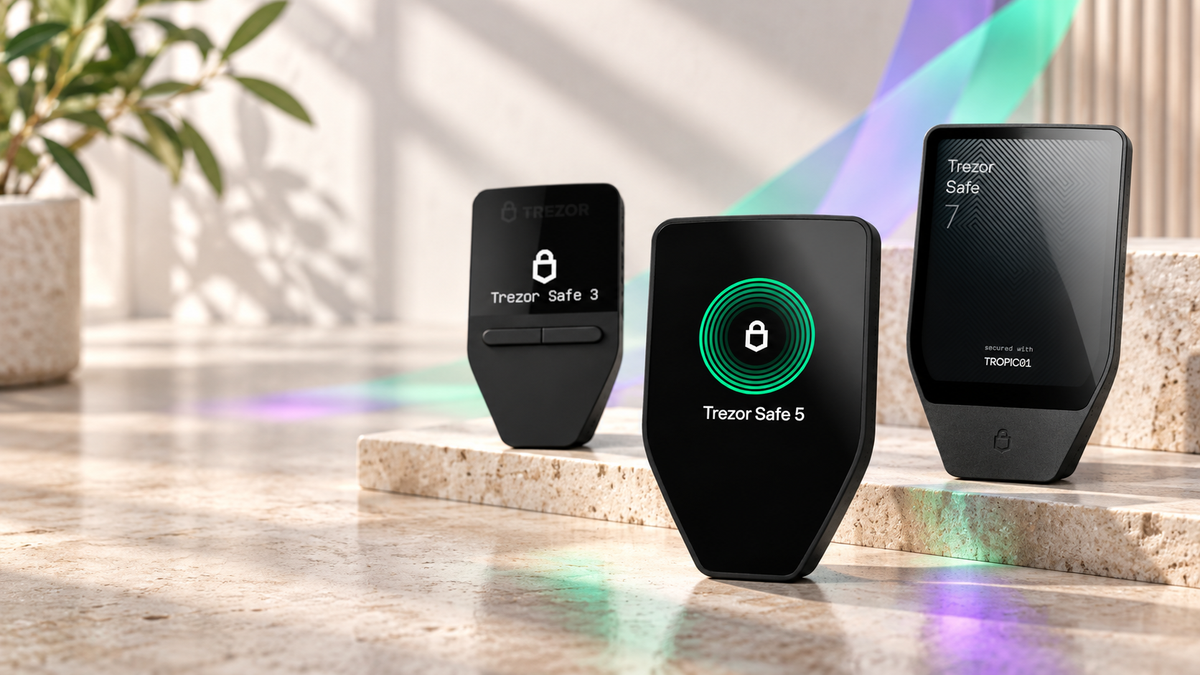
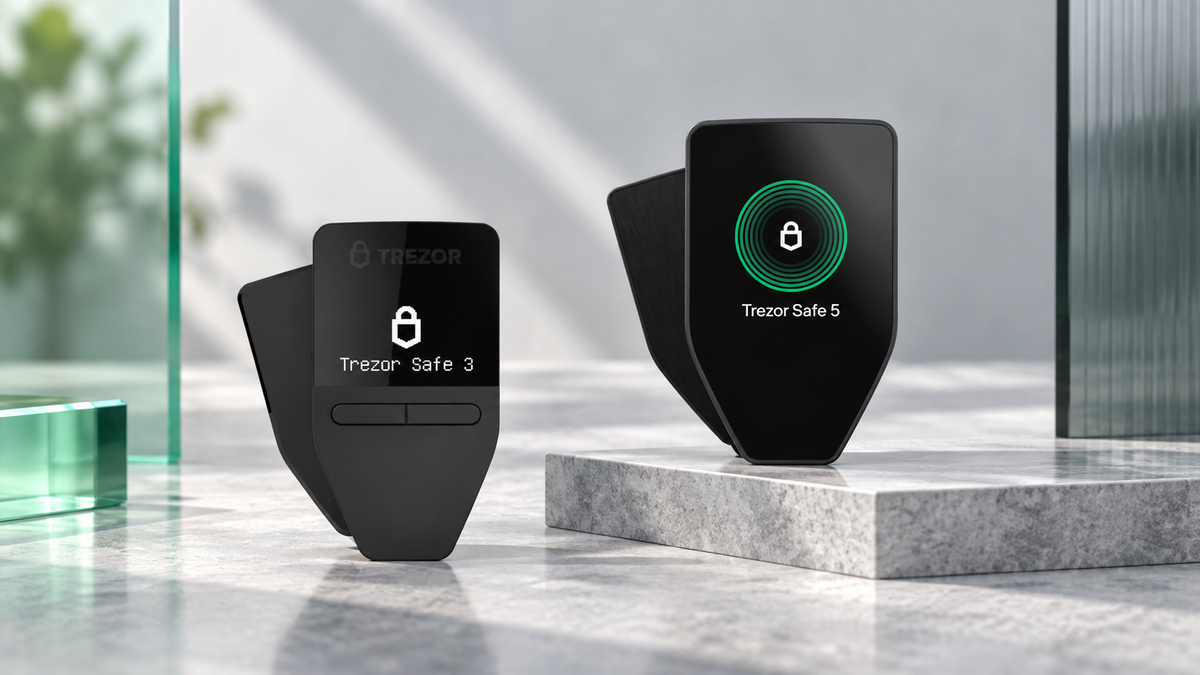
- Open-source core design with Secure Element protection
- Supports backup verification and Bitcoin-only firmware option


CryptoSafe
- Stainless-steel construction with letter tiles
- Built for a durable long-term backup

CryptoSafe
- Compact enclosed stainless-steel format
- Useful for a geographically separate copy

CryptoSafe
- Layered enclosed metal construction
- Organized storage for a long-term plan
Frequently asked questions
Will a hardware wallet still work in ten years?
No electronic device is guaranteed to last that long. Bitcoin access is not tied to the original unit; a standards-compatible backup can be restored on supported hardware in the future.
How often should I turn it on?
Long-term holders do not need monthly connections. A six- to twelve-month review is usually enough to inspect the device, software and storage plan.
Should I buy two devices immediately?
Not necessarily. A tested seed is sufficient for recovery. A spare is useful when rapid access matters or replacement availability is uncertain.
Can the seed be stored in a bank safe-deposit box?
It can, provided you understand access rules, estate procedures and who can open the box. Avoid placing every required secret together without another control.
Does a passphrase replace the seed?
No. A passphrase-protected wallet requires both the original recovery seed and the exact passphrase.
Conclusion
Long-term Bitcoin storage is a process, not a product. Use hardware you can operate confidently, verify the recovery seed, choose a durable backup that matches your risks and make the plan understandable to the people who may one day need it. Simplicity, testing and periodic review are more valuable than security features that nobody can recover.
This article provides general custody information and is not legal, tax or investment advice.

Share:
Which Hardware Wallet Is Best for Beginners? Choose by Budget and Device
Can a Trezor Be Hacked? Device Attacks, Seed Exposure and Phishing Explained