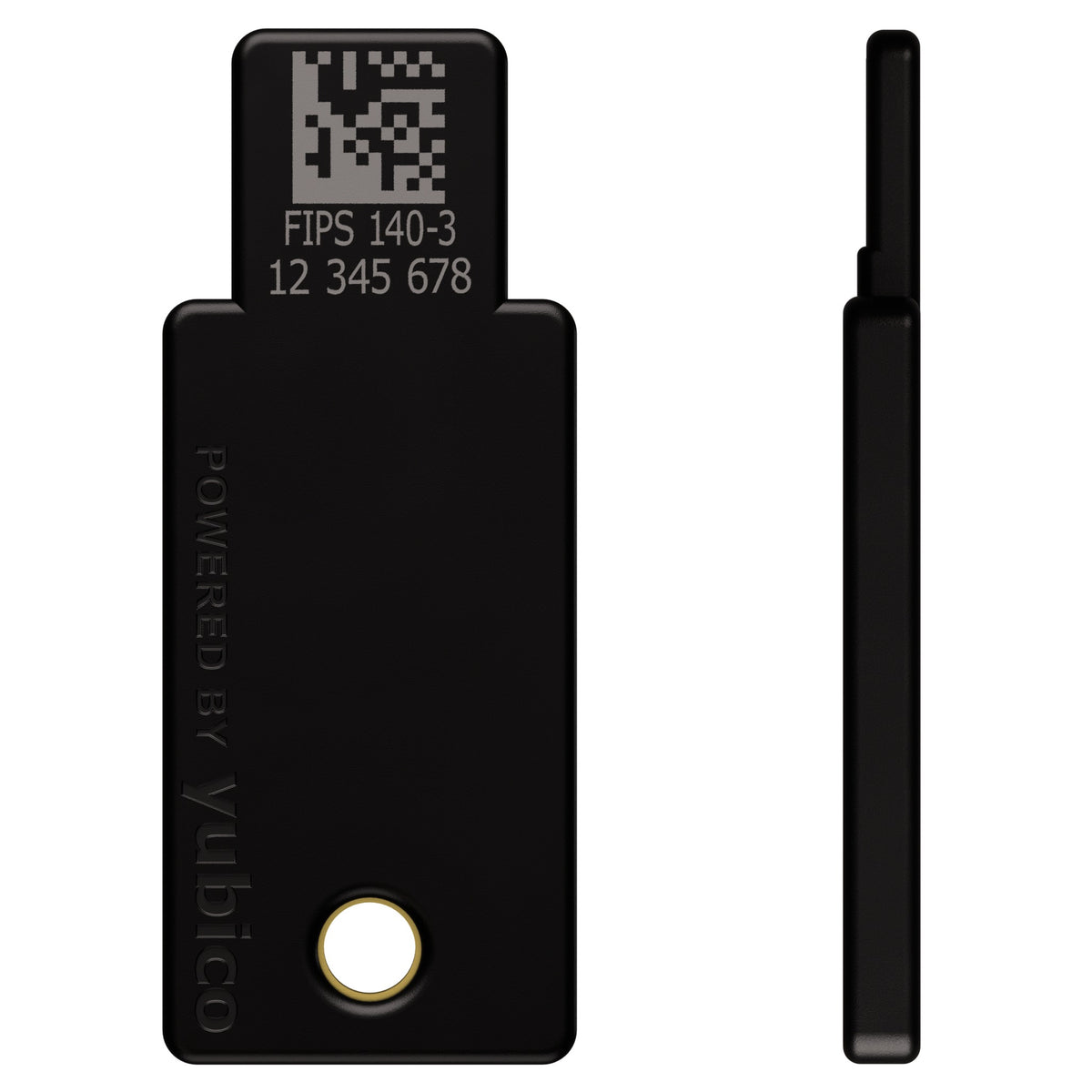
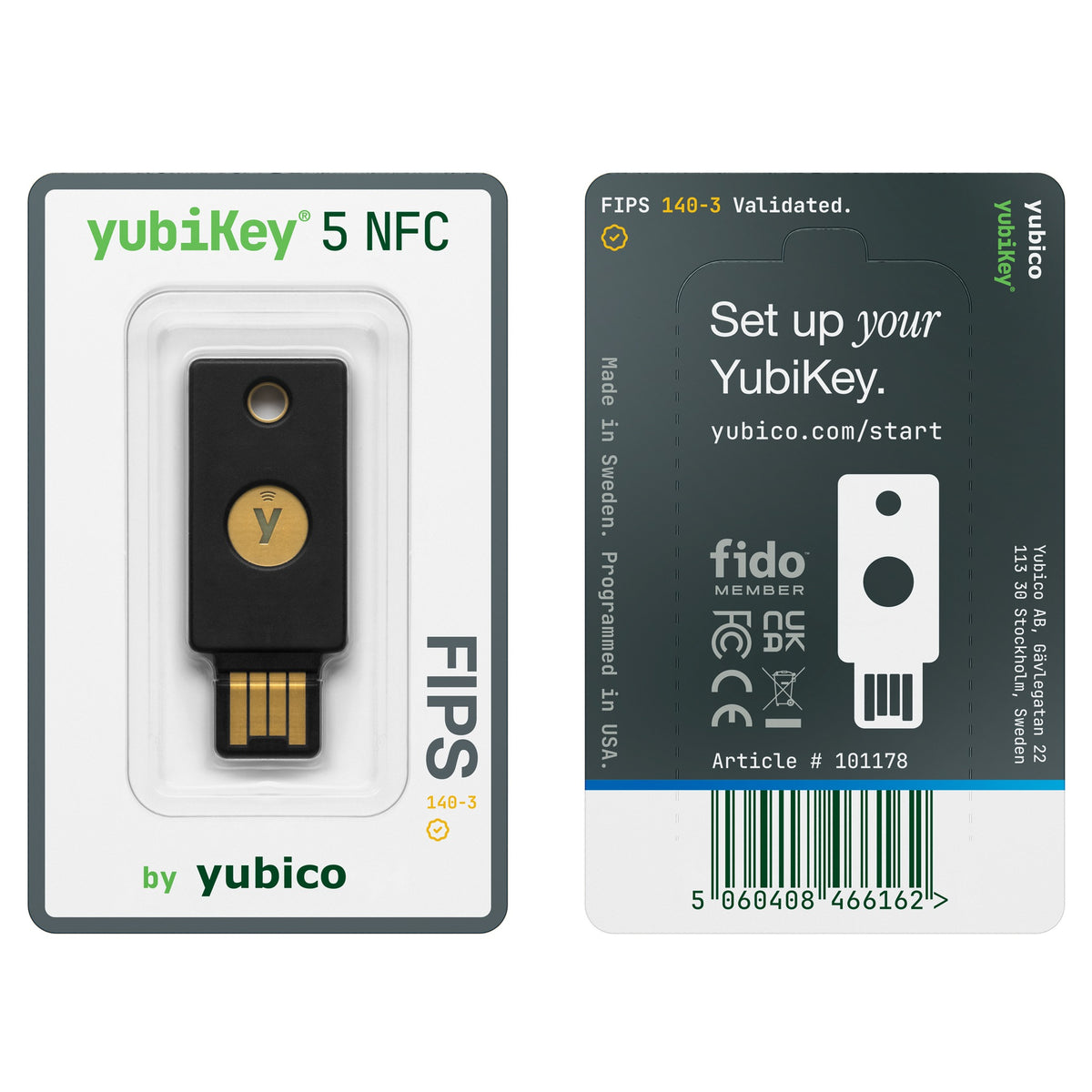
YubiKey 5 NFC FIPS
Price depends on the model, the options and import duty. Message us and we will send a quotation and a delivery date.
100% genuine stock from authorized channels
Free express shipping nationwide, delivered in 1-2 days
Arrives faulty, we replace it straight away
Pairs well with
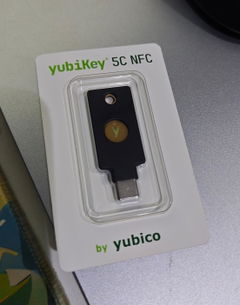
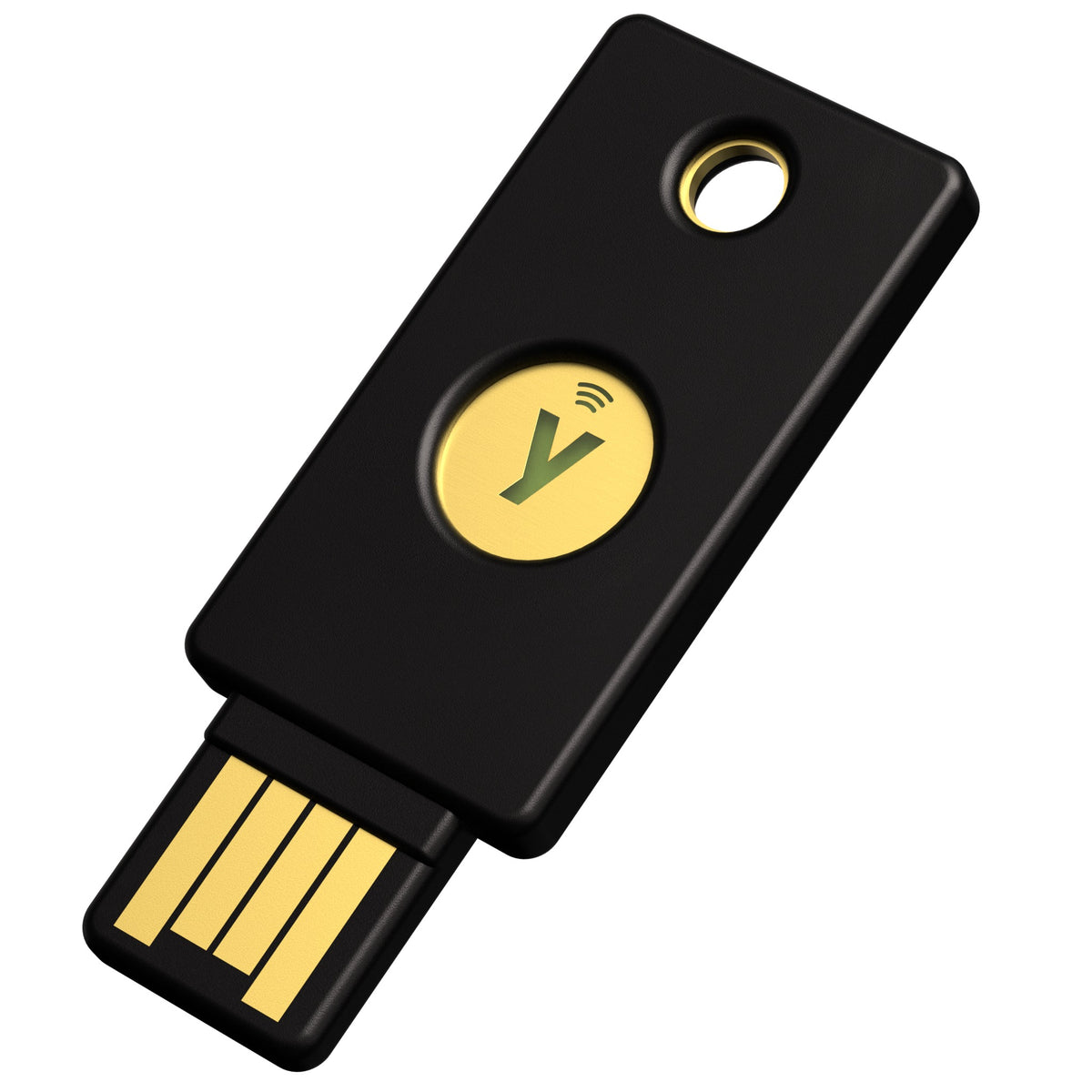
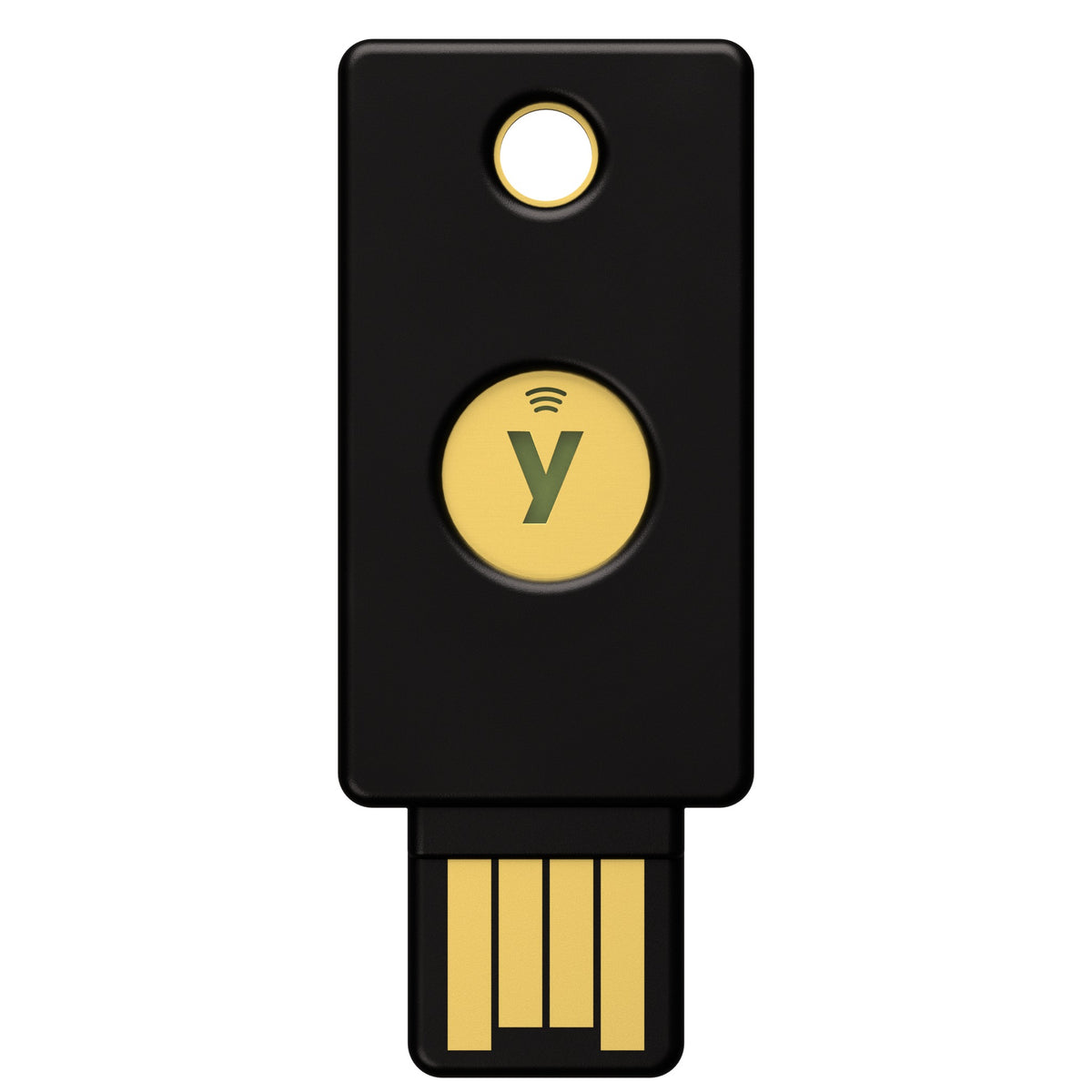
YubiKey 5 NFC FIPS is a hardware security key in the YubiKey 5 FIPS Series, used to authenticate at sign-in. Its cryptographic module is validated to FIPS 140-3 by the U.S. National Institute of Standards and Technology (NIST). It connects via USB-A and NFC.
Who it is for
- Government agencies, and organizations working for government that require FIPS-standard devices
- Banks, insurers, securities firms, and other financial service providers
- Regulated or audited organizations whose policies allow only validated devices
For personal use, or if your organization has no FIPS requirement, the standard YubiKey 5 NFC is simpler to set up because it does not need FIPS mode enabled first.
FIPS 140-3 validation
- NIST Cryptographic Module Validation Program (CMVP) certificate #5291, status Active
- Overall Level 2, with physical security at Level 3
- Tested firmware version: 5.7.4
- Validated May 22, 2026; sunset date May 21, 2031
- Validation applies when the key operates in FIPS approved mode and is configured according to the certificate's Security Policy
- The certificate covers the chip and firmware inside the key. The antenna and NFC connection are outside the validated boundary.
FIPS mode and setup before use
The key ships with FIPS approved mode turned off and will not create credentials in any application until that application is in FIPS mode. Your organization's IT team or administrator enables FIPS mode for each application before issuing the key to users. Once enabled, an application cannot leave FIPS mode unless it is reset, which erases that application's data.
Key FIPS mode requirements
- FIDO2: a PIN of at least 8 characters
- PIV: change the default PIN and PUK to at least 8 characters, and change the Management Key to AES
- OpenPGP: every PIN must be at least 8 characters
- PIV and OpenPGP over NFC must run through an SCP03 or SCP11 secure channel
Connectivity
- USB-A plugs into a computer
- NFC taps against an NFC-enabled phone
Supported protocols
- FIDO2 / WebAuthn (passkeys)
- Smart card (PIV)
- OpenPGP
- OATH-TOTP and OATH-HOTP
- Yubico OTP, supported but outside the FIPS 140-3 validation scope
The key
- Dimensions: 18 x 45 x 3.3 mm
- IP68 water and dust resistant
- Infineon secure element, the validated part of the key
FAQ
How is it different from the standard YubiKey 5 NFC?
It works almost the same way. The differences: this model runs FIPS 140-3 validated firmware, FIPS mode must be enabled before use, PIN length requirements apply, and U2F is disabled. For services that still use U2F, register with FIDO2 instead.
Can I use it right out of the box?
No. FIPS mode must first be enabled for each application you plan to use, which includes setting a PIN of at least 8 characters. In most organizations, IT completes this setup before handing keys to employees.
Does use over NFC stay within the validation scope?
The certificate covers the chip and firmware. The antenna and wireless communication sit outside the validated module boundary, and NFC is only a transport channel. Organizations with strict requirements should check the Security Policy before enabling NFC.
Where can I verify the certificate?
Look up certificate 5291 on the NIST CMVP website. The Security Policy document can be downloaded from the same page.
How many keys should each user have?
At least two: one for daily use and a backup registered to every account, so the user can still sign in if a key is lost.
Corporate purchasing
Use the Request a price button on this page for a quote and lead time, or email order@siambc.com.
Register your warranty online in under a minute Register ›
Shipping information
Processing:
- Orders are processed and dispatched the same day.
Delivery:
- Free shipping nationwide. Estimated delivery 1-2 business days, faster in Bangkok.
- Same-day delivery in Bangkok by Grab or LINEMAN. Call or message us on LINE to arrange it and pay by bank transfer.
- Or collect from our Bangkok store, Monday to Saturday, 9:00 AM to 5:00 PM.
Tracking:
- Once your order ships you will receive a confirmation email with a tracking number.
Return and Exchange Policy
Faulty on arrival: if a device arrives defective — a broken screen, a connectivity fault — we replace it with a new one straight away. No forms, no waiting on the manufacturer.
Warranty: YubiKey and Security Key products carry a 1-year warranty, and claims are handled by us rather than an overseas support queue.
Change of mind or wrong model: we accept the return within 30 days of delivery, provided the box is unopened, the factory seal is intact and undamaged, and all accessories and included gifts are present. Post it to us at our expense, or bring it to our store in Thawi Watthana, Bangkok. Once we have confirmed the seal is intact, we refund the full amount to your original payment method within 7 business days.
Opened items: once the seal has been opened, we cannot accept a return or refund for any reason other than a defect, which we exchange within 30 days of delivery. This is a security limitation of these devices: once the seal is broken, the tamper-evident packaging can no longer assure the next customer that the device has not been interfered with.
How to arrange a return or exchange
- Message us on LINE at @siambc or email order@siambc.com before sending anything back.
- Include your order number and, for a faulty item, what is wrong with a photo or short video.
- We will arrange the refund or the replacement.
Refunds: unopened returns that meet the conditions above are refunded in full. Faulty items are exchanged rather than refunded.
If you have any questions, you are always welcome to contact us. We'll get back to you as soon as possible, within 24 hours on weekdays.
-
Shipping Information
Free shipping nationwide. Orders normally arrive within 1 to 2 business days, faster if you are in Bangkok.
Need it today? We can send by Grab or LINEMAN for same-day delivery in Bangkok. Call or message us on LINE to arrange it and pay by bank transfer.
You can also collect from our Bangkok store.
-
Customer Support
We answer in Thai and English, usually within a few hours on weekdays.
You set it up yourself: register the key with your accounts from the security settings of each website or app you use. SIAMBC will never ask for your key's PIN or your account recovery codes. How to set and reset the PIN.
Stuck on a step? Ask us on LINE or at the shop.
-
Common questions
Which model should I choose? Go by the ports on your devices: USB-A, USB-C, or a model with both USB-C and Lightning. For tapping on a phone, choose a model with NFC. A Nano is made to stay in the port. The YubiKey 5 Series supports FIDO2, OTP, PIV, OpenPGP and OATH, the Security Key Series is FIDO only, and YubiKey Bio adds a fingerprint reader. See every security key.
Are your products genuine? Yes — new, sealed, genuine stock from authorized channels, from a physical shop in Bangkok you can walk into.
Will SIAMBC or Yubico ever ask for my key's PIN? Never, neither of us. SIAMBC and Yubico will never ask for your key's PIN, ask for remote access to your computer, or contact you asking you to send them the key. Anyone who does is a scammer.
-
Contact Us
LINE is the fastest way to reach us — and how most of our customers ask questions before buying.
Phone: +66 82 554 6950
Email: order@siambc.com110/2 Thawi Watthana-Kanchanaphisek 3 Rd, Bangkok 10170
Monday to Saturday, 9:00 AM to 5:00 PM
Fast & Free shipping ส่งฟรี ส่งเร็ว
Before you buy
Are your products genuine?
Yes. Every product we sell is new, sealed, genuine stock from authorized channels. SIAMBC has sold security devices in Thailand for more than 10 years and has a physical store in Bangkok you can walk into.
You can also check a key yourself: type yubico.com/genuine into your browser, insert the key and click Verify device. The page tells you whether it is a genuine Yubico device.
How long does delivery take?
Orders normally arrive within 1 to 2 business days, depending on where you are — faster if you are in Bangkok.
Need it today? We can send it by Grab or LINEMAN for same-day delivery. Call us or message us on LINE to arrange it, pay by bank transfer, and it goes out immediately.
You are also welcome to collect from our Bangkok store.
Can I collect from your store instead?
Yes. We are in Thawi Watthana, Bangkok, open Monday to Saturday, 9:00 AM to 5:00 PM. You are welcome to come in, see the devices in person and ask questions before you buy. We answer in Thai and English. Find us here.
What warranty do I get?
YubiKey and Security Key products carry a 1-year warranty, claimed directly through SIAMBC, with no waiting in an overseas support queue.
If a key is faulty out of the package, we replace it with a new one straight away. No forms, no waiting on the manufacturer.
How can I pay?
Credit card, bank transfer, or cash on delivery. You can also pay in person at our Bangkok store.
Can I set it up myself?
Yes, and you should. It takes a few minutes: open the security settings of the account you want to protect, choose to add a security key or passkey, then insert or tap the key as the screen asks. Register a second key as a backup too.
FIDO2 has no default PIN; you set one the first time a website or app asks. How to set and reset the PIN. If you get stuck, our team can answer on LINE or by phone, without ever asking for your key's PIN or your account recovery codes.
Which model should I choose?
Go by the ports on your devices: USB-A, USB-C, or a model with both USB-C and Lightning. For tapping on a phone, choose a model with NFC. A Nano is made to stay in the port.
The YubiKey 5 Series supports FIDO2, OTP, PIV, OpenPGP and OATH, the Security Key Series is FIDO only, and YubiKey Bio adds a fingerprint reader. See every security key, or ask us. We will tell you honestly which one fits.
What happens if I lose my key?
If you registered a backup key with every account, you can still sign in with the backup, then remove the lost key from each account's security settings. That is why we recommend at least two keys.
Without a backup key, you need the account recovery codes each website or app gave you during setup. Keep those codes somewhere safe and never share them.
Will SIAMBC or Yubico ever ask for my key's PIN?
Never, neither of us, for any reason. SIAMBC and Yubico will never ask for your key's PIN, ask for remote access to your computer, or contact you asking you to send them the key. Anyone who does, whether they claim to be SIAMBC staff, use the Yubico name or say it is for a warranty claim, is a scammer.
Security Key Guides
How to Set Up and Use YubiKey 5 NFC
How to Set Up and Use YubiKey 5C NFC
How to Set Up and Use YubiKey 5C