

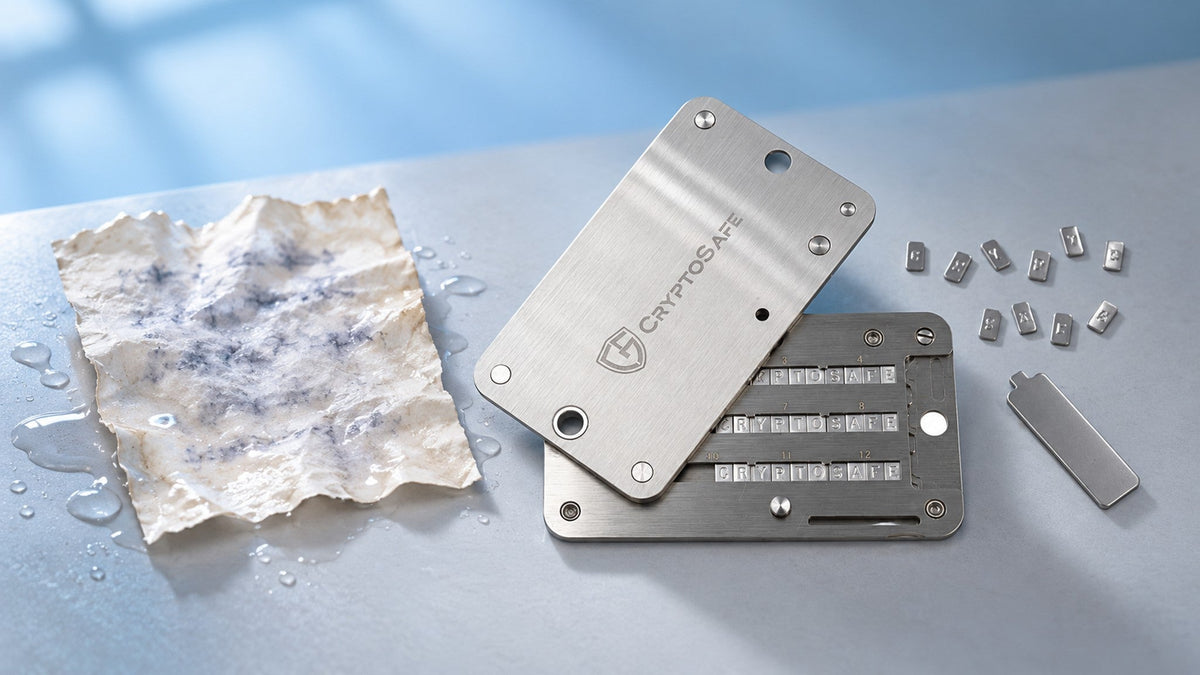
A soaked recovery sheet is unsettling, especially when the ink has run. Before trying to restore anything, establish what still works. Your next move depends on whether you can sign transactions, have another complete backup, or have neither.
Quick take
- Keep a working wallet intact. Do not reset it to test an unreadable backup.
- A device that can still sign may let you move assets to a newly backed-up wallet.
- Another complete backup can provide a recovery route, subject to compatibility and any passphrase.
- Never upload your recovery sheet or share surviving words with a recovery website.
Protect the paper and your privacy
Handle wet paper as little as possible. For a loose sheet that is not stuck to another surface, use clean absorbent material in a cool, ventilated, private place. Avoid high heat and harsh sunlight. The National Archives' wet-records guidance explains these drying precautions; drying does not promise to recover dissolved ink.
Do not send a photograph to support, a chat group or an online image-reading service. If the wallet itself is wet, do not immediately charge or power it on to test it. Ask its manufacturer for handling advice without revealing recovery information.
Identify your remaining route in
| What you still have | Next step |
|---|---|
| A device that can sign | Prepare a fresh, verified wallet and plan a transfer. |
| A complete alternative backup | Follow the correct manufacturer's recovery procedure. |
| Only some readable words | Keep them private; do not assume a guessed phrase is valid. |
| No usable device or complete backup | Check previously arranged recovery options. Standard recovery may be unavailable. |
A visible balance is not proof of spending access. An app can retain public account information without the device needed to authorize a transfer.
If you can still sign, preserve that access
A PIN change will not replace a lost recovery phrase. Avoid repeated PIN guesses and do not reset or update firmware merely to troubleshoot the damaged sheet. Lockout and erasure behavior varies by model.
A second trusted hardware wallet offers a straightforward migration path: generate a genuinely new wallet and verify its backup before moving funds. This follows the principle in Trezor's lost-backup migration guidance. Importing the damaged phrase is not creating a new backup.
- Set up the destination wallet and record its new backup offline.
- Verify receiving addresses on its device screen and match the asset and network.
- Send a small test, confirm receipt, then transfer the remaining assets.
- Account for every network, token, NFT and locked position. Keep enough native currency for transaction fees.
- Leave the original device intact until the migration and new access have been checked.
With only one device, do not wipe first and improvise later. Seek official instructions for your circumstances; using a temporary software wallet introduces additional risk. Suspected disclosure of the old phrase makes a safe migration more urgent.
Recovery needs the right backup, not just any words
Check that the spare copy is complete, correctly ordered and belongs to this wallet. Follow official recovery instructions for the device and backup format. Never enter the phrase into a site linked by a stranger.
A passphrase-protected wallet also needs its exact passphrase; the device PIN is different. See Trezor's passphrase troubleshooting. Multi-share backups such as SLIP39 require the configured threshold of compatible shares. Do not mix words from unrelated backups.
When the information is incomplete
Retain the damaged sheet privately. Partial recovery depends on what remains and is never something an unknown service can honestly guarantee in advance. Avoid uploading even a few surviving words.
If the device cannot be used and no valid backup remains, ordinary restoration may be impossible. Manufacturers do not have your phrase to reissue. A previously configured recovery service or another functioning backup device may change your options; enrolling after the loss cannot retroactively retrieve missing information. See Trezor's recovery limitations.
Make the next backup durable and private
Once access is secure, review where backups are stored. Separate copies can reduce the risk of one incident affecting them all, but every copy also needs protection from discovery.
Metal backup storage can reduce reliance on paper. Check capacity and supported word format first. CryptoSafe Pro uses metal letter tiles; it cannot reconstruct missing words or stop someone who finds the backup from reading it. Verify the information before recording it on a new medium.
Common questions
Did water damage erase my crypto?
No. Damage to the paper does not erase blockchain assets. Losing both signing access and usable recovery information can, however, leave those assets inaccessible.
Can a retailer issue replacement words?
Not for the existing wallet. A new phrase creates a different wallet, so assets must be transferred while you can still authorize transactions.
Would a phone photo be a safer backup?
A photograph stored on a phone, in chat or in cloud storage creates another exposure route. Prefer a private, verifiable offline backup.
What matters most right now?
Preserve any working access, identify valid backups and choose a recovery or transfer route. Do not wipe first, and never share the phrase.
Share:
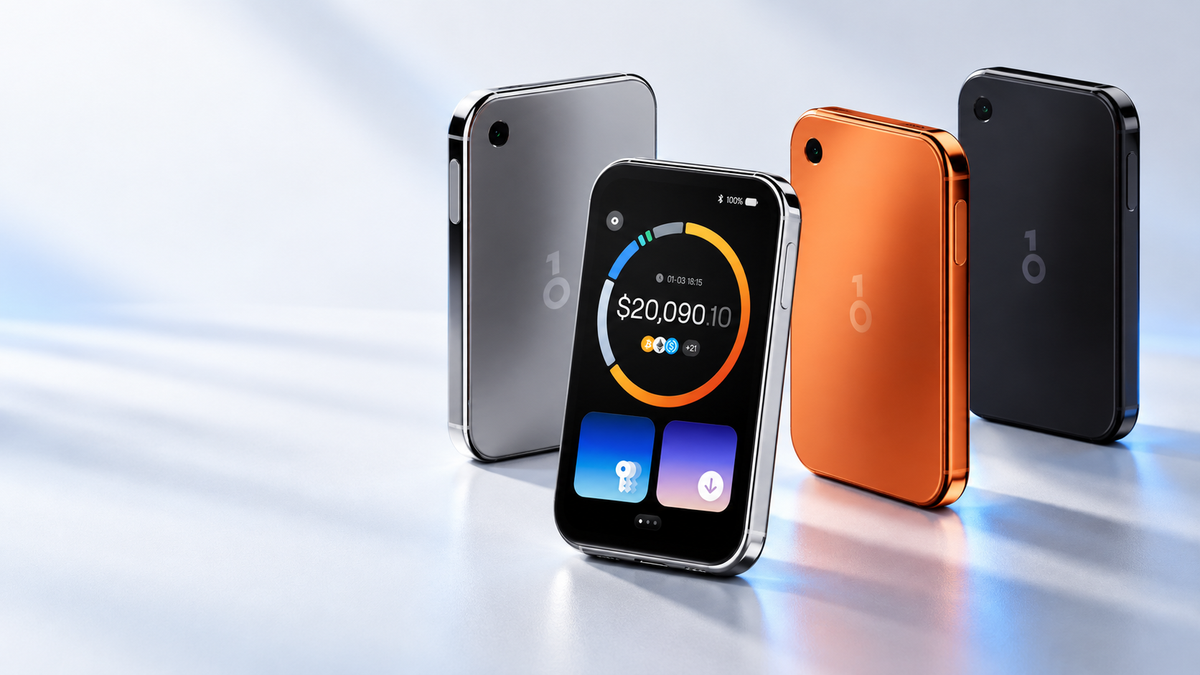
OneKey Pro 2 Review: AMOLED Display, safeOS 2 and Four Secure Elements