

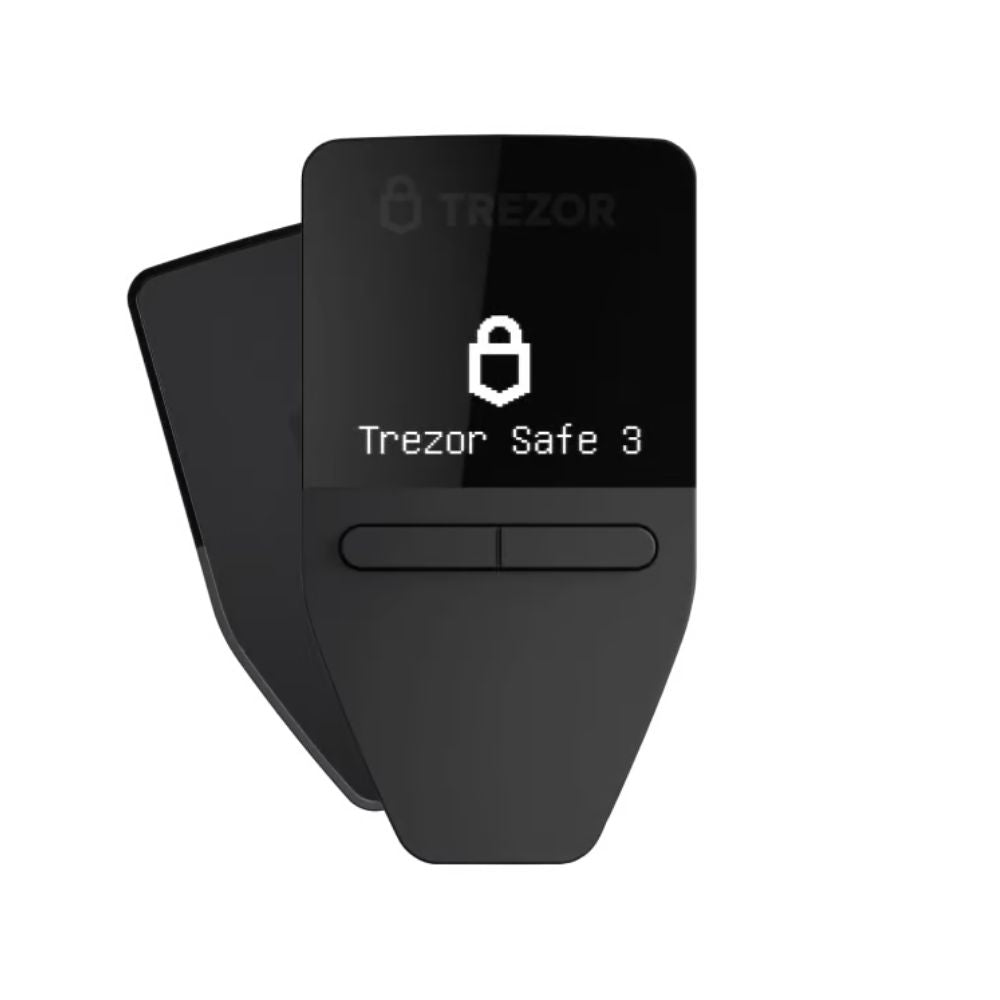
A wallet address can be correct in appearance and still belong to an attacker. Trezor Suite 26.11.2 adds a warning before sending to an address you have never transacted with, giving users another chance to catch an address copied from a poisoned transaction history. The warning is useful, but the final check still has to happen on the trusted display of the Trezor device.
Key takeaways
- Address poisoning places a look-alike address in your transaction history and waits for you to copy it.
- The attack does not reveal your private keys or drain the wallet by itself; the loss occurs when you approve a transfer to the wrong address.
- Trezor Suite already flags suspicious incoming transactions. Version 26.11.2 also warns before sending to an address with no previous transaction history.
- A new-address warning cannot prove that an address is legitimate. Always verify the complete destination on the hardware screen.
- For a large transfer, confirm the address from its original source and consider a small test transaction.
What is address poisoning?
Address poisoning, sometimes called address spoofing, is a social-engineering attack carried out through public blockchain data. An attacker studies addresses that have recently exchanged funds, then generates a different address whose opening or closing characters resemble the legitimate destination. A tiny transfer, a zero-value transaction or a worthless look-alike token is then used to place that address in the victim’s history.
The attacker cannot sign transactions from the victim’s hardware wallet. The trap works only if the user later copies the planted address and approves a real transfer to it. This distinction matters: an unexpected transaction does not mean the recovery phrase has leaked, but it should never be treated as proof that the displayed address is safe.
How the attack reaches the send screen
- The attacker monitors a public network and selects an active address.
- A look-alike destination is generated, often matching a few characters at the beginning and end.
- The attacker sends a tiny or fake transaction so the address appears in the target’s history.
- Days or weeks later, the user copies an address from that history instead of retrieving it from the recipient.
- The hardware wallet faithfully signs the destination shown on its screen. If the user approves the wrong address, the blockchain processes it as instructed.

What changed in Trezor Suite 26.11.2?
The November 2026 desktop release adds a warning before funds are sent to an address that has never previously transacted with the wallet. Its purpose is to interrupt automatic copy-and-paste behaviour and prompt a fresh check when the destination is unfamiliar.
This sits alongside an existing protection that analyzes suspicious incoming token activity. Transactions that resemble address-poisoning attempts can be blurred and marked as unverified in the history. The two controls address different moments: one helps identify a suspicious entry after it arrives; the other pauses the user before sending to a new destination.
Important: “New address” does not mean “malicious address”, and a previously used address is not automatically safe. The alert is a reason to verify, not a verdict.
What the warning cannot guarantee
Software cannot always know who controls an address. A legitimate recipient may use a fresh deposit address for every transfer, while an attacker’s address may already appear in the history. Malware can also replace an address in the clipboard before it reaches Trezor Suite. The reliable checkpoint is therefore the destination displayed by the hardware wallet at the moment of signing.
Checking only the first and last four characters is not enough when a criminal has deliberately generated a similar-looking address. Compare the full address, use an address book or verified QR code when available, and obtain the destination from the recipient’s official channel rather than from a previous transaction.
A safer way to send crypto
- Open the recipient address from its original source. Do not copy it from transaction history or a block explorer.
- Confirm the network as well as the token and destination address.
- Compare every character shown in Trezor Suite with the address on the Trezor screen.
- If another person supplied the address, confirm it through a second trusted channel.
- For a large amount, send a small test first and verify that it arrived before transferring the balance.
- Treat unexpected zero-value transfers, tiny deposits and unfamiliar tokens as suspicious.
- Keep Trezor Suite and device firmware up to date, downloaded only through official channels.
Other changes in the November update
Trezor Suite 26.11.2 also adds Solana v1 transaction signing for devices running firmware 2.13.1 or later, a redesigned asset screen with price history and cross-account activity, improved token and NFT views, and additional checks during device setup intended to help users review packaging and possible tampering. Updates are rolled out in stages, so the prompt may not appear for every user on the same day.
Frequently asked questions
Does an address-poisoning transaction mean my Trezor was hacked?
No. Receiving a suspicious transaction does not give the sender your private keys. The danger is copying the attacker’s address and authorizing a transfer to it.
Can Trezor reverse a transfer sent to the wrong address?
No. A confirmed blockchain transaction generally cannot be reversed by Trezor, SIAMBC or the exchange receiving it.
Should I stop using an address that received a suspicious transaction?
Not necessarily. The wallet can remain secure, but ignore the suspicious entry and retrieve future destinations from a trusted source.
Is checking the address on the computer enough?
No. The computer can be compromised. The final destination must be verified on the trusted display of the Trezor device before approval.
Information checked on November 25, 2026. Features may change with later versions of Trezor Suite and device firmware.

Share:
What works with YubiKey? Google, Microsoft, Apple Account, Facebook and GitHub explained