

Quick Summary
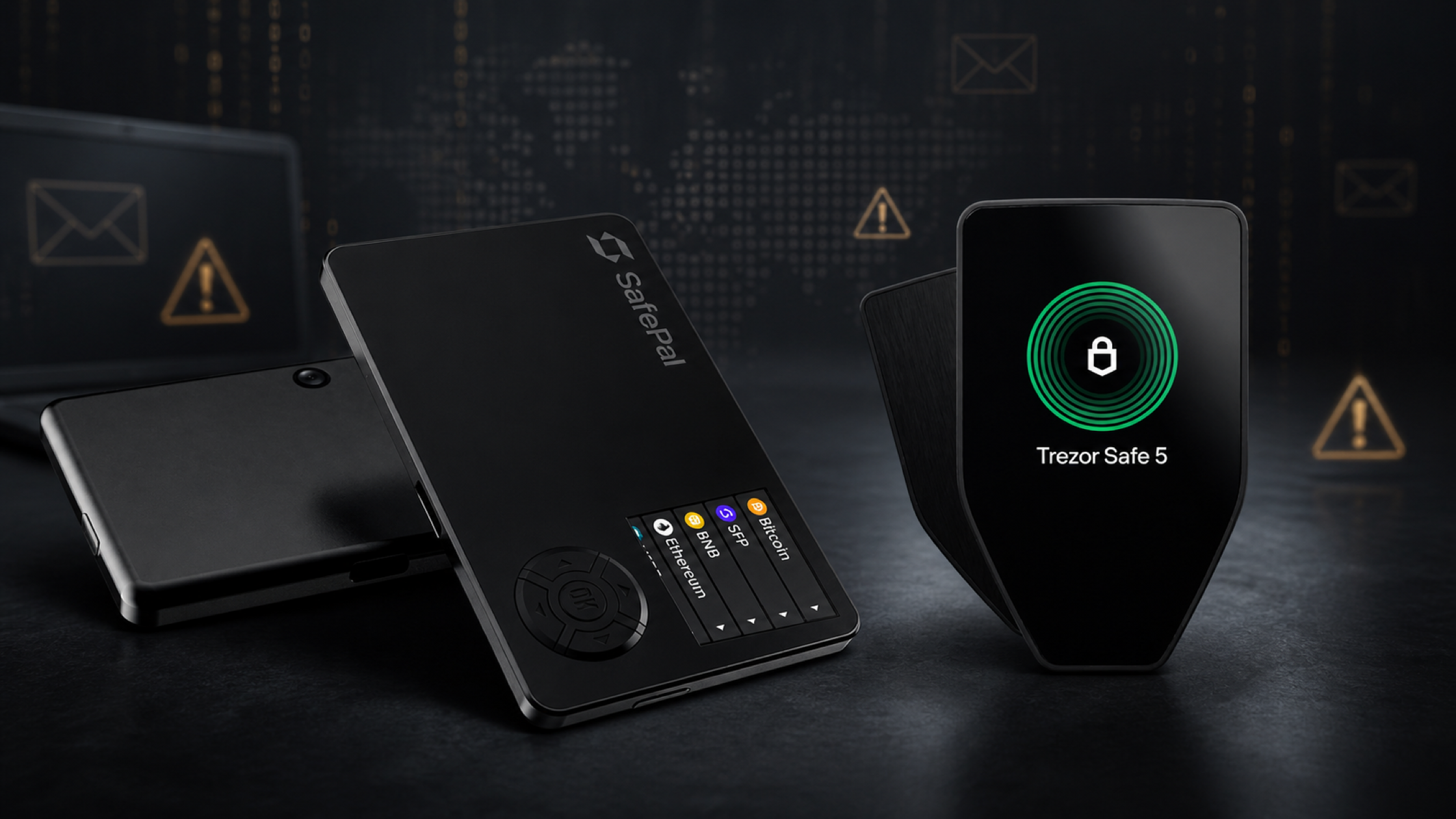
- SafePal and Trezor experienced separate customer data incidents in August 2026. The affected data was order and contact information, not Recovery Phrases or Private Keys.
- SafePal disclosed the incident on August 16, 2026, saying that order tracking data for about 39,798 customers was accessed through a vulnerability in its order tracking system.
- Trezor disclosed its incident on August 13, 2026, after a shipping service provider data breach affected about 13,689 customers.
- A customer data leak does not mean a hardware wallet has been hacked, but it does increase the risk of phishing, fake support messages, and attempts to trick users into revealing sensitive wallet information.
- Never click suspicious links, scan unknown QR codes, or enter your Recovery Phrase, Private Key, PIN, or wallet password on any website.
- If you have not revealed your Recovery Phrase or Private Key, you normally do not need to move your assets simply because order data leaked. The bigger priority is to treat future messages about your past order with extra caution.
In August 2026, two security-related news stories made many hardware wallet users uneasy. SafePal and Trezor both reported customer data incidents within a short period of time.
The important point is that these stories are often misunderstood. Many people hear “data leak” and assume that the hardware wallet itself was hacked or that assets inside the wallet are no longer safe. In these two incidents, the affected information was mainly order and contact data, not the device itself, not a Recovery Phrase, and not a Private Key.
That does not mean the issue is harmless. Information such as a name, phone number, email address, shipping address, and order details can make phishing attempts far more convincing than ordinary scams.
This article explains what happened, what users should worry about, what they should not panic about, and how to protect themselves after buying a hardware wallet online.
What happened to SafePal?
SafePal disclosed on August 16, 2026 that some customer order information had been accessed without authorization through a vulnerability related to its order tracking system.
The accessed information included order-related details such as names, email addresses, shipping addresses, phone numbers, and purchase details. SafePal said the affected customers had placed orders between March 2, 2025 and April 11, 2026, with about 39,798 customers affected.
The key distinction is that SafePal said the incident did not involve Recovery Phrases, Private Keys, wallet passwords, payment card information, or identity verification documents. There was also no indication that assets inside wallets were directly accessed as a result of the incident.
However, SafePal warned that leaked order data could be used to target users through emails, phone calls, messages, letters, fake websites, or impersonation attempts designed to make users reveal sensitive wallet information.
What happened to Trezor?
Trezor disclosed on August 13, 2026 that one of its shipping service providers, ShipMonk, had experienced a data incident that exposed customer shipping information.
The affected data was split into two main groups. The first group, 11,742 customers, included fuller details such as names, email addresses, phone numbers, and shipping addresses. Another 1,947 customers had partial information affected, such as name, city, and email address. In total, about 13,689 customers were affected.
Trezor said the incident affected customers in selected countries, including the United States, the United Kingdom, Sweden, Colombia, Brazil, Italy, and Portugal. Most of the affected orders were received between May 10 and August 8, 2026.
In this case, Trezor stated clearly that Trezor systems were not breached and Trezor devices remained secure. The main risk is that affected customers may receive more convincing scams because attackers can use real personal details when pretending to be Trezor, a courier, or another trusted party.
How the two incidents compare
| Topic | SafePal | Trezor |
|---|---|---|
| Disclosure date | August 16, 2026 | August 13, 2026 |
| Main cause | Vulnerability in an order tracking system | Data incident at a shipping service provider |
| Affected data | Name, email, shipping address, phone number, and order details | Name, email, phone number, shipping address, or partial customer data depending on the group |
| Estimated number affected | About 39,798 customers | About 13,689 customers |
| Were devices affected? | No indication that devices or assets were directly affected | Trezor stated that its systems and devices were not affected |
| Main risk | Phishing and impersonation of SafePal support | Phishing, scam calls, fake letters, and impersonation of Trezor or other trusted parties |
Customer data leak vs hardware wallet hack
This is the most important distinction in the entire article.
A customer data leak means that information related to an order, contact, or delivery was accessed by someone who should not have access to it. This can include a name, email address, phone number, address, and order details.
A hardware wallet hack means that the device, key generation process, or protection mechanism around the Private Key has been compromised in a way that directly puts assets at risk.
These are not the same thing.
Based on the information disclosed by SafePal and Trezor, these incidents involved order systems or third-party services connected to sales and delivery. They were not disclosures of Recovery Phrases or Private Keys from the hardware wallets themselves.
Put simply, leaked customer data can make it easier for someone to trick you, but it does not automatically give them access to your wallet.
An attacker still needs to convince you to do something, such as clicking a link, entering a Recovery Phrase, scanning a QR code, downloading a fake app, or confirming something on a fake website. That is why phishing is the biggest risk after a customer data leak, not panic-moving assets without understanding the situation.
Why order data can be dangerous
Order data may not look as sensitive as a Private Key, but it is very useful to attackers because it makes scams feel real.
For example, if an attacker knows which hardware wallet you bought, roughly when you bought it, and where it was shipped, they can create a message that looks much more like real support:
- Claiming that your device must be replaced because of a security issue
- Claiming that urgent firmware must be installed
- Claiming that you are eligible for a refund or replacement device
- Claiming that identity confirmation is required to protect your account
- Sending a letter or QR code to your home to appear more credible
- Calling you and using personal details to sound like a real support agent
The final goal is usually the same: make you reveal your Recovery Phrase, Private Key, PIN, or password, or make you visit a fake website designed to steal wallet information.
Key Point
- No trustworthy support team should ever ask for your Recovery Phrase.
- Firmware updates should not begin from a random email link. Use the official app or official website that you open yourself.
- Correct personal details do not prove that the sender is real. An attacker may already have those details from a data leak.
What to do if you bought a hardware wallet online
If you have bought a hardware wallet online, there is no need to panic. It is better to handle the risk step by step.
1. Check only through official channels
If you receive an email or message saying that you were affected, do not click the link in the message right away. Open the brand’s official website yourself by typing the address into your browser or using a trusted bookmark.
If the brand provides a status check page, use it only from the official website, not from a link sent by email or chat.
2. Never enter your Recovery Phrase on any website
A Recovery Phrase is for wallet recovery. It is not a customer verification detail for a shop, brand, courier, or support team.
If any website asks you to enter your Recovery Phrase to check wallet safety, update firmware, receive a refund, or claim a replacement device, treat it as a scam.
3. Do not install apps or firmware from links sent to you
Software or firmware updates should be done only through official channels, such as the official app, official website, or instructions that can be verified directly from the brand.
Do not install files from links in emails, messages, or unfamiliar websites, even if the message correctly mentions your name, product model, or order details.
4. If you revealed your Recovery Phrase or Private Key, treat that wallet as compromised
If you entered your Recovery Phrase or Private Key into a website, sent it to someone, or typed it into an app you do not fully trust, you should assume that wallet has been exposed.
In that situation, create a new wallet on a trusted device and move any remaining assets to the new wallet as soon as possible, while carefully checking every transaction.
5. Be more careful with your email and phone number
After a data leak, you may receive scam messages that include correct names or order details. Do not treat accurate personal information as proof that the sender is genuine.
Enable two-factor authentication on your email account, change passwords if they were reused elsewhere, and be especially careful with messages that pressure you to act immediately.
How to check emails, messages, and phone calls
After customer data has leaked, messages need to be checked more carefully because attackers may already have real details about you.
- Look closely at the email domain, but remember that sender names and emails can be spoofed.
- Do not click links in messages you are unsure about. Type the official website yourself.
- Be careful with urgent language, such as “within 24 hours” or claims that assets will become unsafe.
- Do not trust someone just because they know your name, address, or product model. Those details may have come from a leak.
- Do not scan QR codes from letters or documents you are unsure about, especially if they claim to relate to refunds, replacements, or security updates.
- If someone calls you, hang up and contact the company yourself through official contact details you find independently.
A simple rule: if a message pushes you to reveal sensitive information, click a link, download a file, or act urgently, stop first.
Is it still safe to buy a hardware wallet online?
Yes, it can still be safe if you buy from a trustworthy source and understand that security has two separate layers.
Layer one: device security
A hardware wallet is designed to generate and store your Private Key separately from internet-connected devices. Choosing a reputable device, setting it up yourself, and storing your Recovery Phrase properly remain the core parts of protecting digital assets.
Layer two: purchase data security
When you buy a physical device, there must be payment and shipping information. This is where risks can appear through stores, couriers, or external service providers, even if the hardware wallet itself remains secure.
Buying online is not the problem. The important part is choosing a source with clear product origin, warranty terms, contact channels, and after-sales support.
If you are still deciding which model is right for you, you can use SIAMBC’s Hardware Wallet Comparison page or browse the Hardware Wallet collection to compare models before buying.
Checklist before and after buying a hardware wallet
Before buying
- Buy from a shop that can be verified and has clear contact channels
- Check that the product is new and has not been set up before
- Review warranty terms and after-sales support
- Be careful with prices that look unusually low without a clear reason
- Use contact details you can control, and avoid sharing more personal information than necessary
After buying
- Set up the device yourself from start to finish
- Write your Recovery Phrase on offline material. Do not photograph it, store it in the cloud, or send it to anyone.
- Check firmware or app updates only through official channels
- Keep order information only as long as needed, and do not post photos of boxes or order numbers publicly
- Be careful with emails, calls, messages, or letters claiming that you must replace a device or perform an urgent security update
The Most Important Rule
- Your Recovery Phrase and Private Key are not customer verification details.
- No trustworthy shop, brand, or support team should ever ask for them.
- If any message asks for them, treat it as a scam immediately.
FAQ about customer data leaks and hardware wallets
Does a customer data leak mean a hardware wallet is unsafe?
Not necessarily. A customer data leak usually involves order systems, shipping systems, or customer service systems. It does not automatically mean that the hardware wallet itself has been compromised. The important question is what data leaked and whether it involved a Recovery Phrase or Private Key.
If order data leaked, do I need to move assets out of my wallet?
If you have not revealed your Recovery Phrase, Private Key, or approved a suspicious transaction, you generally do not need to move assets just because order data leaked. You should, however, be more careful about phishing and follow official brand updates.
What should I do if I receive an email asking me to replace a device or update firmware?
Do not click the email link right away. Check through the official website or app that you open yourself. If the message asks for your Recovery Phrase, Private Key, PIN, or password, treat it as unsafe.
Can support ask for my Recovery Phrase?
No. A trustworthy support team should never ask for your Recovery Phrase, Private Key, or wallet password, regardless of whether they claim it is for verification, troubleshooting, warranty, or moving assets.
Should I buy a hardware wallet online or in person?
Both can be safe if the shop is trustworthy. The product should be new, set up by you, traceable to a reliable source, covered by clear warranty terms, and supported by clear after-sales contact channels.
How can I reduce the risk from shipping data exposure?
Use contact details you control, buy from a trustworthy source, avoid sharing order details publicly, and be cautious with post-purchase contact, especially messages that mention your name, address, or product model.
Summary
The SafePal and Trezor incidents are useful reminders that hardware wallet security does not stop at the device. It also includes the information around purchase, shipping, and post-sale communication.
The key point is that a customer data leak is not the same as a hardware wallet hack. However, leaked data can make scams far more convincing, especially when someone pretends to be a brand, shop, courier, or support team.
For users, the most important thing is not to panic into making a mistake. Do not click suspicious links, do not enter your Recovery Phrase on any website, and verify everything through official channels only.
If you are choosing a hardware wallet, choose both the right device and a trustworthy place to buy it. Good security starts before checkout and continues with how you protect your information after the product arrives.
This article is based on public information available as of August 20, 2026.
Conclusion
SafePal and Trezor both reported customer data incidents in August 2026. This guide explains why a customer data leak is not the same as a hardware wallet hack, how phishing risk increases, and what to check after buying a hardware wallet online.
Share:
What Is Tangem? Tangem Wallet Guide and Model Comparison
Binance Blockchain Week Bangkok 2026: Dates, Venue and Key Themes