SIAMBC can confirm that there is no fault with the Ledger itself, and that it was not hacked.

The method the attacker used was to alter the information displayed in the Chrome extension, so that a user who was not paying close attention sent their Bitcoin to the attacker's account instead.

The defence is to check the account you are sending Bitcoin to on the Ledger's own screen before pressing confirm. The same applies when receiving into a Ledger, because an attacker can also change the receiving address shown on the computer.

To make the address appear on the Ledger screen, use the button shown in the image below.

If you have further questions, contact us at order@siambc.com.
Latest Stories

View all

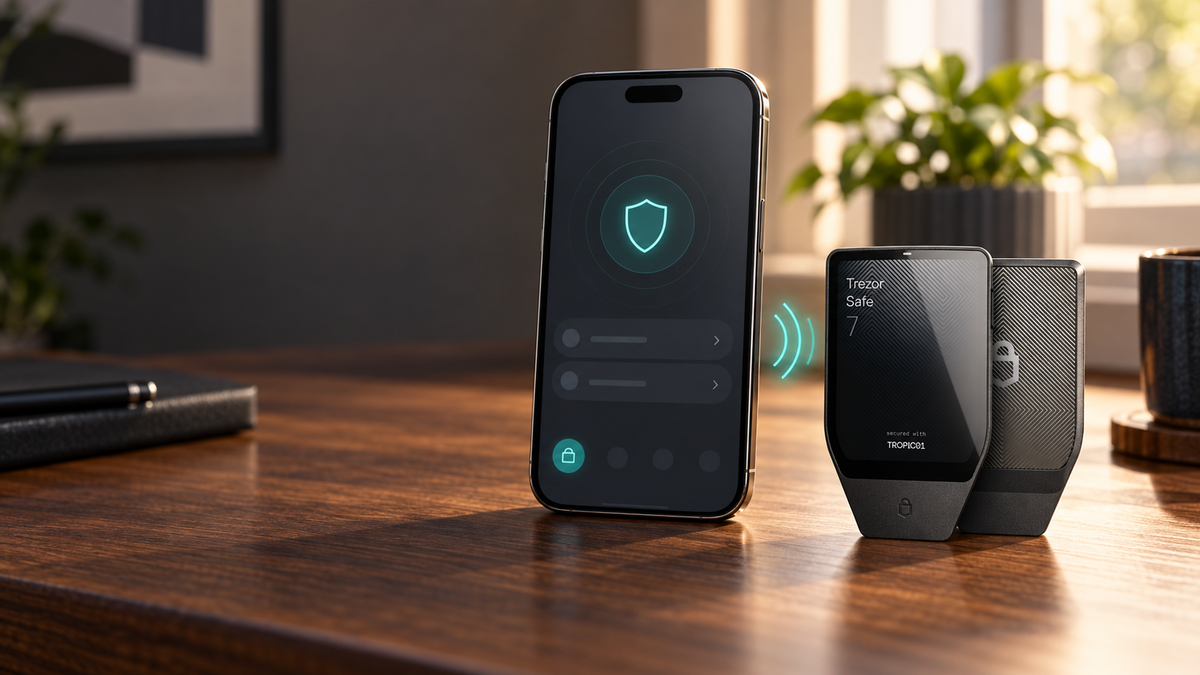
Trezor Safe 7 paired with an iPhone over Bluetooth

Can You Use Trezor With an iPhone? iOS Compatibility and Setup

Learn which Trezor models work with iPhone, why Safe 7 offers full iOS support, and how to pair it securely over Bluetooth.

Read moreabout Can You Use Trezor With an iPhone? iOS Compatibility and Setup

Trezor Safe 3, Safe 5 and Safe 7 for managing Solana securely

Does Trezor Support Solana? Compatible Models, Tokens and Setup

Does Trezor support Solana? See which models work with SOL and SPL tokens, how to use Trezor Suite, stake SOL and transfer assets safely.

Read moreabout Does Trezor Support Solana? Compatible Models, Tokens and Setup

Bitwise NEAR ETF concept with the NEAR logo, exchange documents and a rising market chart

Bitwise NEAR ETF Moves Closer to Launch After NYSE Arca Approval

The Bitwise NEAR ETF has cleared major listing and registration milestones. Here is what NRR could mean for NEAR investors, direct ownership and SIAMBC customers.

Read moreabout Bitwise NEAR ETF Moves Closer to Launch After NYSE Arca Approval