

In brief
- A cold wallet describes how private keys are kept and used away from online systems; it is not one specific product.
- A hardware wallet is a purpose-built device that generates, protects and uses private keys to sign transactions.
- A hardware wallet can run a cold-storage account, but cold storage can also be built without a commercial hardware wallet.
- USB, Bluetooth or NFC does not automatically expose a key. The critical question is whether the key leaves the protected device.
- For most people, a hardware wallet offers the most practical balance of isolation, transaction verification and recoverability.
“Cold wallet” and “hardware wallet” are often treated as interchangeable labels. That shortcut is convenient, but it hides an important distinction: cold storage is an operating model, while a hardware wallet is a tool that can implement it.
Understanding that distinction changes how you think about security. Buying a device is only the beginning. Account separation, recovery backups, on-device verification and disciplined signing habits determine whether the setup remains suitable for long-term savings.
What is a cold wallet?
A cold wallet keeps private keys in an environment isolated from internet-connected systems. The aim is to prevent malware, phishing pages or compromised computers from reading the secret that authorises outgoing transactions.
The crypto itself does not move inside a wallet. Assets remain recorded on their blockchains; the wallet protects the private keys that control the relevant addresses. “Keeping crypto offline” is therefore shorthand for keeping the signing keys offline.
Cold storage can take several forms: a hardware wallet, a permanently offline computer, an air-gapped signing device or an institutional multisignature process. The important questions are where the keys are created, where they remain and where transaction signing occurs.

What is a hardware wallet?
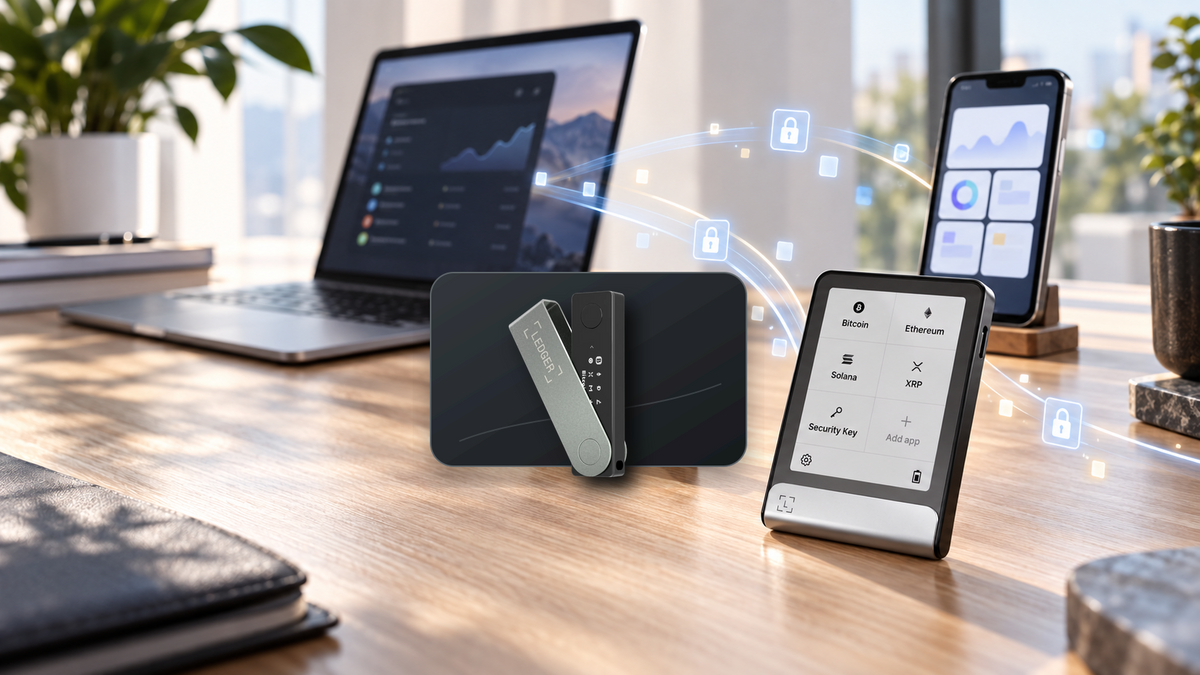
A hardware wallet is a dedicated physical device designed to generate and protect private keys. When you send crypto, a companion app prepares an unsigned transaction and passes it to the device. You review the destination, amount and network, then authorise the signature on the hardware.

The signed transaction returns to the phone or computer for broadcasting, while the private key stays inside the protected environment. That separation is what allows an online interface to be useful without turning the host computer into the keeper of the key.
Good devices also provide a clear recovery method and a trusted way to verify transactions. For a broader introduction, see What is a hardware wallet?
The practical difference
| Area | Cold wallet | Hardware wallet |
|---|---|---|
| Meaning | A method for isolating private keys from online systems | A dedicated device for key protection and signing |
| Form | May be a device, offline computer, air-gapped system or institutional process | A physical product with buttons, touchscreen, card or ring form factor |
| Typical use | Long-term reserves with minimal external interaction | Long-term storage or regular use, depending on account design |
| Signing | Requires a controlled route for moving unsigned and signed data | The device manages signing and returns only the completed result |
| Ease of use | Varies widely and may demand significant technical discipline | Usually supported by an app, firmware updates and a defined recovery flow |
| Main risk | Operational mistakes, poor backups or lost keys | Compromised recovery data, careless approvals or untrusted sellers |
The simplest rule is this: cold storage is the strategy; a hardware wallet is the instrument. A hardware wallet account used only for deposits and deliberate transfers has a different risk profile from an account that signs new smart contracts every day.
Common cold-storage setups
Hardware wallets
This is the most approachable option for individuals. The device handles key creation and signing, while the owner remains responsible for the recovery backup and every confirmation.
Air-gapped signers
These systems avoid conventional wired or wireless links and often exchange transaction data through QR codes. Air-gapping reduces one communication path, but it does not guarantee secure firmware, reliable key generation or accurate transaction decoding.
Offline computers
Experienced users can maintain a computer that never goes online and transfer unsigned transactions to it for signing. The method offers control, but software maintenance and data transfer require more care than a consumer hardware wallet.
Paper-based key storage
Paper cannot be hacked over a network, yet the process may fail through insecure key generation, printing errors, fire, water or unsafe importing. It is rarely the best starting point for a new user today.
Custodian cold storage
An exchange may keep most customer funds in offline systems, but that does not make the customer a self-custodian. The provider controls the keys and the withdrawal process.
Does connecting a device make it hot?
Not by itself. A hardware wallet may communicate over USB, Bluetooth or NFC while keeping its private keys inside the device. The online app delivers transaction data; the protected device signs it; only the completed signature is returned.

Isolation does not protect against every decision. A user can still approve a substituted address, authorise a malicious smart contract or disclose a recovery phrase to a convincing phishing site.
Security rule: never enter a Seed Phrase into a website, chat, online form or computer to “verify” a wallet. Check the address, amount and network on the trusted device before every approval.
Which approach should you choose?
If you want long-term protection without building and maintaining an offline computer, a hardware wallet is usually the sensible choice. The device supplies a repeatable signing process while leaving control of the keys with you.
- Long-term savings: keep a dedicated account that does not connect to unfamiliar apps.
- DeFi or NFT activity: use a separate account and limit the value exposed to contract approvals.
- Mobile-first use: choose Bluetooth or NFC support that matches your iPhone or Android workflow.
- Bitcoin-focused storage: consider clear address verification and an optional Bitcoin-only firmware.
- Higher-value holdings: protect the Seed Phrase in appropriate media, separate backup locations and test recovery before transferring a large balance.
Always initialise a new device yourself, buy through an official or authorised channel and complete a small receive-and-send test before moving substantial funds.
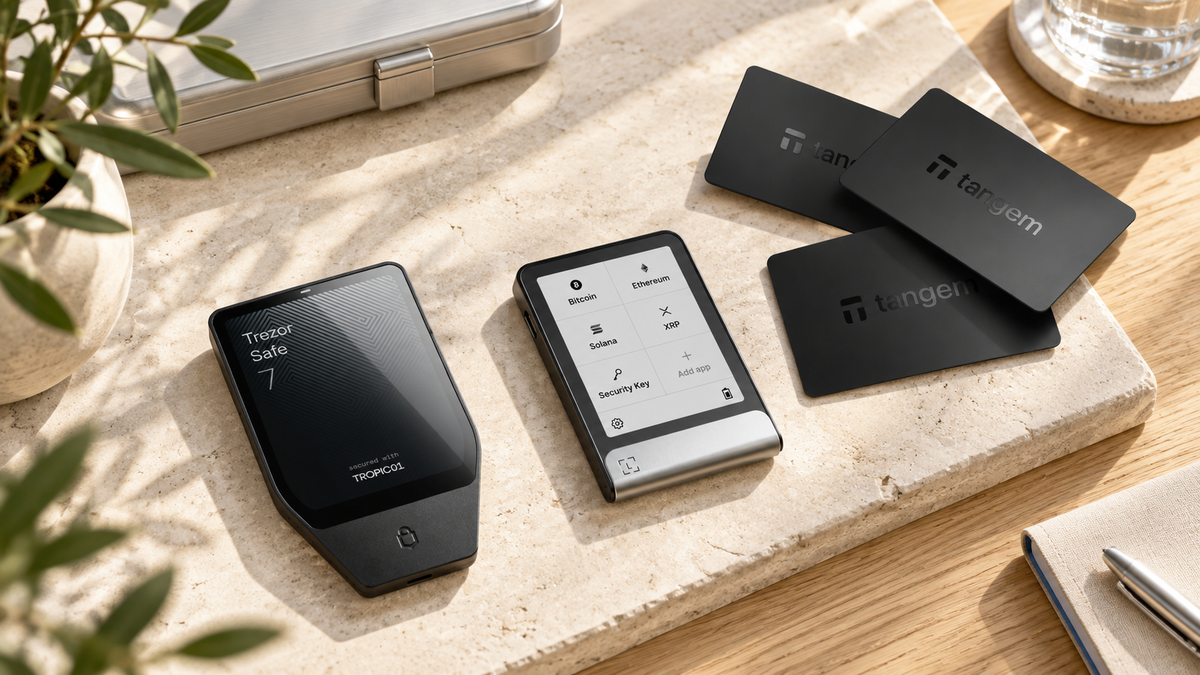
Hardware wallets for cold storage

Trezor
- Large touchscreen for clear transaction review
- Bluetooth support for mobile use
- Flagship option for frequent interaction
Adds Charcoal Black. Other colours are available on the product page.

Ledger
- USB-C connection
- Best suited to computers and Android
- Broad coin and app support
Adds Matte Black. This model does not connect to iPhone.

Tangem
- Works with iPhone and Android over NFC
- No battery or cable required
- Three cards for use and distributed backups
Adds the black three-card set. Current pricing may vary with promotions.

OneKey
- Open-source firmware
- USB-C and Bluetooth connectivity
- Slim body with a built-in battery
Frequently asked questions
Is every hardware wallet a cold wallet?
Hardware wallets are designed to keep keys isolated, but the account’s use still matters. A savings account that only receives funds has less exposure than one that regularly approves unfamiliar smart contracts.
Must a cold wallet never communicate with another device?
No. What matters is that the private key stays inside the isolated environment. Transaction data can move through USB, Bluetooth, NFC or QR codes without transferring the key itself.
Is exchange cold storage the same as owning a cold wallet?
No. The exchange may store funds offline, but it remains the key holder and controls withdrawals. Self-custody means you control the recovery material and signing authority.
Does losing the hardware wallet mean losing the crypto?
The assets remain on-chain. A valid Seed Phrase or supported backup method can restore access on a compatible device. Protecting recovery data is therefore more important than protecting the hardware alone.
Should long-term savings and dApp activity share one account?
They should be separated. Keep the savings account away from smart-contract approvals and use a different account with a limited balance for Web3 activity.
Conclusion
Cold storage describes a security approach; a hardware wallet is the most practical tool for putting that approach into daily use. A sound setup combines an appropriate device, deliberate account separation, careful on-device verification and a recovery backup that never enters an online system.
Written by Bank | SIAMBC

Share:
Where to Buy Trezor in Thailand: Models, Authenticity and Warranty
What Is Hyperliquid? HyperCore, Perpetuals and HYPE Explained