

Written in September 2021. Mobile and MetaMask support has changed substantially across all of these brands since, and newer models have been released. Check the current product page for what a given model supports today. The article is kept as written.
Connecting Ledger, Trezor, SafePal and CoolWallet to iPhone and iPad
- Trezor One / Trezor Model T / Ledger Nano S — not supported on iPhone or iPad.
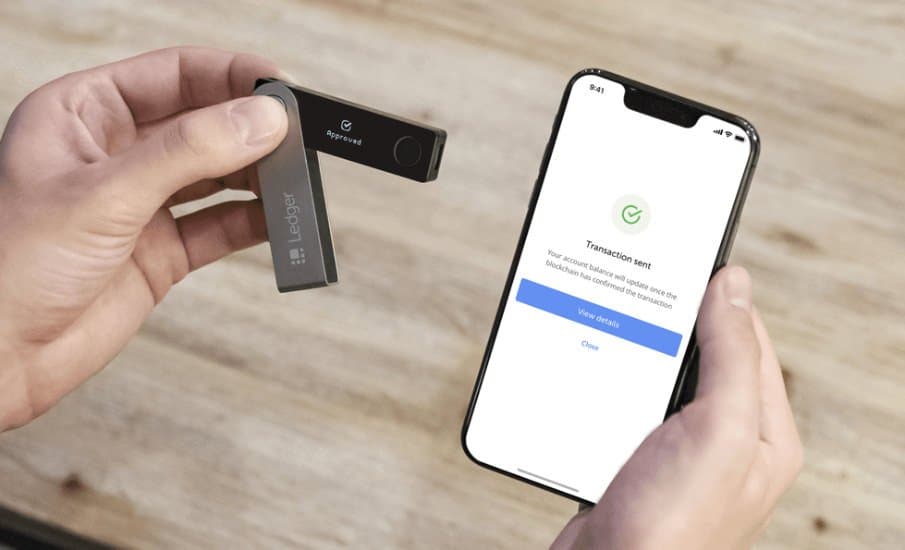
- Ledger Nano X — supported on iPhone and iPad over Bluetooth, but only for transfers in and out. It does not support DeFi, or being used with MetaMask on the device.
- SafePal S1 — supported on iPhone and iPad through the SafePal app. The advantage is that some DeFi is possible, such as Uniswap and PancakeSwap. Recommended for customers who work on a phone only. (It does not support MetaMask on mobile, and does not support connecting to a computer.)
- CoolWallet S / Pro — supported on iPhone and iPad through the CoolWallet app over Bluetooth. (It does not support MetaMask on mobile, and does not support connecting to a computer.)
Connecting Ledger, Trezor, SafePal and CoolWallet to Android
- Trezor One / Trezor Model T / Ledger Nano S — supported on Android, but only for transfers in and out. No DeFi, and no use with MetaMask on the device.
- Ledger Nano X — supported on Android over Bluetooth and USB-C, but again only for transfers in and out. No DeFi, and no use with MetaMask on the device.
- SafePal S1 — supported on Android through the SafePal app. The advantage is that some DeFi is possible, such as Uniswap and PancakeSwap. (No MetaMask on mobile, and no connection to a computer.)
- CoolWallet S / Pro — supported on Android through the CoolWallet app over Bluetooth. (No MetaMask on mobile, and no connection to a computer.)
At present there is no hardware wallet model that supports connecting to MetaMask on a phone.
If you have any questions, you can contact us on LINE at @siambc.
Share:
Four NFT game tokens worth watching in 2021
CryptoBlades, the Binance Smart Chain game battle fans should not miss