

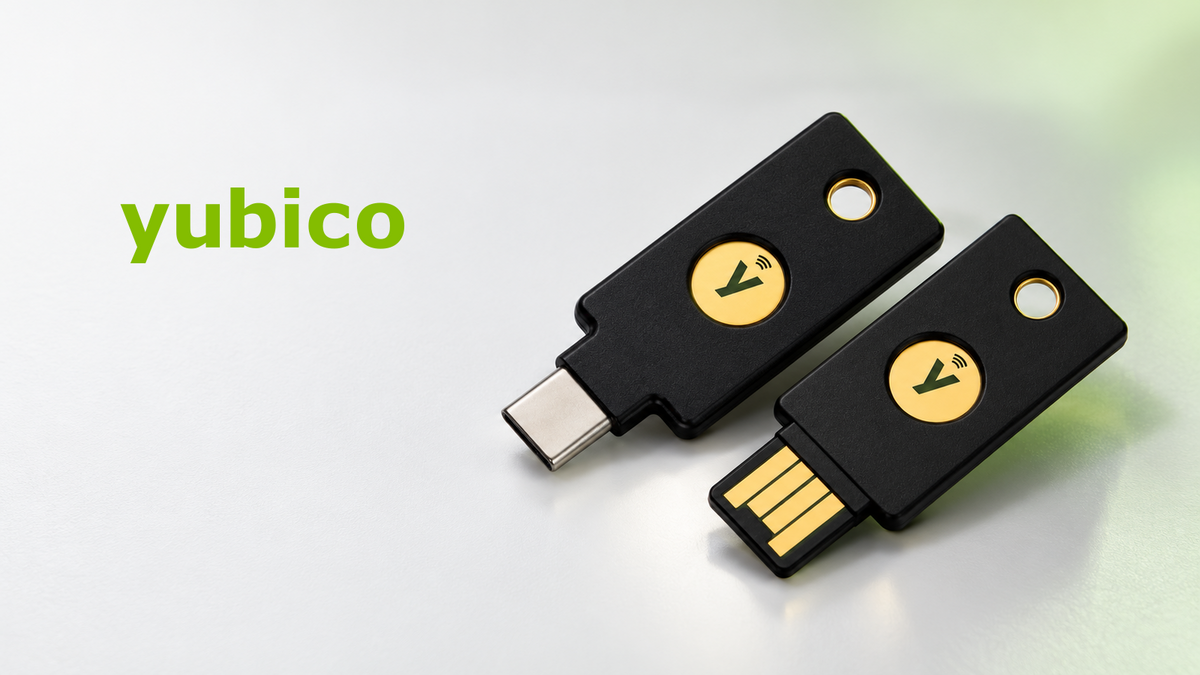
The number on a launch announcement is not the whole purchasing decision. YubiKey 5.8 is firmware, while names such as 5 NFC and 5C NFC describe the device. Before replacing a working key, establish which new capability you need and whether your browser, service or organization can actually use it.
Quick take
- 5.8 identifies firmware, not a new connector or a single new physical model.
- The main additions concern FIDO2/CTAP 2.3, passkey usability and emerging authorization workflows.
- Some WebAuthn signing capabilities are developer previews, not universally available production features.
- Existing keys cannot receive a firmware upgrade to 5.8; confirm the firmware of the stock you intend to buy.
Separate the device name from the firmware
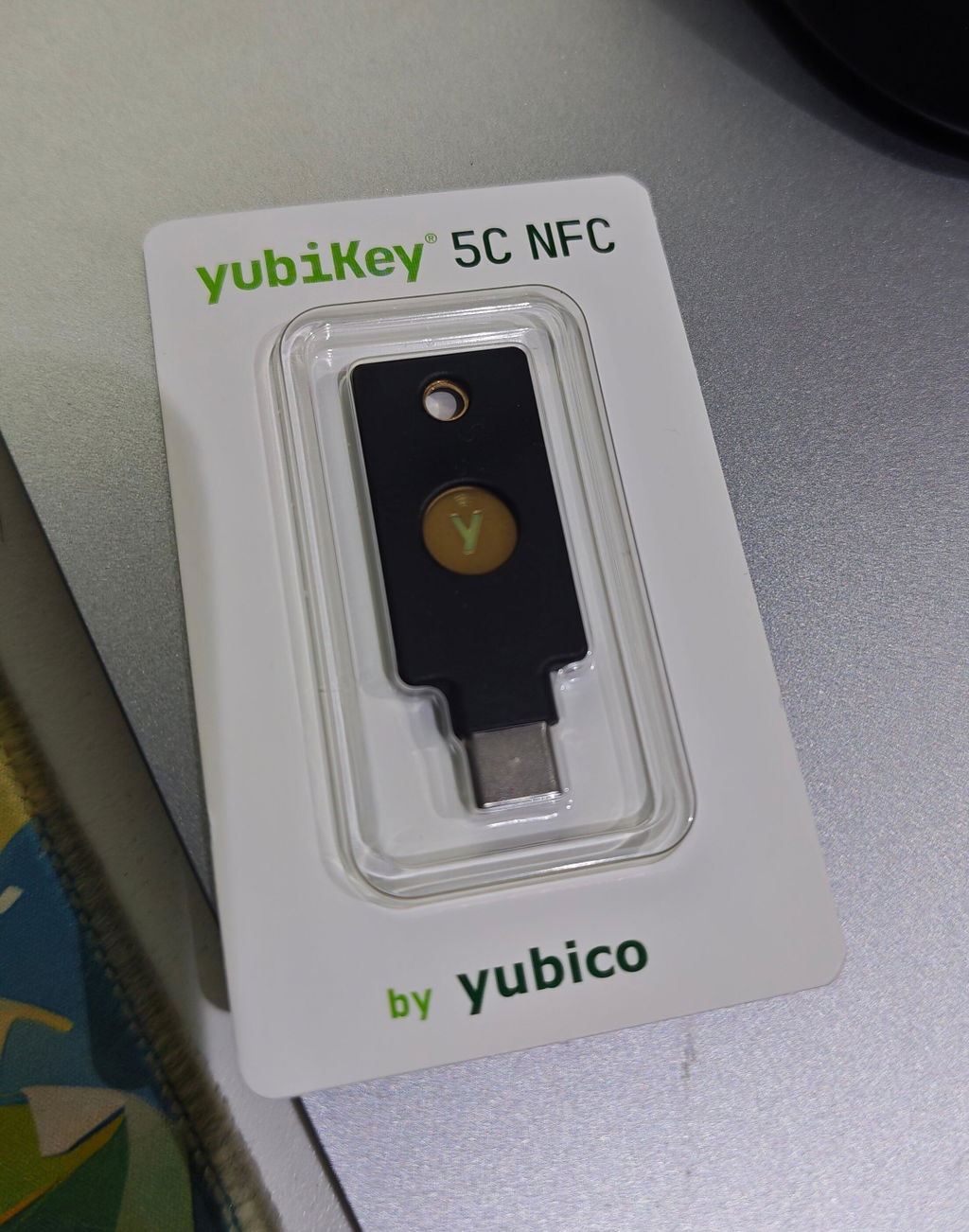
A YubiKey 5C NFC has a USB-C connector and NFC. Firmware 5.8 describes the software inside the key. Identically named physical models can therefore come from different firmware generations.
Yubico announced general availability on July 21, 2026, followed by the Security Journal UK report on July 22. This is an explainer checked in October, not an October launch announcement.
What changes in everyday use and development?
Smoother discovery of hardware passkeys
Conditional mediation and persistent PIN/UV authorization mechanisms help supporting platforms offer a more integrated credential-selection experience, with fewer repeated prompts in some flows. That does not eliminate PINs. Yubico’s CTAP 2.3 guidance makes browser support an explicit implementation consideration.
Approval as well as sign-in
The developer announcement describes hardware-backed approval of important actions, including automated workflows. The emerging WebAuthn signing extension is a developer preview. Owning a 5.8 key does not make every document service accept its signatures, or establish a particular legal status for them.
More enterprise flexibility
The datasheet describes expanded Enterprise Attestation support from 2 to 16 RP IDs for applicable products and configurations. It is relevant to organizations operating multiple identity environments, rather than a setting every consumer needs to turn on.
Not every headline feature is new capacity
| Question | Practical answer |
|---|---|
| Does 5.8 newly introduce 100 passkeys? | No. YubiKey 5 Series firmware 5.7.x and 5.8.x both support up to 100 discoverable credentials. |
| Are all protocols substantially revised? | No. The changes chiefly concern FIDO2; the manual reports no material PIV or YubiOTP changes. |
| Is a higher version automatically FIPS validated? | No. The referenced FIPS Series remains on firmware 5.7.4. |
Use the firmware capability matrix and 5.8 technical notes for product-specific requirements. Certification and version numbers answer different questions.
How to identify your own key
Install Yubico Authenticator from the official source on a supported computer, connect the key and open Home. Its device overview displays the model and firmware version. If several keys are connected, check which one is selected.
Updating the app does not update the key’s firmware. A reset is not an upgrade procedure either: it can remove credentials in the selected application without changing the firmware.
Should you replace a working key?
Yubico states that firmware is fixed during manufacture and cannot subsequently be changed. Access to a 5.8-only capability requires a key manufactured with the relevant firmware.
That is not, by itself, a reason to retire a key that still meets your requirements. For an individual, the useful test is service compatibility. For an organization, it is a pilot against the actual identity system, browser and application stack, with preview functionality kept distinct from production requirements.
When replacing a key, register and test the new one before removing the old registration. Do not begin by resetting your only working access method.
A short buying checklist
- Choose the connector and NFC capability for the devices you use.
- Check protocols: a FIDO-only Security Key is not interchangeable with every multi-protocol YubiKey 5 use case.
- Ask for firmware confirmation when 5.8 is a requirement; a product photograph cannot prove it.
- Check the Works with YubiKey catalog and the target service’s instructions.
- Plan a separately registered backup key and the account’s recovery arrangements.
Compare the physical options in our YubiKey 5C NFC and YubiKey 5 NFC listings. Ask SIAMBC to confirm the relevant stock when firmware matters. This article does not certify every unit offered for sale as 5.8.
Before ordering from SIAMBC
Please contact SIAMBC before placing your order to confirm the firmware version of the available stock. Tell our team which version you need so we can verify that the item matches your requirements. The same device model can have different firmware across production batches, and its firmware cannot be upgraded after purchase.
Common questions
Does “digital wallet” mean it replaces a Bitcoin hardware wallet?
No. The announcement concerns identity and authorization capabilities, not universal cryptocurrency-wallet functionality.
Will every account become passwordless?
No. The service must support the relevant method and you must enroll it. Start with Yubico’s setup guidance and the service’s own requirements.
Will two keys with the same product name have identical firmware?
Do not assume so. Check the device or obtain confirmation for a firmware-specific purchase.
Who gains most from 5.8?
Users whose supported applications need the additions, and teams building the next generation of hardware-backed workflows. For everyone else, a compatible setup and a tested recovery route remain the starting point.
Sources
- Yubico: YubiKey 5.8 launch announcement
- YubiKey 5.8 Firmware Specifics · Firmware Overview
- YubiKey 5.8 Datasheet · Developer overview
- Yubico Authenticator: Home
- Security Journal UK
Information checked October 25, 2026. Feature availability depends on product, configuration, browser and service support. Product imagery illustrates form factors, not the firmware of any particular stock unit.


Share:
Keystone Customer Data Breach: Beware of Fake Support
Thailand Joins BLOOM: What Cross-Border Stablecoins Could Mean for Thai Businesses