



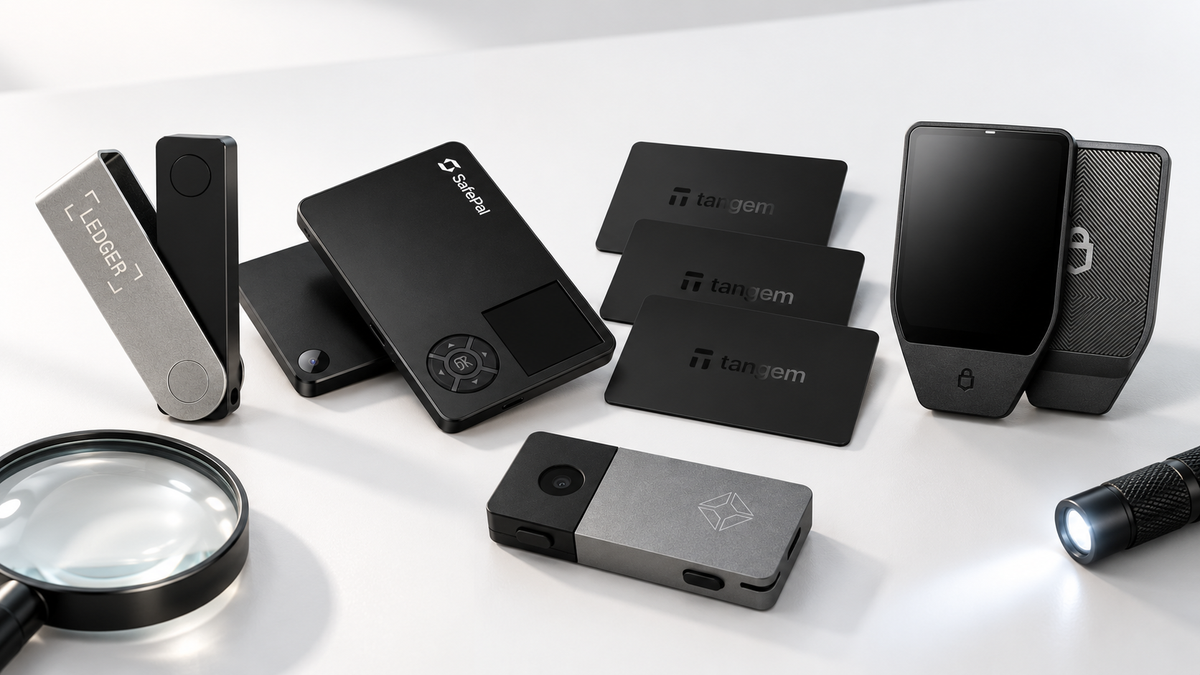
A convincing box is not proof that a hardware wallet is safe. A device may be counterfeit, previously initialized, or physically altered while still looking normal at first glance. This guide shows how to inspect a new wallet before setup and how to use the official verification process for Ledger, Trezor, Tangem, SafePal, OneKey and Blockstream Jade.
The short version
- Buy through an official channel and retain the invoice, order number and shipping label.
- A new wallet must not arrive with a PIN, an existing account or recovery words prepared for you.
- Install the companion app from the manufacturer's official website and complete its authenticity check where supported.
- Stop before transferring funds if the packaging, first-boot flow or verification result is unexpected.
- No single check is sufficient. Seller records, physical inspection and cryptographic verification work together.
Counterfeit, used or tampered: what is the difference?
A counterfeit imitates a manufacturer's product without being produced by that company. A previously initialized device can be genuine hardware that already contains a PIN, wallet or recovery setup. A tampered device may begin as genuine stock but later be opened, modified, fitted with additional components or supplied with a manipulated setup process.
These risks do not produce the same warning signs. A counterfeit may fail a manufacturer's cryptographic check. A used wallet may start at a PIN screen. A physically altered unit may retain genuine components, which is why buyers should never rely on one test alone.
Five checks to make before opening the box
- Identify the actual seller. A marketplace name and the merchant that fulfilled the order may be different.
- Compare the exact model with current official guidance. Packaging and seals change between production runs, so use the manufacturer's current page rather than a single old unboxing video.
- Look for signs of reopening. Uneven glue, layered labels, cut or wrinkled seals, unusual dents and disturbed accessories all deserve attention.
- Photograph the unopened package. Capture every side, the shipping label and the seals before breaking them.
- Do not dismantle a suspicious device. Preserve it and contact the seller. Opening the enclosure can damage evidence and affect warranty handling.
Red flags during first startup
You should control the initialization process from the first screen. Stop if the device asks for a PIN you did not create, shows an existing wallet, directs you to enter recovery words on a phone or computer, or links to an unfamiliar domain through a card or QR code.
Recovery words must be created as part of the setup that you initiate. Keep them offline. Do not photograph them, send them to a retailer or type them into a website, chat or support form.
How to verify popular hardware wallet brands
Ledger
Popular SIAMBC models include Ledger Nano X, Nano Gen5, Nano S Plus, Flex and Stax. Download Ledger Wallet from Ledger's official website, connect the device and run Genuine Check. This cryptographically verifies the Secure Element and approved firmware. A new unit should never contain a preset PIN or supplied recovery phrase.
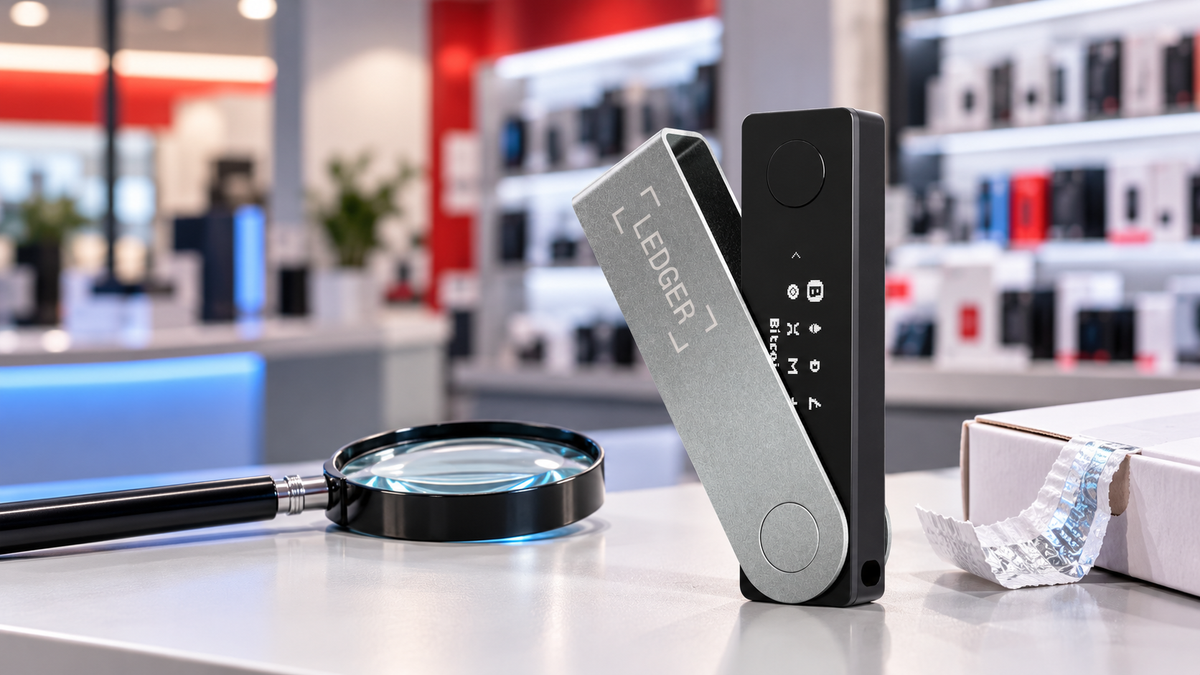
Ledger also notes that Genuine Check is not designed to identify every possible unauthorized physical implant when genuine components remain intact. Inspect the seller, package, ports, buttons, display and startup behaviour as well.
Trezor
For Trezor Safe 7, Safe 5, Safe 3 and Model One, compare the seal with the instructions for that specific model and begin with Trezor Suite from the official website. New Trezor devices normally ship without firmware; the user installs signed firmware during first setup. Supported Safe models also perform device authentication through the official setup flow.
Tangem
Tangem Wallet three-card and two-card sets, Stealth and Tangem Ring are verified by scanning them in the official Tangem app. The app checks the chip and firmware. An unused unit should offer Create Wallet. If it reports prior activation that was not performed by you, or authenticity verification fails, stop and contact the seller.
SafePal
SafePal S1, S1 Pro and X1 include Device Authentication in the initial setup. The wallet displays a QR code and a six-digit code used through SafePal's official verification process. Complete this step before creating a wallet and never follow a look-alike domain.
OneKey
OneKey Classic 1S and OneKey Pro packaging can vary between batches, so a box design or EAL label should not be treated as conclusive proof. Inspect the seals and first-boot state, then use Device Authentication in the official OneKey App. Stop if a PIN, seed or wallet already exists.
Blockstream Jade
Jade Plus and Jade Core support Genuine Check through Blockstream's app or verification page. Jade Classic does not support this feature, making seller provenance, physical condition, official firmware and a fresh self-directed setup especially important.
Quick reference
| Brand | Official check | Stop when |
|---|---|---|
| Ledger | Ledger Wallet Genuine Check | A PIN/seed already exists or verification fails |
| Trezor | Trezor Suite firmware and device authentication | Setup state is inconsistent with a new device |
| Tangem | Scan with Tangem App | The wallet was already activated by someone else |
| SafePal | QR and six-digit Device Authentication | Authentication fails or opens an unfamiliar domain |
| OneKey | Device Authentication in OneKey App | A PIN, seed or wallet is already configured |
| Blockstream Jade | Genuine Check for Jade Plus/Core | Verification or the setup flow is abnormal |
What to do if something looks wrong
- Do not transfer assets to the wallet and do not use recovery words generated by the suspect device.
- Disconnect it until the seller or manufacturer provides verified guidance.
- Keep the box, seals, cables, accessories, invoice and shipping label unchanged.
- Photograph or record the unusual packaging, screen message or app result.
- Contact the retailer with your order number so the supply record can be checked.
- If the wallet was already used, create a new wallet on a trusted device with a new recovery phrase and move the assets. Never reuse the suspect phrase.
Verification support for SIAMBC customers
SIAMBC products are supplied through official channels with purchase and inventory records that can be traced. If packaging, seals, accessories or the setup flow differs from the official instructions, stop before transferring assets and contact SIAMBC with the order number.
The team can confirm the model, inventory batch and order history, then coordinate the correct verification path with the manufacturer. SIAMBC will never request a customer's PIN or recovery phrase.
Official references
- Ledger buying and authenticity guidance
- Trezor device safety checks
- Tangem authenticity verification
- SafePal Device Authentication
- OneKey packaging and authenticity guide
- Blockstream Jade Genuine Check
This guide is provided for security education. Packaging, firmware and verification steps can change by model and production run. Always consult the manufacturer's latest official instructions before setup.
Share:
Suspicious Ledger Device Reported at MediaMarkt: What Buyers Should Know