
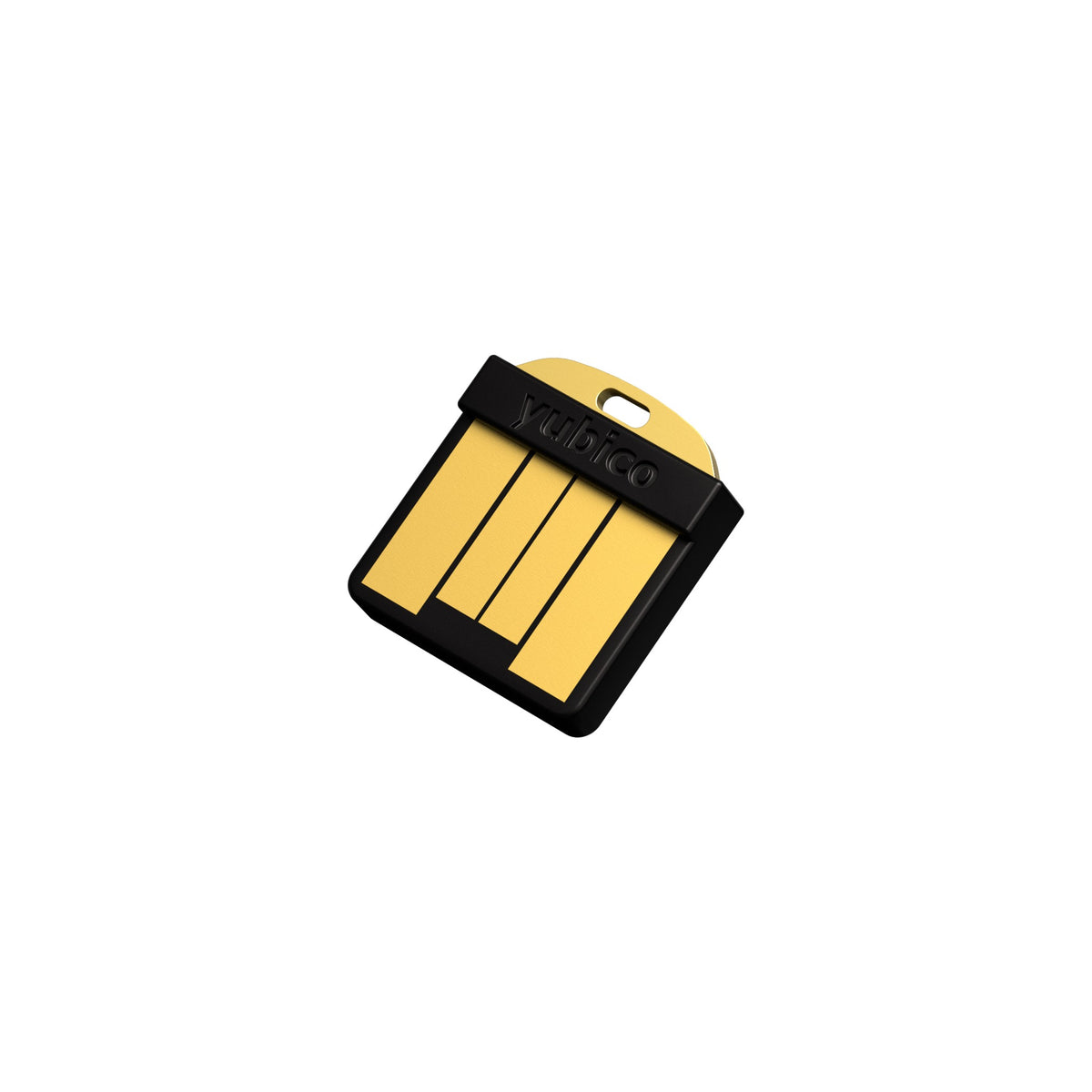
YubiHSM 2 FIPS
Price depends on the model, the options and import duty. Message us and we will send a quotation and a delivery date.
100% genuine stock from authorized channels
Free express shipping nationwide, delivered in 1-2 days
Arrives faulty, we replace it straight away
Pairs well with
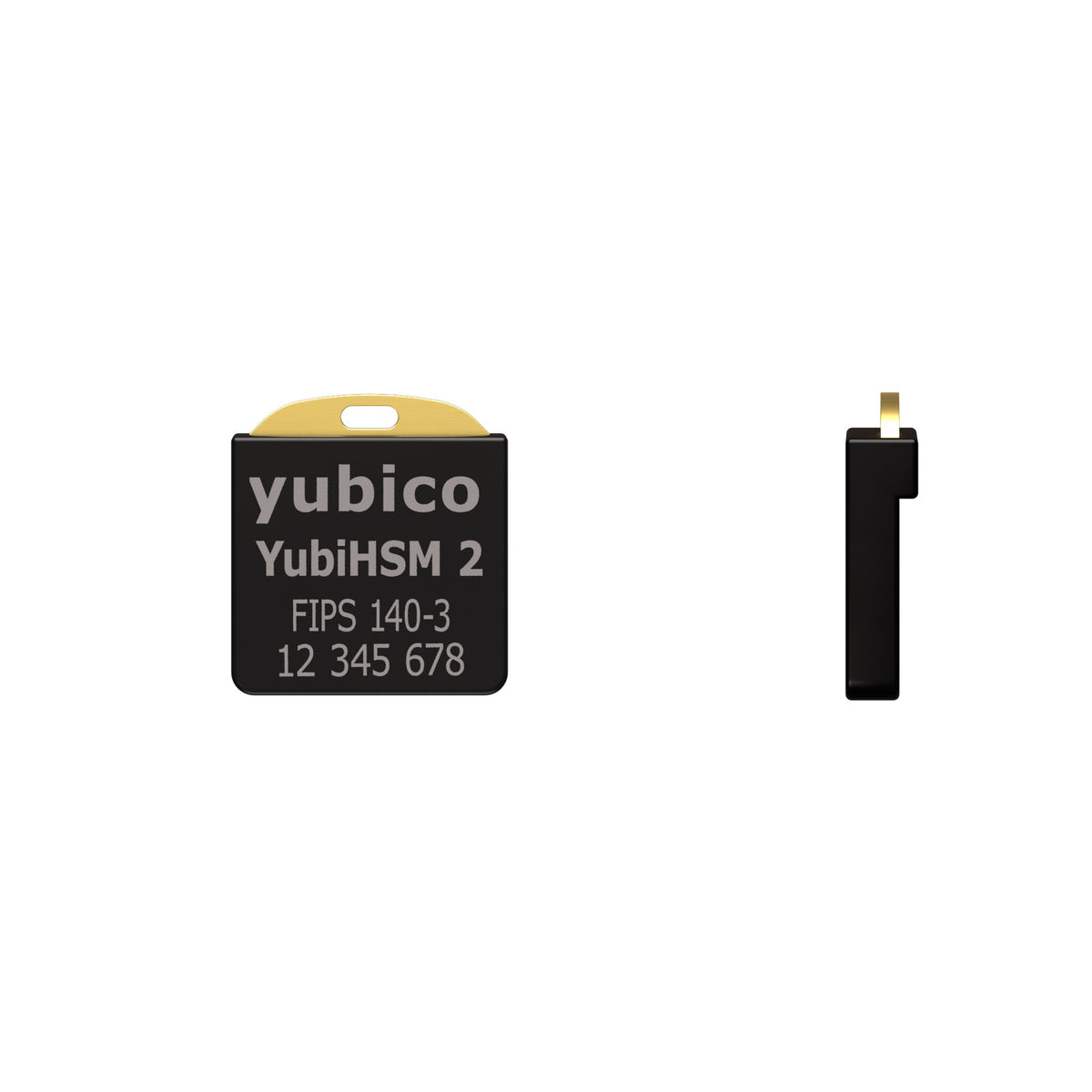
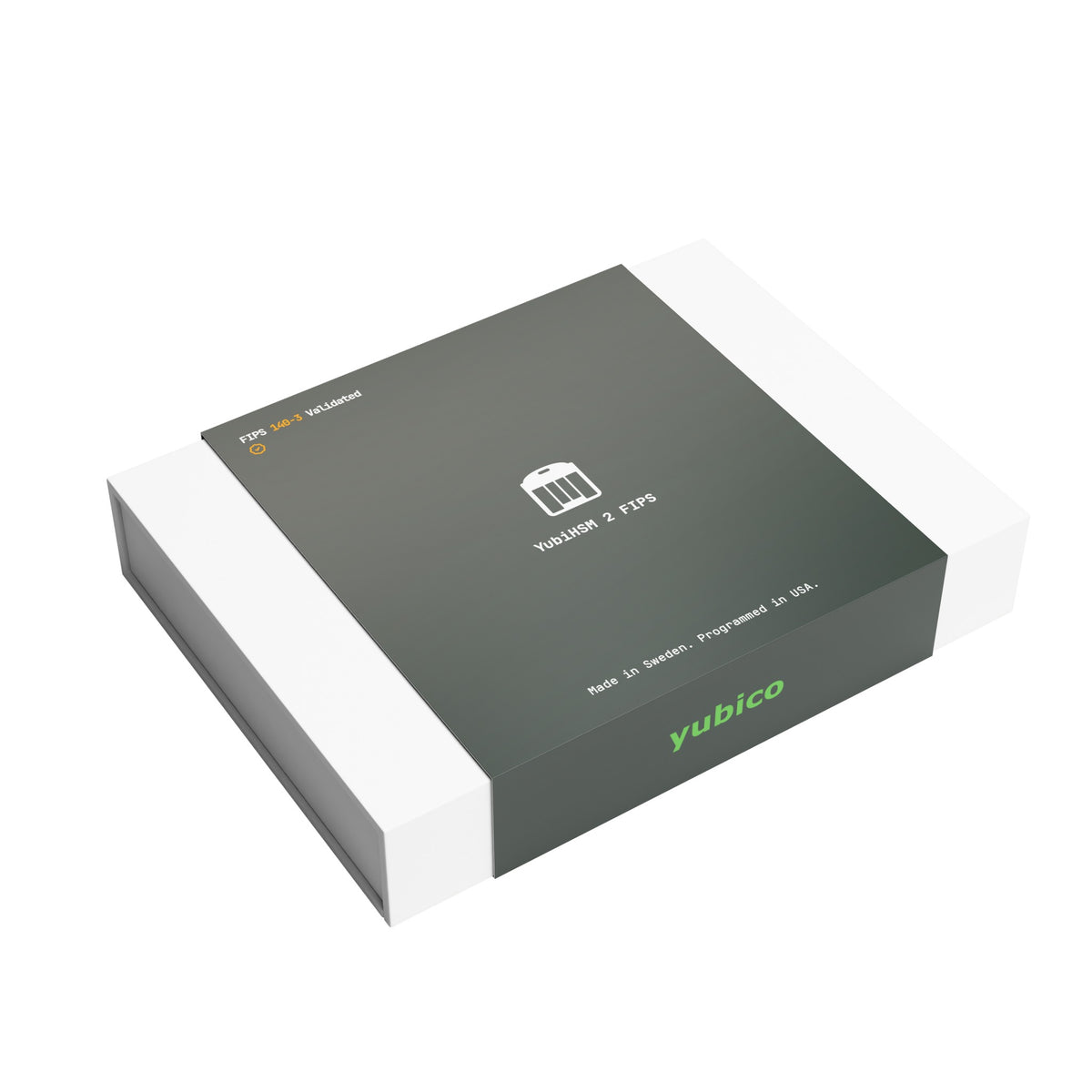
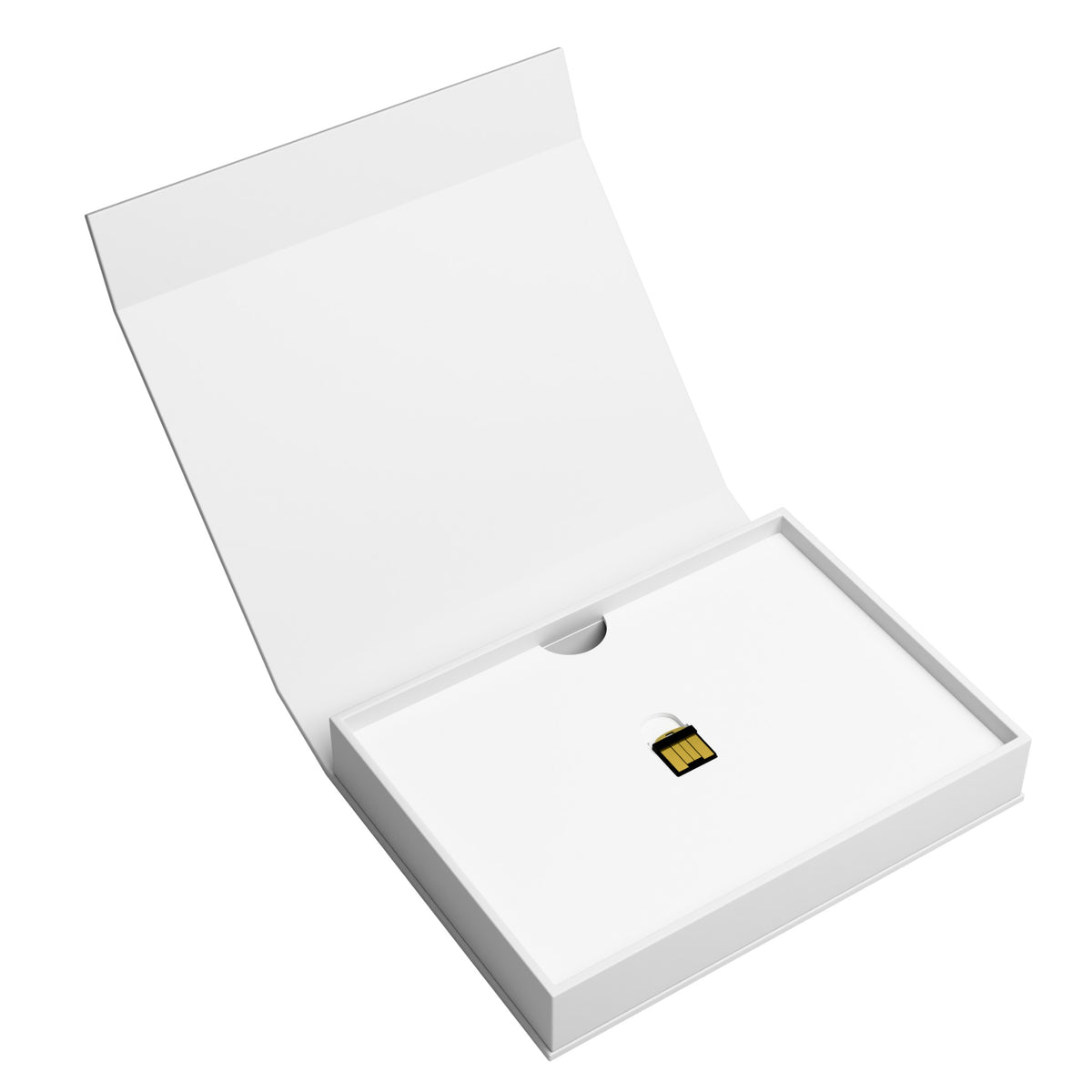
YubiHSM 2 FIPS is a nano-sized hardware security module (HSM) with a USB-A connector. It keeps your digital signing and encryption keys in hardware instead of as files on a server. This model is validated to FIPS 140-3 Level 3.
Who it is for
- Government agencies, and organizations working for government that require FIPS-standard HSMs
- Banks, insurers, securities firms, and other financial service providers
- Regulated or audited organizations that must show critical keys are stored in a validated device
If your organization has no FIPS requirement, see the standard YubiHSM 2.
Use cases
- Protecting root CA and internal CA keys, including Microsoft Active Directory Certificate Services
- Signing and verifying digital signatures
- Code and firmware signing
- File and database encryption
- IoT gateways, manufacturing, and supply chain
FIPS 140-3 validation
- NIST Cryptographic Module Validation Program (CMVP) certificate #5302, status Active
- Overall Level 3
- Tested firmware version: 2.4.1
- Validated June 3, 2026; sunset date June 2, 2031
Algorithms
- RSA 2048, 3072, and 4096 bit; signing with PKCS#1 v1.5 and PSS, decryption with PKCS#1 v1.5 and OAEP
- ECC on curves secp224r1, secp256r1, secp256k1, secp384r1, secp521r1, bp256r1, bp384r1, bp512r1, and curve25519, with ECDSA, ECDH, and EdDSA (curve25519 only)
- SHA-1, SHA-256, SHA-384, and SHA-512
- AES-CCM key wrap at 128, 192, and 256 bits
- Hardware true random number generator (TRNG) seeding an AES-256 CTR_DRBG per SP 800-90
- Attestation that a key pair was generated on the device
Capacity and management
- 256 object slots, 128 KB total; up to 127 RSA-2048, 93 RSA-3072, or 68 RSA-4096 keys, or 255 EC keys (with one authentication key)
- 16 concurrent sessions; can be shared over the network and managed remotely
- M of N wrap key backup and restore
- Role-based access control by domain
- Hash-chained, signed audit log
- Version 2.4 adds asymmetric backup wrapping and BYOK support
Integration
- Microsoft CNG via the YubiHSM Key Storage Provider (KSP)
- PKCS#11 on Windows, Linux, and macOS
- libyubihsm library for C and Python
- YubiHSM Shell, YubiHSM Connector, and YubiHSM Setup Tool
- Open source SDK
Works with Windows, Windows Server, Linux, and macOS. Check the manufacturer's documentation for supported operating system versions before installing.
The device
- Nano form factor with a USB-A connector, designed for internal or confined USB ports
- 12 x 13 x 3.1 mm, 1 g
- USB 1.x Full Speed (12 Mbit/s); 20 mA average, 30 mA maximum
- IP68 water and dust resistant, crush resistant, no battery
FAQ
How is it different from the standard YubiHSM 2?
Specifications and operation are nearly identical. The FIPS model is validated to FIPS 140-3 Level 3 under certificate #5302, so it suits work where a contract or policy requires a validated HSM. Without that requirement, the standard model does the same job.
Where can I verify the certificate?
Look up certificate 5302 on the NIST CMVP website. The Security Policy document can be downloaded from the same page.
Are other connectors available?
No. It comes in one version only: nano form factor with a USB-A connector.
Corporate purchasing
Use the Request a price button on this page for a quote and lead time, or email order@siambc.com.
Shipping information
Processing:
- Orders are processed and dispatched the same day.
Delivery:
- Free shipping nationwide. Estimated delivery 1-2 business days, faster in Bangkok.
- Same-day delivery in Bangkok by Grab or LINEMAN. Call or message us on LINE to arrange it and pay by bank transfer.
- Or collect from our Bangkok store, Monday to Saturday, 9:00 AM to 5:00 PM.
Tracking:
- Once your order ships you will receive a confirmation email with a tracking number.
Return and Exchange Policy
Faulty on arrival: if a device arrives defective — a broken screen, a connectivity fault — we replace it with a new one straight away. No forms, no waiting on the manufacturer.
Warranty: YubiHSM hardware security modules carry a 1-year warranty, and claims are handled by us rather than an overseas support queue.
Change of mind or wrong model: we do not accept returns or give refunds, whether or not the box has been opened. We accept returns for defective products only, which we exchange within 30 days of delivery. This is a security limitation of these devices: once a device has left us, we cannot assure the next customer that it has not been interfered with.
How to arrange an exchange for a faulty item
- Message us on LINE at @siambc or email order@siambc.com before sending anything back.
- Include your order number, what is wrong, and a photo or short video.
- Send the item back to us at your own shipping cost. Once we have checked it, we exchange it.
Refunds: faulty items are exchanged rather than refunded.
If you have any questions, you are always welcome to contact us. We'll get back to you as soon as possible, within 24 hours on weekdays.
-
Shipping Information
Free shipping nationwide. Orders normally arrive within 1 to 2 business days, faster if you are in Bangkok.
Need it today? We can send by Grab or LINEMAN for same-day delivery in Bangkok. Call or message us on LINE to arrange it and pay by bank transfer.
You can also collect from our Bangkok store.
-
Customer Support
We answer in Thai and English, usually within a few hours on weekdays.
You install and set it up yourself with Yubico's tools: YubiHSM Shell, YubiHSM Connector and the YubiHSM Setup Tool. SIAMBC will never ask for your authentication keys or remote access to your servers.
Stuck on a step? Ask us on LINE or at the shop.
-
Common questions
Which model should I choose? YubiHSM 2 and YubiHSM 2 FIPS share the same specification; the FIPS model is FIPS 140-3 validated at Overall Level 3. Choose it when your work requires FIPS 140-3 validated hardware. See every security device.
Are your products genuine? Yes. New, sealed, genuine stock from authorized channels, from a physical shop in Bangkok you can walk into.
Will SIAMBC or Yubico ever ask for my authentication keys? Never, neither of us, for any reason. SIAMBC and Yubico will never ask for your YubiHSM authentication keys or passwords, ask for remote access to your servers or computers, or contact you asking you to send them the device. Anyone who does is a scammer.
-
Contact Us
LINE is the fastest way to reach us — and how most of our customers ask questions before buying.
Phone: +66 82 554 6950
Email: order@siambc.com110/2 Thawi Watthana-Kanchanaphisek 3 Rd, Bangkok 10170
Monday to Saturday, 9:00 AM to 5:00 PM
Fast & Free shipping ส่งฟรี ส่งเร็ว
Before you buy
Are your products genuine?
Yes. Every product we sell is new, sealed, genuine stock from authorized channels. SIAMBC has sold security devices in Thailand for more than 10 years and has a physical store in Bangkok you can walk into.
How long does delivery take?
Orders normally arrive within 1 to 2 business days, depending on where you are — faster if you are in Bangkok.
Need it today? We can send it by Grab or LINEMAN for same-day delivery. Call us or message us on LINE to arrange it, pay by bank transfer, and it goes out immediately.
You are also welcome to collect from our Bangkok store.
Can I collect from your store instead?
Yes. We are in Thawi Watthana, Bangkok, open Monday to Saturday, 9:00 AM to 5:00 PM. You are welcome to come in, see the devices in person and ask questions before you buy. We answer in Thai and English. Find us here.
What warranty do I get?
YubiHSM hardware security modules carry a 1-year warranty, claimed directly through SIAMBC, with no waiting in an overseas support queue.
If a device is faulty out of the box, we replace it with a new one straight away. No forms, no waiting on the manufacturer.
How can I pay?
Credit card, bank transfer, or cash on delivery. You can also pay in person at our Bangkok store.
Can I install and set it up myself?
Yes. YubiHSM 2 is a nano USB-A device designed to stay in an internal or confined USB port of a server. You manage it with Yubico's tools, YubiHSM Shell, YubiHSM Connector and the YubiHSM Setup Tool, or connect through PKCS#11, Microsoft CNG (YubiHSM KSP) and libyubihsm.
Access is controlled by authentication keys, with role-based access by domain. If you get stuck, our team can answer on LINE or by phone, without ever asking for your authentication keys or remote access to your servers.
Which model should I choose?
YubiHSM 2 and YubiHSM 2 FIPS share the same specification, both nano USB-A devices. The difference is that YubiHSM 2 FIPS is FIPS 140-3 validated at Overall Level 3 (NIST certificate #5302).
Choose the FIPS model when your organization or project requires FIPS 140-3 validated hardware. See every security device, or ask us. We will tell you honestly which one fits your work.
What happens if the device fails or is lost?
YubiHSM 2 supports M of N backup and restore of keys with wrap keys, as Yubico describes. Set up the backup before you go into production, so that you can restore onto a new device when needed.
Will SIAMBC or Yubico ever ask for my authentication keys?
Never, neither of us, for any reason. SIAMBC and Yubico will never ask for your YubiHSM authentication keys or passwords, ask for remote access to your servers or computers, or contact you asking you to send them the device. Anyone who does, whether they claim to be SIAMBC staff, use the Yubico name or say it is for a warranty claim, is a scammer.
Security Key Guides
How to Set Up and Use YubiKey 5 NFC
How to Set Up and Use YubiKey 5C NFC
How to Set Up and Use YubiKey 5C