Guides for Yubico
Step-by-step setup guides for security keys, with screenshots, from a team with over 10 years of experience. Choose your model below.
User guides
Articles

Yubico
Set up and use every YubiKey and Security Key
- How to Set Up and Use YubiKey 5 NFCAn illustrated, step-by-step guide to the YubiKey 5 NFC: set a PIN, register the key with your first account, register a backup key, store OTP codes, and use NFC with an iPhone.
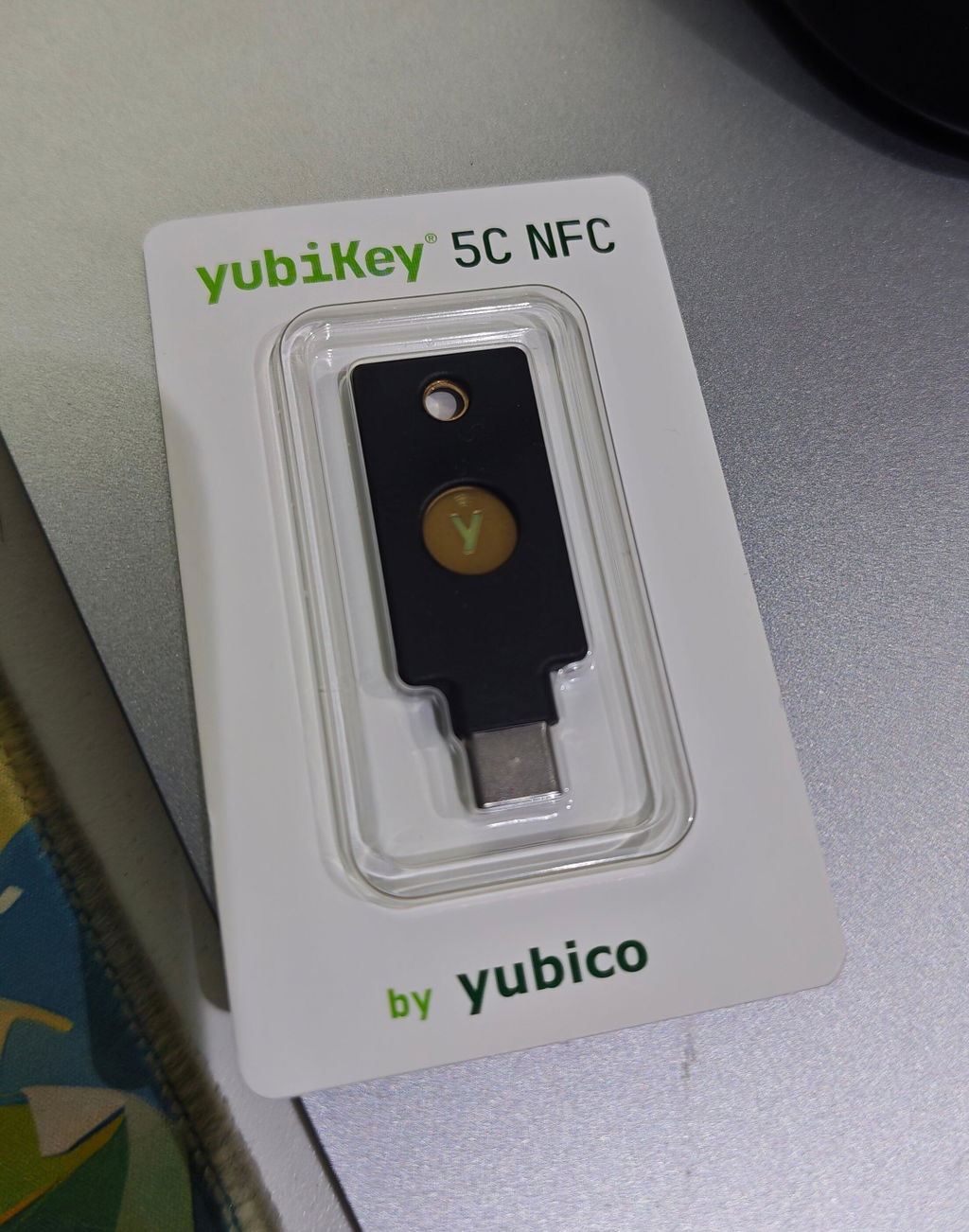
- How to Set Up and Use YubiKey 5C NFCAn illustrated, step-by-step guide to the YubiKey 5C NFC: set a PIN, register the key with your first account, register a backup key, store OTP codes, and use the key with an iPhone over USB-C or NFC.
- How to Set Up and Use YubiKey 5CAn illustrated, step-by-step guide to the YubiKey 5C: set a PIN, register the key with your first account, register a backup key, store OTP codes, and check which iPhone models support a direct connection.
- How to Set Up and Use YubiKey 5CiAn illustrated, step-by-step guide to the YubiKey 5Ci, the dual USB-C and Lightning key: set a PIN, register the key with your first account, register a backup key, and use the key with older iPhone models.
- How to Set Up and Use YubiKey 5 NanoAn illustrated, step-by-step guide to the YubiKey 5 Nano, the nano-sized key designed to remain in your computer: set a PIN, register the key with your first account, register a backup key, and store OTP codes.
Show more (5) Show less
- How to Set Up and Use YubiKey 5C NanoAn illustrated, step-by-step guide to the YubiKey 5C Nano, the nano-sized USB-C key designed to remain in your laptop: set a PIN, register the key with your first account, register a backup key, and store OTP codes.
- How to Set Up and Use Security Key NFC by YubicoAn illustrated, step-by-step guide to the Security Key NFC by Yubico, a USB-A FIDO2 key with NFC: set a PIN, register the key with your first account, register a backup key, and use the key with your phone.
- How to Set Up and Use Security Key C NFC by YubicoAn illustrated, step-by-step guide to the Security Key C NFC by Yubico, a USB-C FIDO2 key with NFC: set a PIN, register the key with your first account, register a backup key, and use the key with your phone.
- How to Set Up and Use YubiKey Bio FIDO EditionAn illustrated, step-by-step guide to the YubiKey Bio FIDO Edition: set a PIN, enroll fingerprints, register the key with your first account, and register a backup key, all on a computer.
- How to Set Up and Use YubiKey C Bio FIDO EditionAn illustrated, step-by-step guide to the YubiKey C Bio FIDO Edition: set a PIN, enroll fingerprints, register the key with your first account, and register a backup key, all on a computer.