

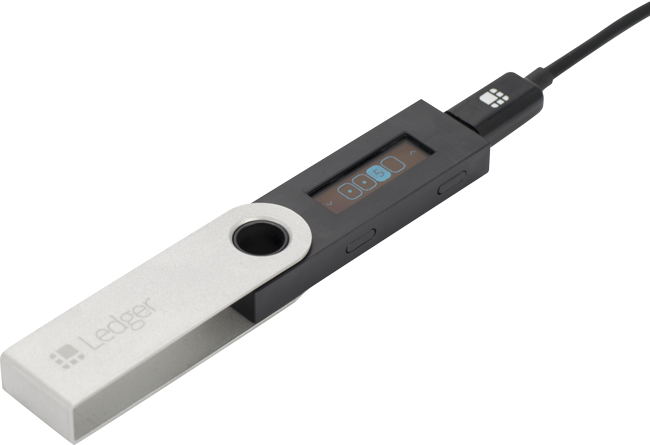
These version numbers are from May 2019. Ledger Live and Nano S firmware have both moved on considerably since, so this applies only to the versions named.
At the moment, updating Ledger Nano S firmware from 1.3.1 to 1.5.5 cannot be done using Ledger Live 1.8.0, because the Ledger gets stuck on the Update screen.
To update, you need to use Ledger Live 1.7.0, following these steps.
1. Check that you have your 24 words, so that if the update does not go as expected you have a backup of what is on the device.
2. Download Ledger Live 1.7.0.
- For Windows, download the one named ledger-live-desktop-1.7.0-win.exe
- For Mac, download the one named ledger-live-desktop-1.7.0-mac.dmg
3. Install Ledger Live 1.7.0 on your machine and update the Ledger Nano S by holding down the right button on the Nano S without releasing it and connecting it to the computer. Once connected, release the right button and wait for the Nano S to update.
That is all it takes for the Ledger Nano S to be updated. You can then update Ledger Live to 1.8.0 and carry on using it as normal.
If you have further questions, you can reach us at order@siambc.com.
Share:
How buying and selling Bitcoin works
What is Libra, and how will it change finance?