Many people who have used a Trezor One will have run into the screen that reads Bootloader, often repeatedly. If you have this problem, SIAMBC suggests following these steps.

  • Disconnect the Trezor from the computer.
  • Download and install Trezor Bridge.
  • Download and install Trezor Suite.
  • Once both are installed, shut the computer down and start it again.
  • Open the Trezor Bridge page again.
  • Connect the Trezor. A screen will appear as shown — press "My Trezor is empty" and then the green Update button.
  • On the device itself, press the right button at "Continue".
  • Carry out the initial setup as normal.
Latest Stories

View all

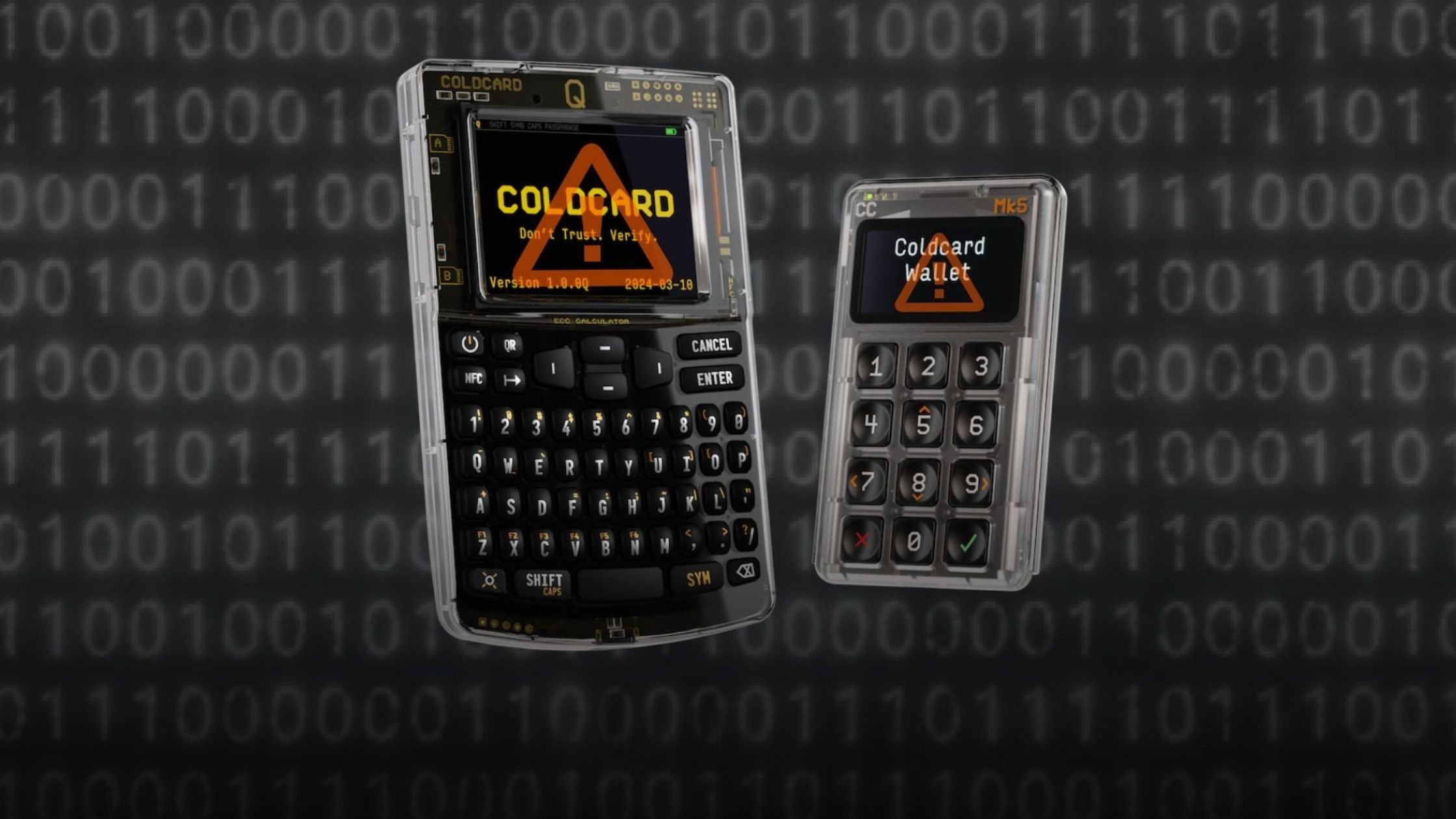
COLDCARD Q and Mk5 hardware wallets showing warning screens, over a binary code background

The COLDCARD hack explained: what happened, who is affected, and what to do

A 2021 firmware mistake left some COLDCARD seeds guessable, and attackers have taken over 1,800 BTC since 30 July 2026. How to tell whether your seed is affected, and exactly what to do.

Read moreabout The COLDCARD hack explained: what happened, who is affected, and what to do

Where to Store Your Recovery Phrase in Thailand

Where to Store Your Recovery Phrase in Thailand

The paper card in the box is the weakest part of your setup — and Thailand is unusually hard on paper. What actually works, and where to keep it.

Read moreabout Where to Store Your Recovery Phrase in Thailand

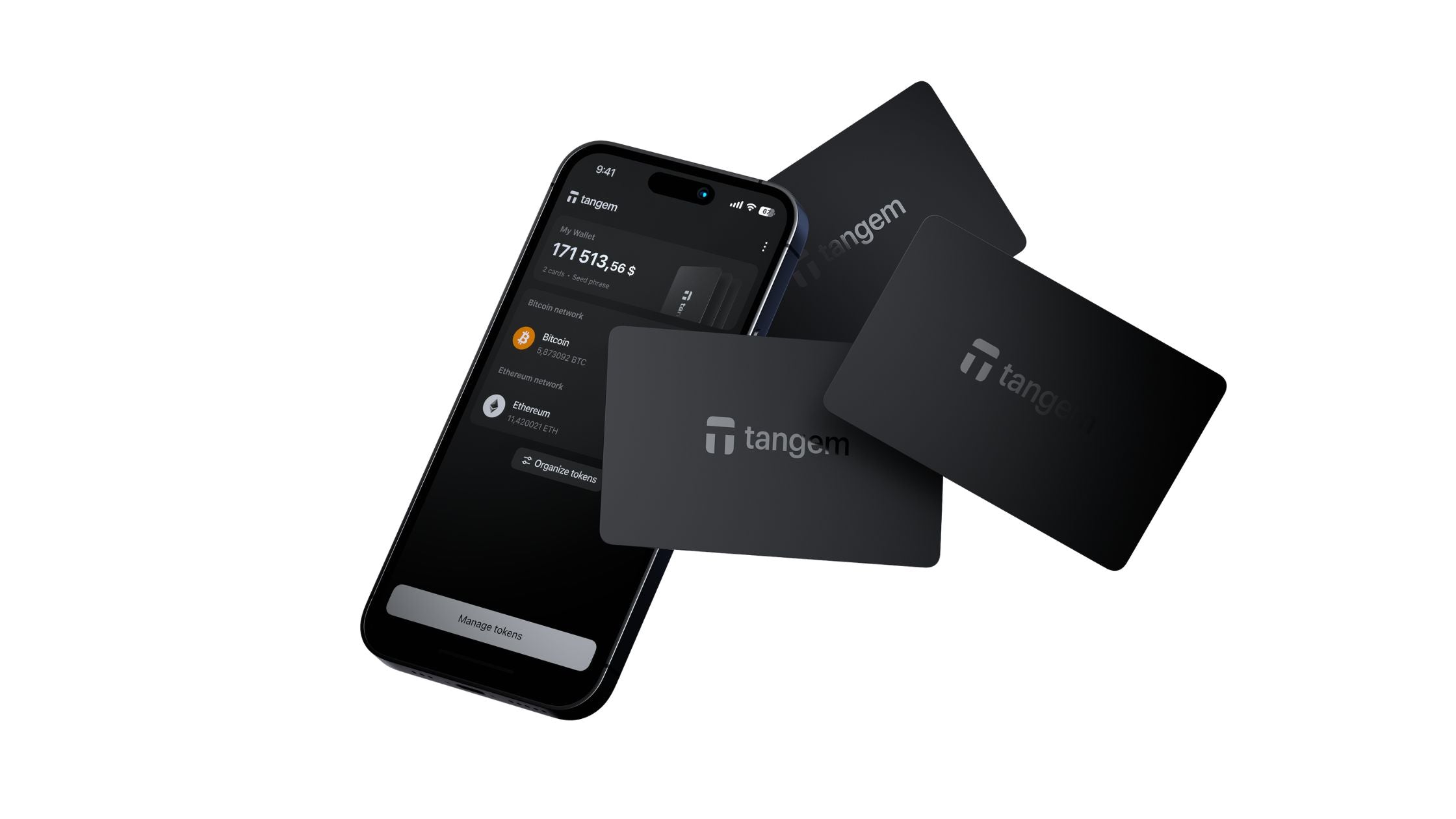
An iPhone running the Tangem app beside two Tangem hardware wallet cards

Which Hardware Wallets Work With iPhone (And Which Don't)

Of the hardware wallets we stock, some work with iPhone and some do not. Here is the full list, why iOS is fussier than Android, and how to choose.

Read moreabout Which Hardware Wallets Work With iPhone (And Which Don't)